Our Blog
Explore our latest articles, guides, and tips about PC optimization and gaming performance

Is Your Motherboard Causing a Hidden Bottleneck? (Symptoms & Fixes)
A motherboard cannot directly bottleneck your CPU or GPU in the way a mismatched component pair does — it doesn't process game logic or render p...

RAM Speed and Bottlenecks: 3200MHz vs 3600MHz vs 6000MHz
RAM speed affects CPU bottleneck because faster memory delivers data to the processor more quickly reducing the latency between when the CPU needs dat...

Do Bottlenecks Happen on Gaming Laptops Too?
Yes gaming laptops experience CPU and GPU bottlenecks using the same fundamental principle as desktops: one component limiting the performance of anot...
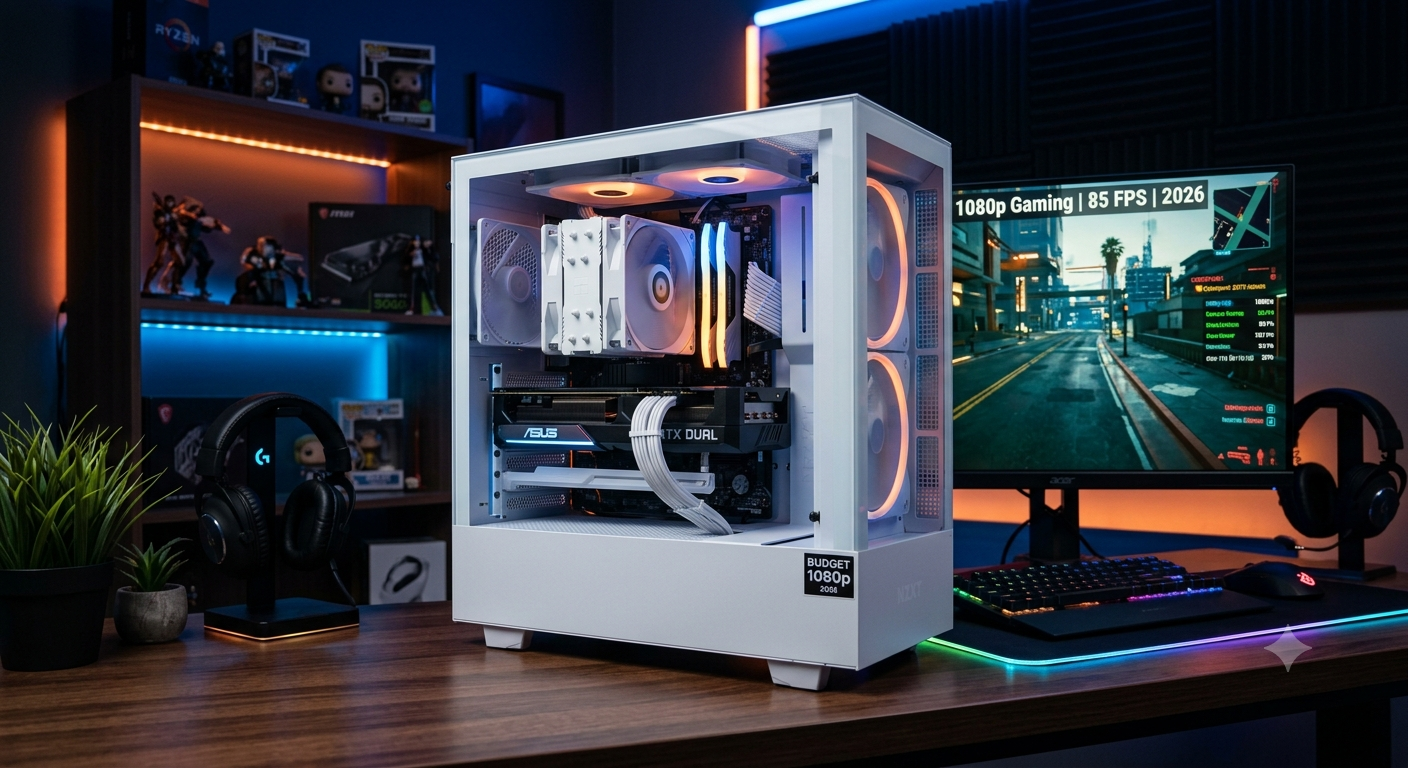
Best Budget PC Build for 1080p Gaming Without Bottlenecks (2026)
The best budget PC build for 1080p gaming without a meaningful bottleneck in 2026 pairs an Intel Core i3-12100F or AMD Ryzen 5 5600 with an RTX 4060 o...
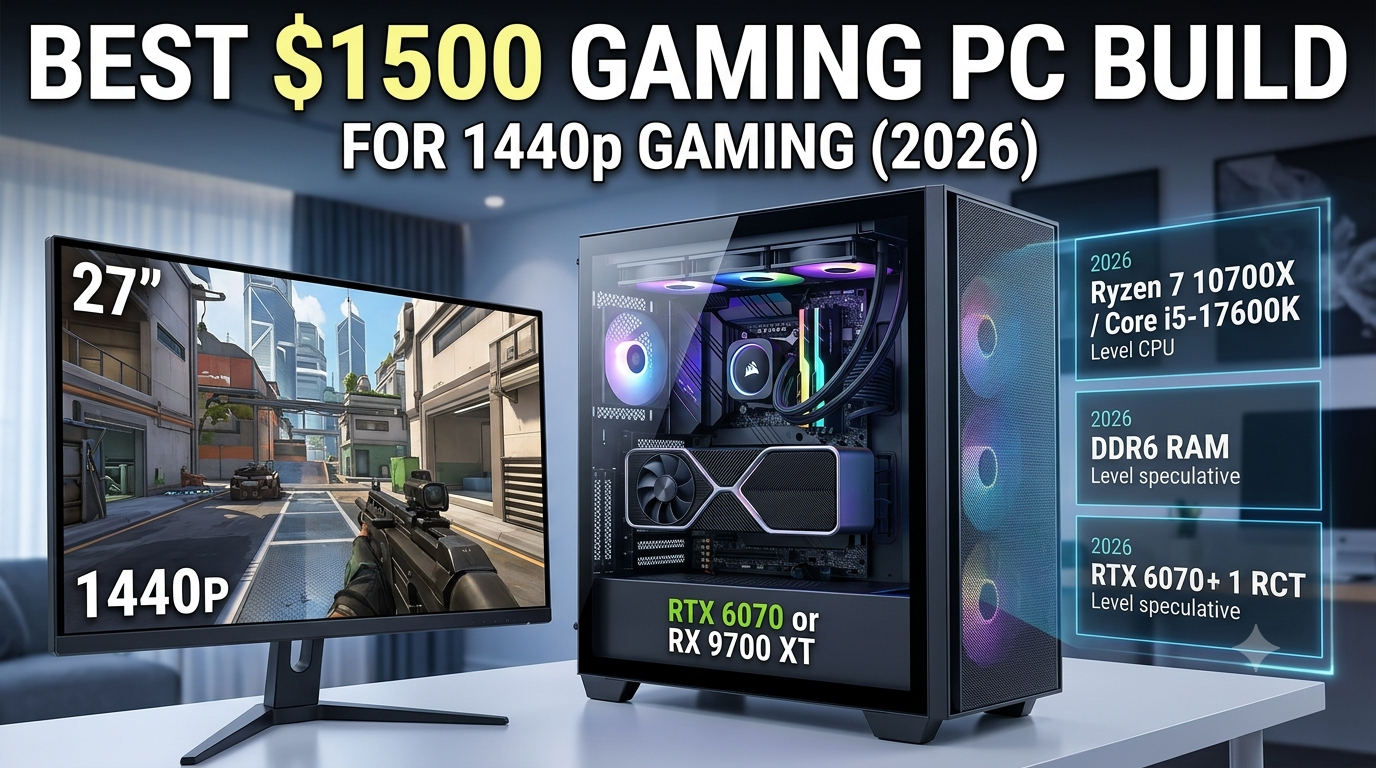
Best $1500 Gaming PC Build for 1440p Gaming (2026)
The best $1500 gaming PC build for 1440p in 2026 centres on a Ryzen 7 7700X or Intel Core i7-14700K paired with an RTX 4070 Ti Super or RX 7900 XT &md...
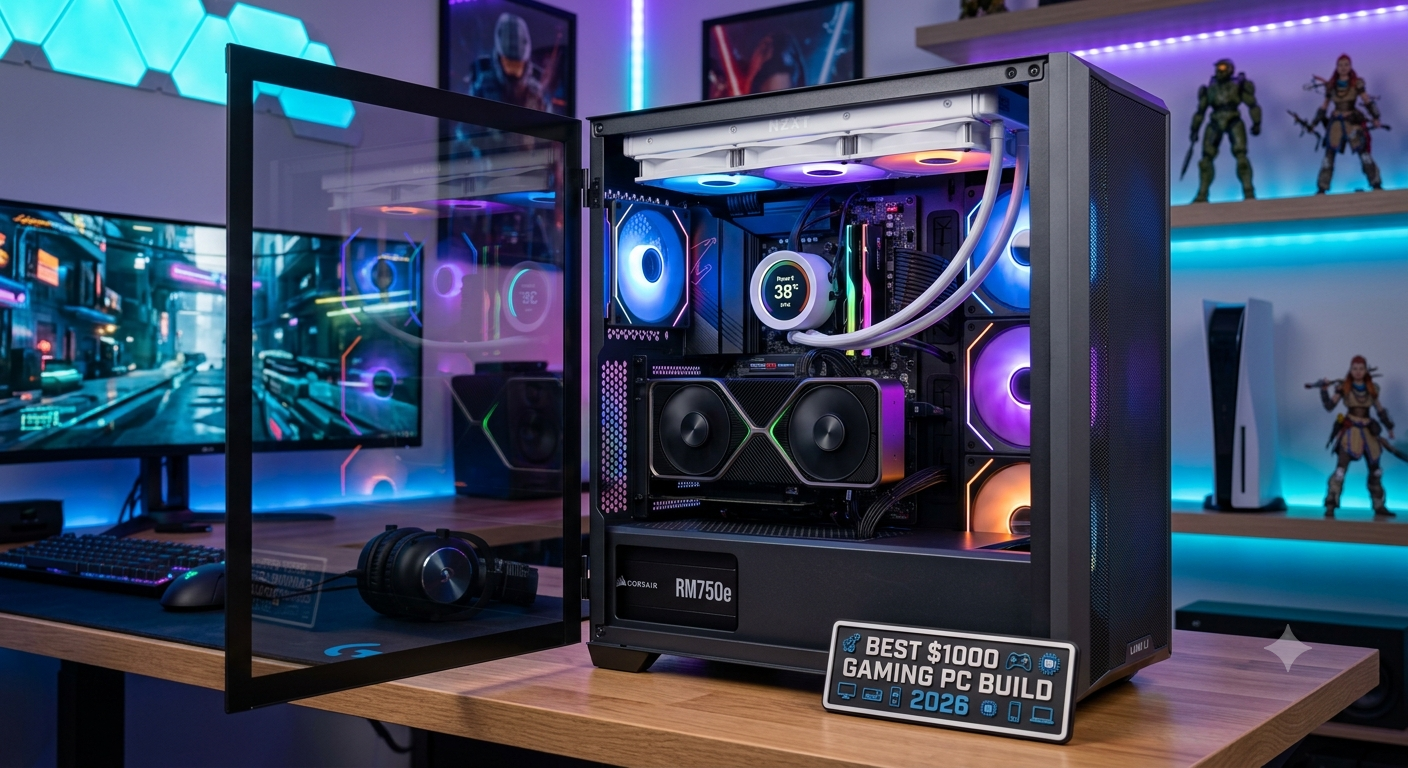
Best $1000 Gaming PC Build for 2026: Zero Bottleneck
The best $1000 gaming PC build for 2026 pairs an AMD Ryzen 5 7600 or Intel Core i5-13600K with an RTX 4070 or RX 7800 XT for a well-balanced 1080p ult...
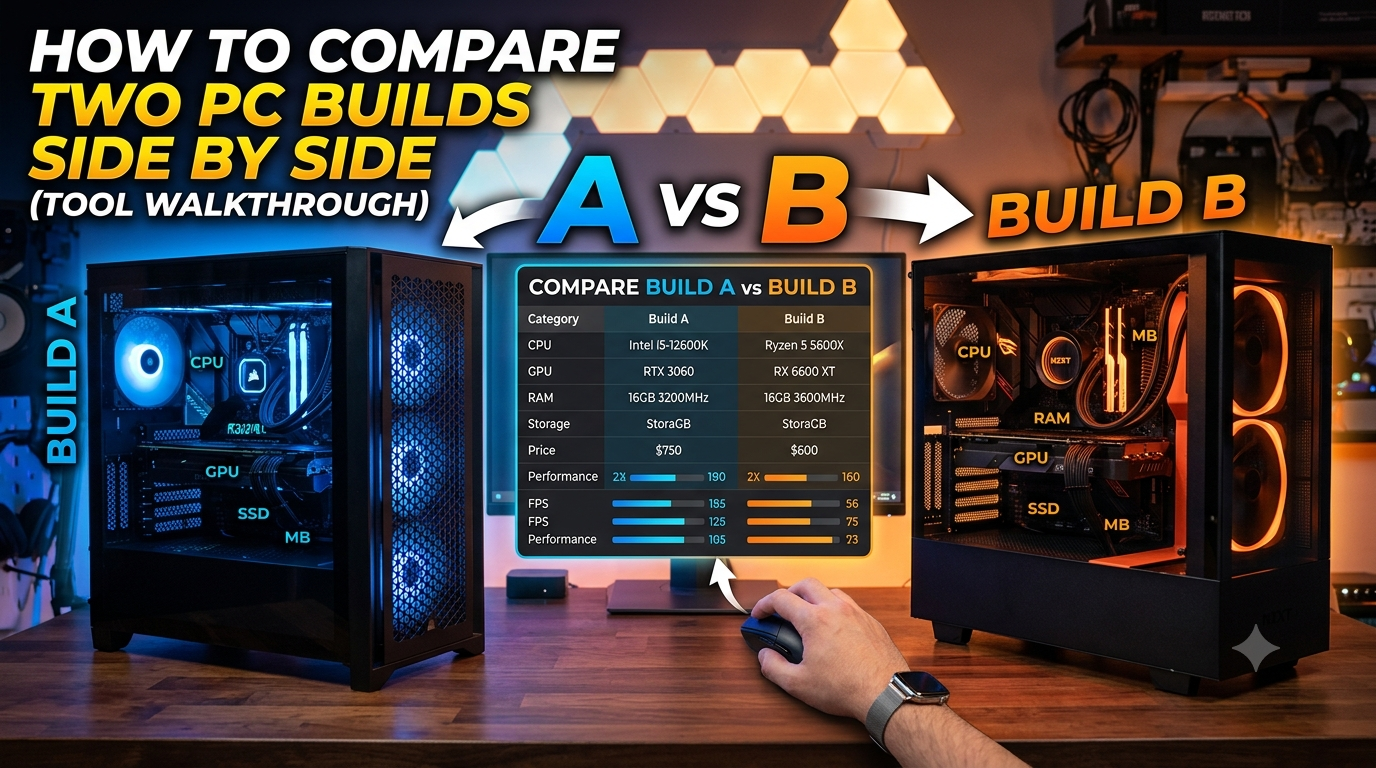
How to Compare Two PC Builds Side by Side (Tool Walkthrough)
Comparing two PC builds side by side before buying is the most effective way to determine whether upgrading to a higher-tier component actually delive...
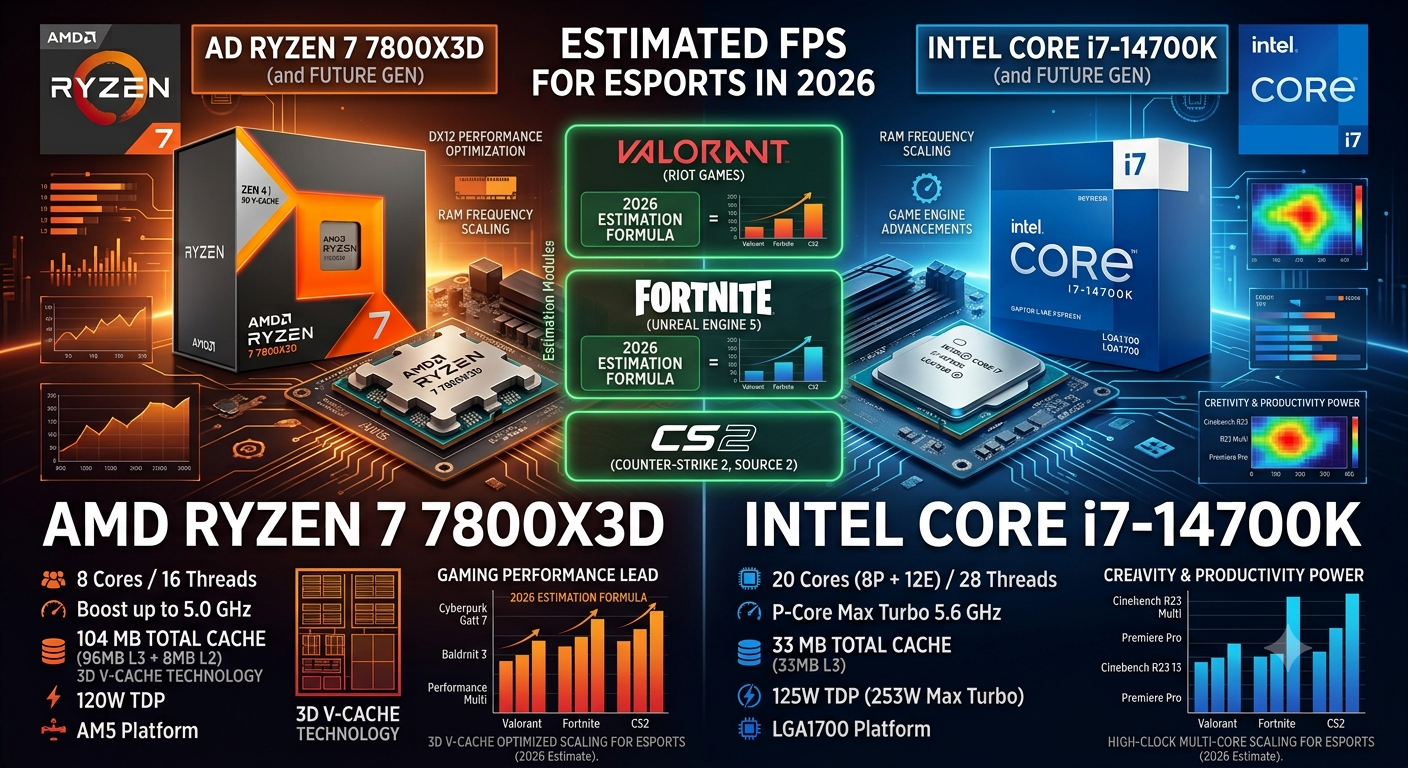
How to Estimate FPS for Valorant, Fortnite, and CS2 (2026)
Valorant, Fortnite, and CS2 each have distinct FPS profiles because they run on different game engines with different CPU and GPU load distributions. ...
Ryzen 7 7800X3D vs i7-14700K: Which Gives Better Gaming FPS?
The Ryzen 7 7800X3D delivers better gaming FPS than the i7-14700K in most scenarios typically 8–15% more average FPS at 1080p and 3–...
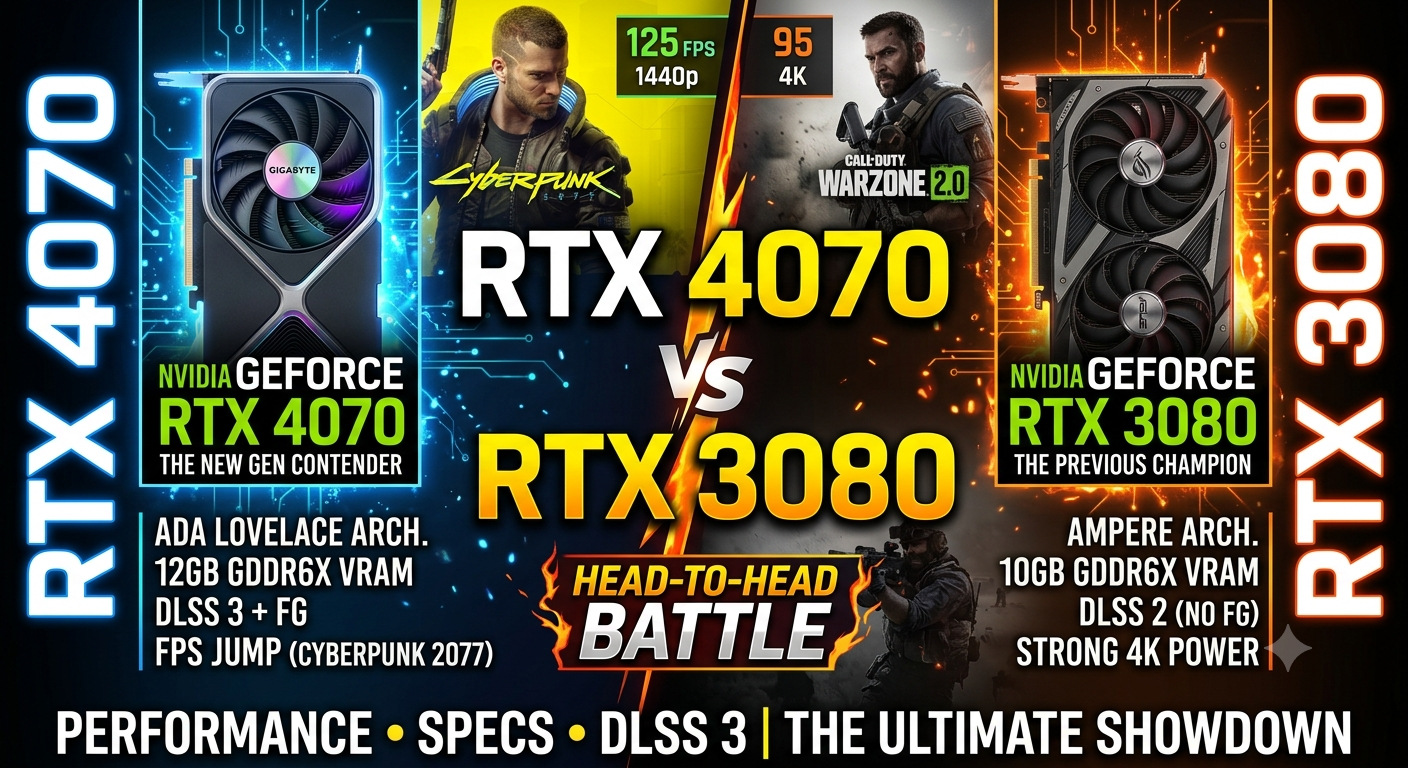
RTX 4070 vs RTX 3080: Which Gives Better FPS in 2026?
In raw rasterisation performance, the RTX 4070 and RTX 3080 are closely matched in 2026 the 4070 edges ahead by approximately 5–10% in mos...
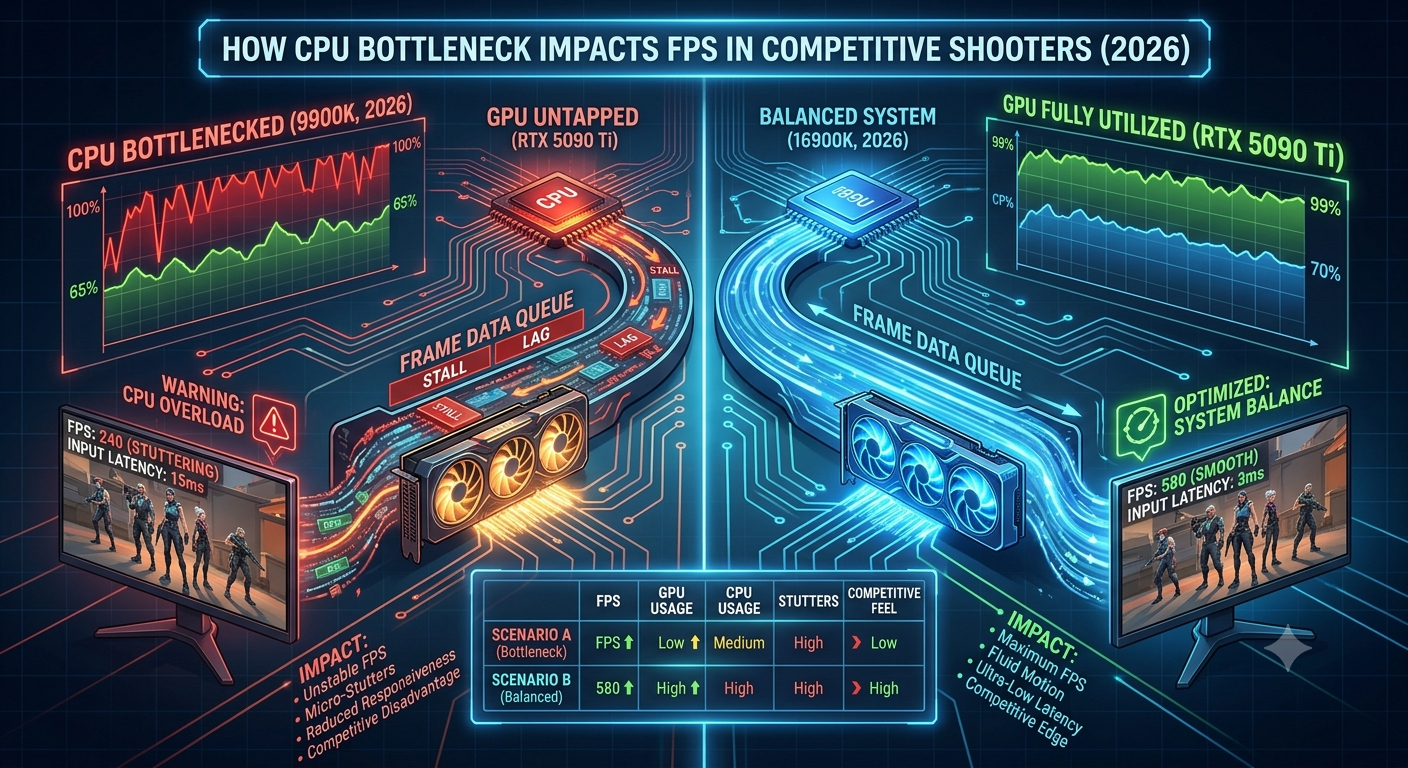
How CPU Bottleneck Impacts FPS in Competitive Shooters (2026)
In competitive shooters like CS2, Valorant, Apex Legends, and Overwatch 2, a CPU bottleneck impacts FPS more severely than in any other game genre &md...
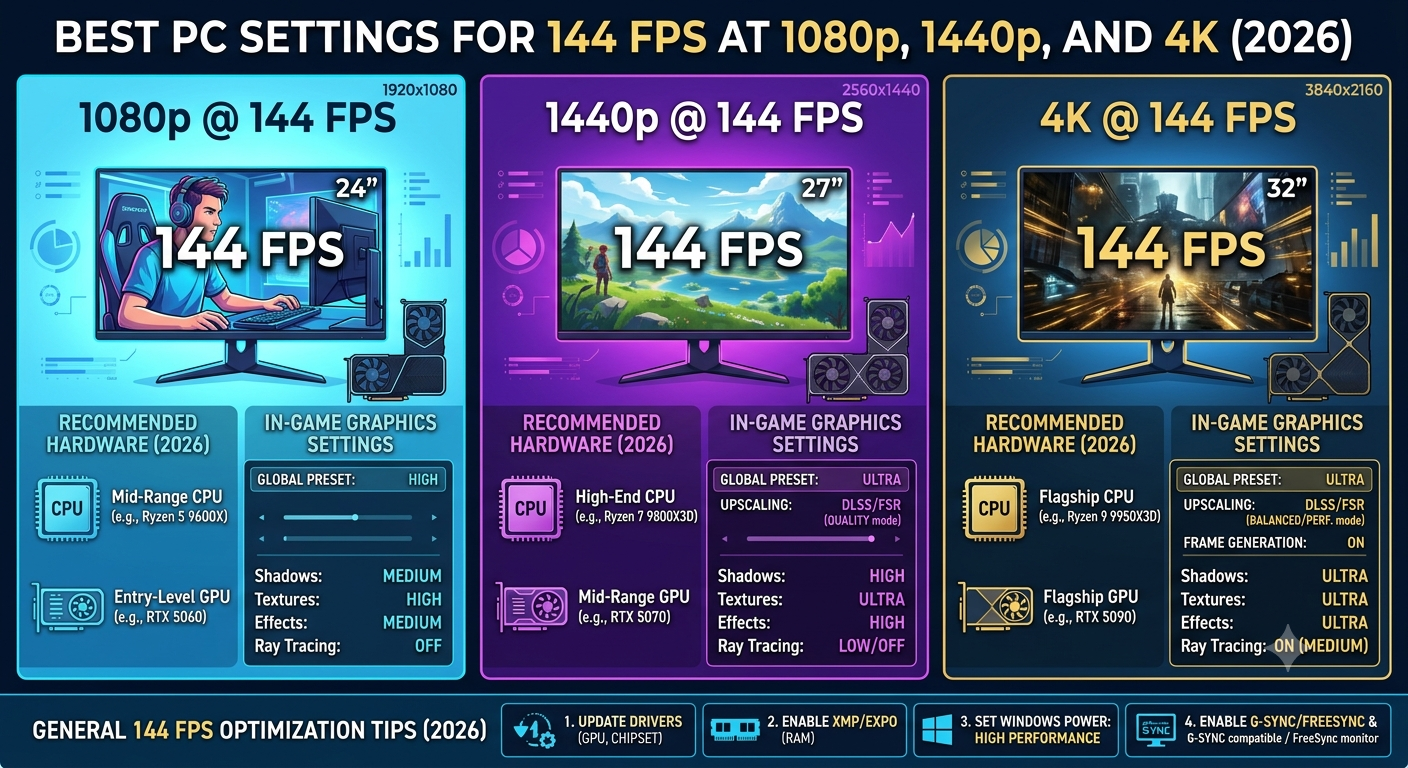
Best PC Settings for 144 FPS at 1080p, 1440p, and 4K (2026)
Achieving 144 FPS requires very different hardware and settings at each resolution. At 1080p, a mid-range GPU paired with a strong CPU can reach 144 F...