Best Budget PC Build for 1080p Gaming Without Bottlenecks (2026)
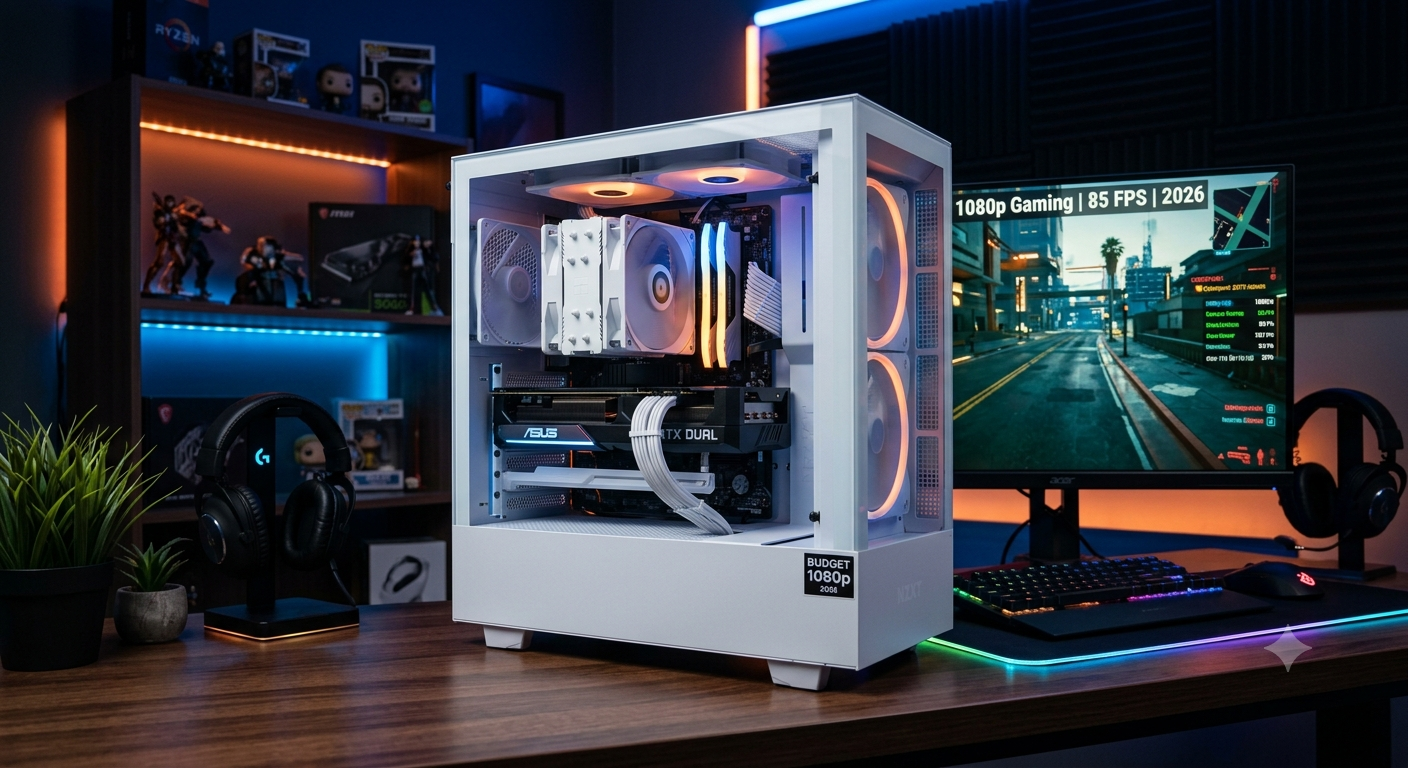
The best budget PC build for 1080p gaming without a meaningful bottleneck in 2026 pairs an Intel Core i3-12100F or AMD Ryzen 5 5600 with an RTX 4060 or RX 7600 XT — matching components in the same performance tier so neither the CPU nor GPU holds the other back. Total build cost for a complete, balanced 1080p system lands at $600–$700 depending on component pricing in your market and whether you already own any parts.
Verify your exact CPU and GPU combination produces an acceptable bottleneck in the bottleneck calculator before buying — a well-matched budget build is always better than a mismatched one at any price.
The Core Principle: Tier-Matching Over Raw Specs
Budget builds are where bottlenecks hurt most proportionally — because every dollar wasted on an overspecced component in one area is a dollar not spent addressing the real limiting factor elsewhere. The "no bottleneck" principle is most important at the budget tier:
- A $250 GPU paired with a $50 secondhand CPU is not a budget gaming PC — it's a GPU with a severe CPU anchor
- A $150 GPU paired with a $150 CPU is a genuinely balanced budget gaming PC that consistently outperforms the first scenario
The goal at the budget tier is balance: allocate roughly equal investment to CPU and GPU, keep both in the same performance tier, and spend the remaining budget on enough RAM (16GB minimum), a fast NVMe SSD, and a quality PSU.
Recommended Budget Build: Intel Platform (~$650)
CPU: Intel Core i3-12100F (~$90–$110)
The i3-12100F is one of the most extraordinary value gaming CPUs available in 2026. Four performance cores with Hyper-Threading (8 threads) and a 4.3GHz boost clock deliver surprising gaming performance at a budget price. The "F" suffix means no integrated graphics — which is fine since you're buying a dedicated GPU. It runs cool and quiet without an aftermarket cooler (though a $20 upgrade helps in warm environments).
Alternative: Core i5-12400F (~$130) — adds two more cores (6P cores) for better multi-threaded headroom in simultaneous streaming, background tasks, and future CPU-heavy games. Recommended if budget allows.
- The Core Principle: Tier-Matching Over Raw Specs
- Recommended Budget Build: Intel Platform (~$650)
- CPU: Intel Core i3-12100F (~$90–$110)
- GPU: RTX 4060 (~$280–$300) or RX 7600 XT (~$270–$290)
- Motherboard: Intel B660 or B760 (~$85–$100)
- RAM: 16GB DDR4 3200MHz (2×8GB) (~$35–$45)
- Storage: 500GB–1TB NVMe PCIe 3.0 or 4.0 SSD (~$45–$65)
- PSU: 550W 80+ Bronze or Gold (~$55–$70)
- Case: Budget Mid-Tower (~$40–$55)
- Full Budget Build Summary
- Recommended Budget Build: AMD Platform (~$650)
- What This Budget Build Can Deliver at 1080p
- Confirming Balance Before Buying
- Key Takeaways
GPU: RTX 4060 (~$280–$300) or RX 7600 XT (~$270–$290)
RTX 4060: Excellent 1080p gaming, DLSS 3 Frame Generation, 8GB GDDR6. The best 1080p GPU for users who prioritise NVIDIA's feature set and play DLSS 3-supported titles. The 8GB VRAM is becoming a constraint at 1080p ultra in some 2025–2026 games.
RX 7600 XT: 16GB GDDR6 at a similar price point — the VRAM advantage is its defining feature. Better for longevity in VRAM-hungry titles. AMD FSR 3 upscaling available across a wide range of games. No DLSS 3 Frame Generation (AMD's FSR 3 Frame Generation is the alternative).
Either GPU produces a minimal CPU bottleneck with the i3-12100F at 1080p — the GPU is the expected limiting component, which is correct behaviour. Verify in the bottleneck calculator.
Motherboard: Intel B660 or B760 (~$85–$100)
Both B660 (12th gen) and B760 (12th/13th gen) support the i3-12100F. B760 is the newer chipset and offers slightly better features and future CPU upgrade compatibility within the LGA1700 ecosystem. Look for boards with at least two DDR4 slots, one PCIe 4.0 x16 slot, and one M.2 NVMe slot.
RAM: 16GB DDR4 3200MHz (2×8GB) (~$35–$45)
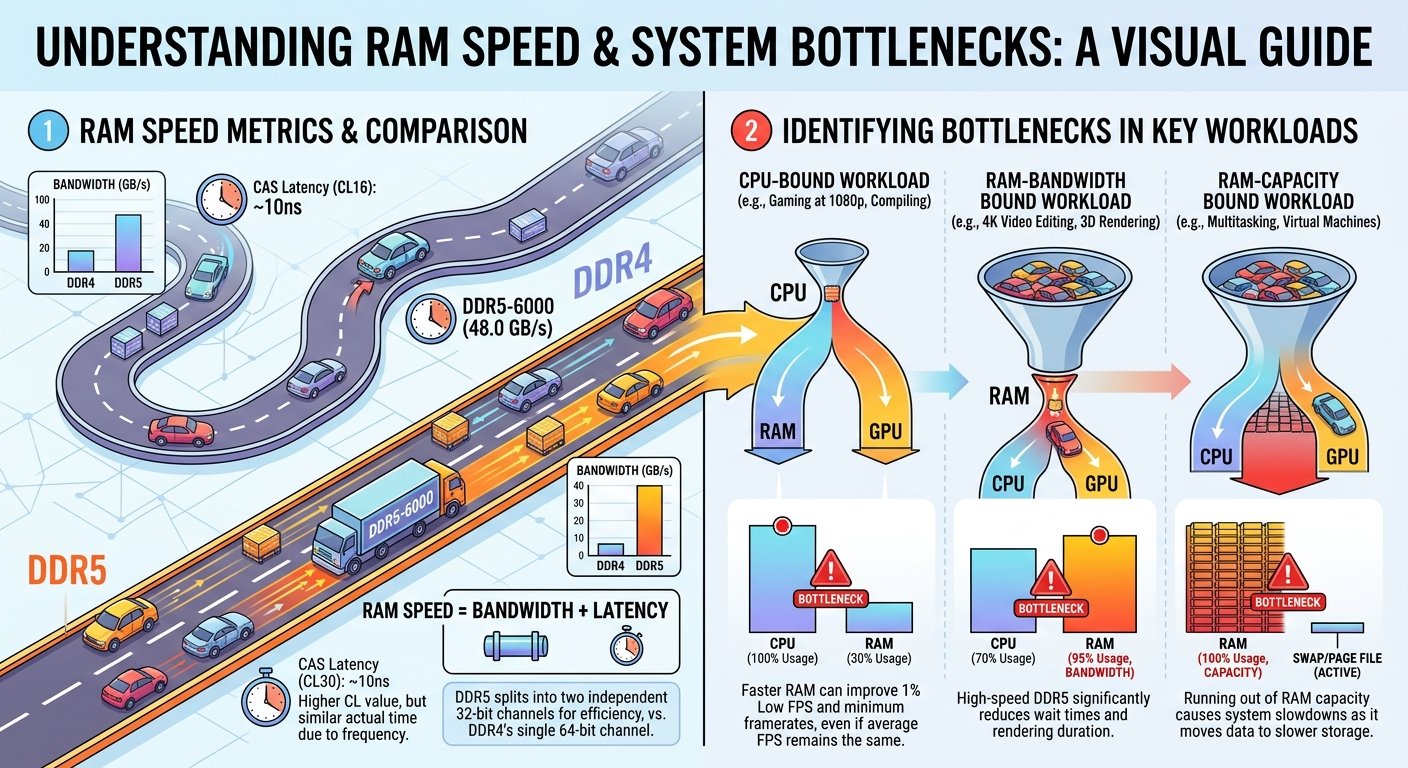
DDR4 at 3200MHz is the sweet spot for LGA1700 Intel budget builds — affordable, widely available, and sufficient for 1080p gaming. Enable XMP in BIOS after installation to ensure RAM runs at rated speed rather than the default 2133MHz.
Important: Run two sticks (dual-channel), not a single 16GB stick. Dual-channel memory meaningfully improves gaming performance in CPU-limited scenarios.
Storage: 500GB–1TB NVMe PCIe 3.0 or 4.0 SSD (~$45–$65)
At the budget tier, a 500GB PCIe 3.0 NVMe SSD for the OS and primary games is sufficient and affordable. A 1TB model is worth the extra $15–$20 if budget allows. Avoid spinning HDDs as a primary drive — they create a storage bottleneck in modern games with large asset streaming requirements.
PSU: 550W 80+ Bronze or Gold (~$55–$70)
i3-12100F (89W PL2) + RTX 4060 (115W TDP) = approximately 250W peak system draw. A 550W unit operates at ~45% load — well within the efficiency sweet spot. Use the PSU calculator to confirm, especially if choosing the RX 7600 XT (165W TDP) which pushes system draw to approximately 300W.
Case: Budget Mid-Tower (~$40–$55)
Don't overspend on the case at this tier — a $45 mesh-panel mid-tower from a reputable brand provides adequate airflow and build quality. Avoid cases with very restricted airflow that can cause thermal throttling on budget components with modest cooling.
Full Budget Build Summary
| Component | Intel Option | Est. Cost |
|---|---|---|
| CPU | Core i3-12100F | ~$100 |
| GPU | RTX 4060 | ~$290 |
| Motherboard | B760 | ~$90 |
| RAM | 16GB DDR4 3200MHz | ~$40 |
| Storage | 1TB NVMe | ~$60 |
| PSU | 550W 80+ Bronze | ~$60 |
| Case | Budget Mid-Tower | ~$45 |
| Total | — | ~$685 |
Recommended Budget Build: AMD Platform (~$650)
For buyers who prefer AMD or who already own an AM4 motherboard:
| Component | AMD Option | Est. Cost |
|---|---|---|
| CPU | Ryzen 5 5600 | ~$100 |
| GPU | RX 7600 XT | ~$280 |
| Motherboard | B550 (if existing) or A520 | ~$70 (existing) |
| RAM | 16GB DDR4 3600MHz | ~$40 |
| Storage | 1TB NVMe | ~$60 |
| PSU | 550W 80+ Gold | ~$65 |
| Case | Budget Mid-Tower | ~$45 |
| Total | — | ~$620–$660 |
The Ryzen 5 5600 on AM4 is particularly appealing if you already own an AM4 motherboard and just need a CPU + GPU upgrade — total upgrade cost drops significantly.
What This Budget Build Can Deliver at 1080p
| Game | Expected FPS at 1080p High |
|---|---|
| CS2 | 200–350 FPS |
| Valorant | 350–500+ FPS |
| Fortnite UE5 (Performance Mode) | 100–160 FPS |
| Cyberpunk 2077 (Medium, no RT) | 80–110 FPS |
| Elden Ring | 90–120 FPS |
| FIFA / EA Sports FC | 200+ FPS |
Confirming Balance Before Buying
Before finalising, check the bottleneck for your exact CPU and GPU combination in the bottleneck calculator at 1080p. Expected results for these recommended pairings:
- i3-12100F + RTX 4060: Very low bottleneck (~6–12%) — GPU is appropriately the limiting component
- Ryzen 5 5600 + RX 7600 XT: Very low bottleneck (~6–12%) similarly well-matched
To compare the Intel and AMD budget build options side by side, use the Compare Systems tool.
Key Takeaways
- The best budget 1080p build pairs i3-12100F or Ryzen 5 5600 with RTX 4060 or RX 7600 XT — both CPU/GPU tiers are matched, producing minimal bottleneck.
- Balance is more important than raw specs at the budget tier equal investment in CPU and GPU consistently outperforms an extreme imbalance.
- DDR4 dual-channel at 3200MHz with XMP enabled is the standard for budget Intel builds; DDR4 at 3600MHz for AMD AM4.
- The RX 7600 XT's 16GB VRAM is a meaningful longevity advantage over the RTX 4060's 8GB at similar prices.
- Always confirm your pairing in the bottleneck calculator a well-matched budget build consistently outperforms a poorly-matched one at any price point.