PSU Wattage Calculator
Calculate the recommended power supply wattage for your PC build to ensure stable performance!
What Is a PSU Wattage Calculator and Why Does It Matter
Building a computer is an exciting process but one of the most overlooked and potentially expensive mistakes a builder can make is choosing the wrong power supply unit. The PSU is often called the heart of a computer build because it is responsible for converting electricity from your wall outlet into usable power that flows into every component inside your machine. Get it wrong and you risk random shutdowns corrupted data burned hardware or even a complete system failure.
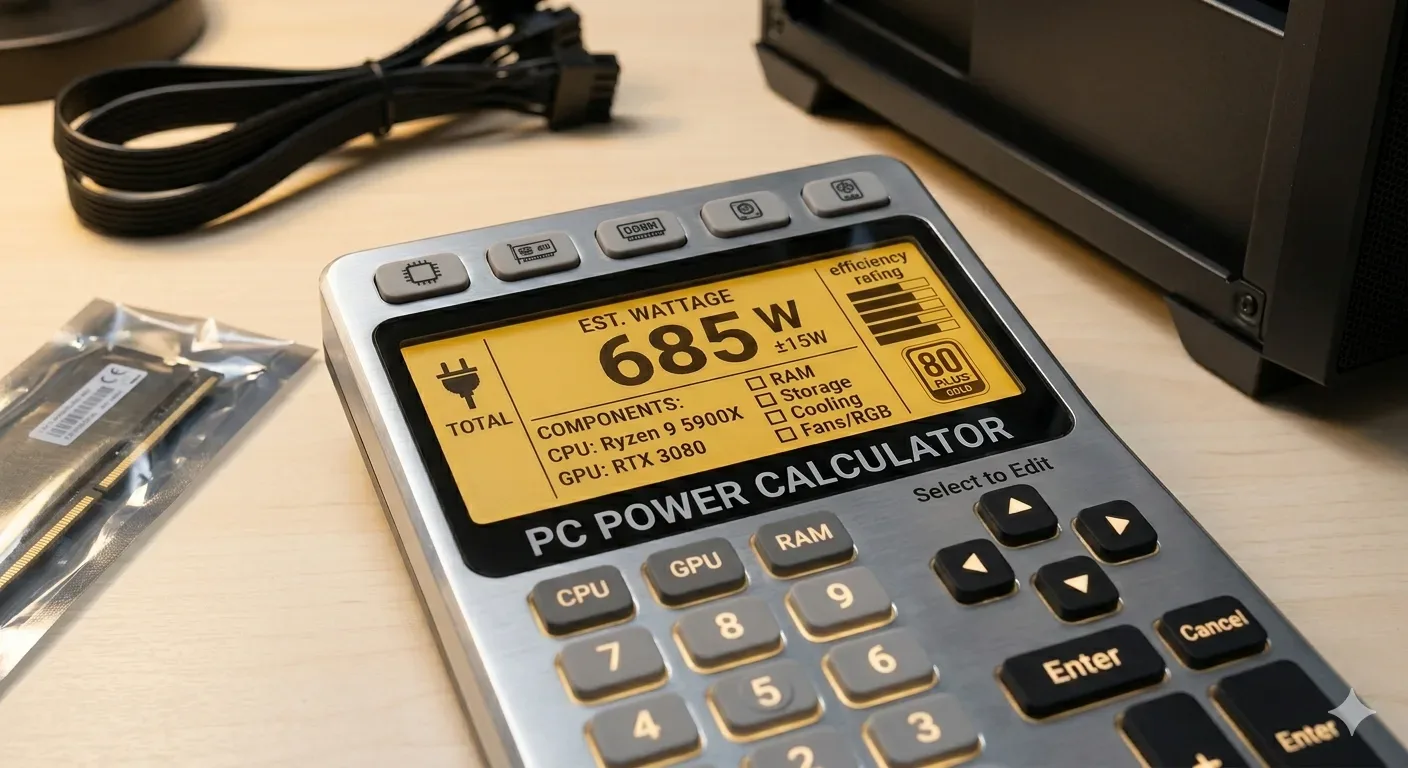
A PSU wattage calculator is a tool that eliminates guesswork from this process entirely. It takes the specific components you have selected or already own and adds up their power draw to give you a recommended wattage figure. This number tells you the minimum wattage your power supply should be rated for and most tools also add a safety buffer so that your PSU is never running at one hundred percent capacity which would shorten its lifespan significantly.
The reason a PSU wattage calculator matters so much is that power consumption in modern PCs has become increasingly complex. Older systems from ten or fifteen years ago used relatively modest amounts of power but today a high end gaming PC with a flagship graphics card alone can consume over four hundred watts under full load. Add in a high core count processor liquid cooling pumps multiple NVMe drives RGB lighting and high speed RAM and you are dealing with a system that demands precise power planning.
Using a PSU wattage calculator also helps you understand where your power is going. Many users are surprised to discover that their graphics card accounts for the majority of their total system wattage. Others find that adding a second storage drive barely changes the total at all. This knowledge makes you a smarter shopper and a more capable builder.
How a PSU Wattage Calculator Works
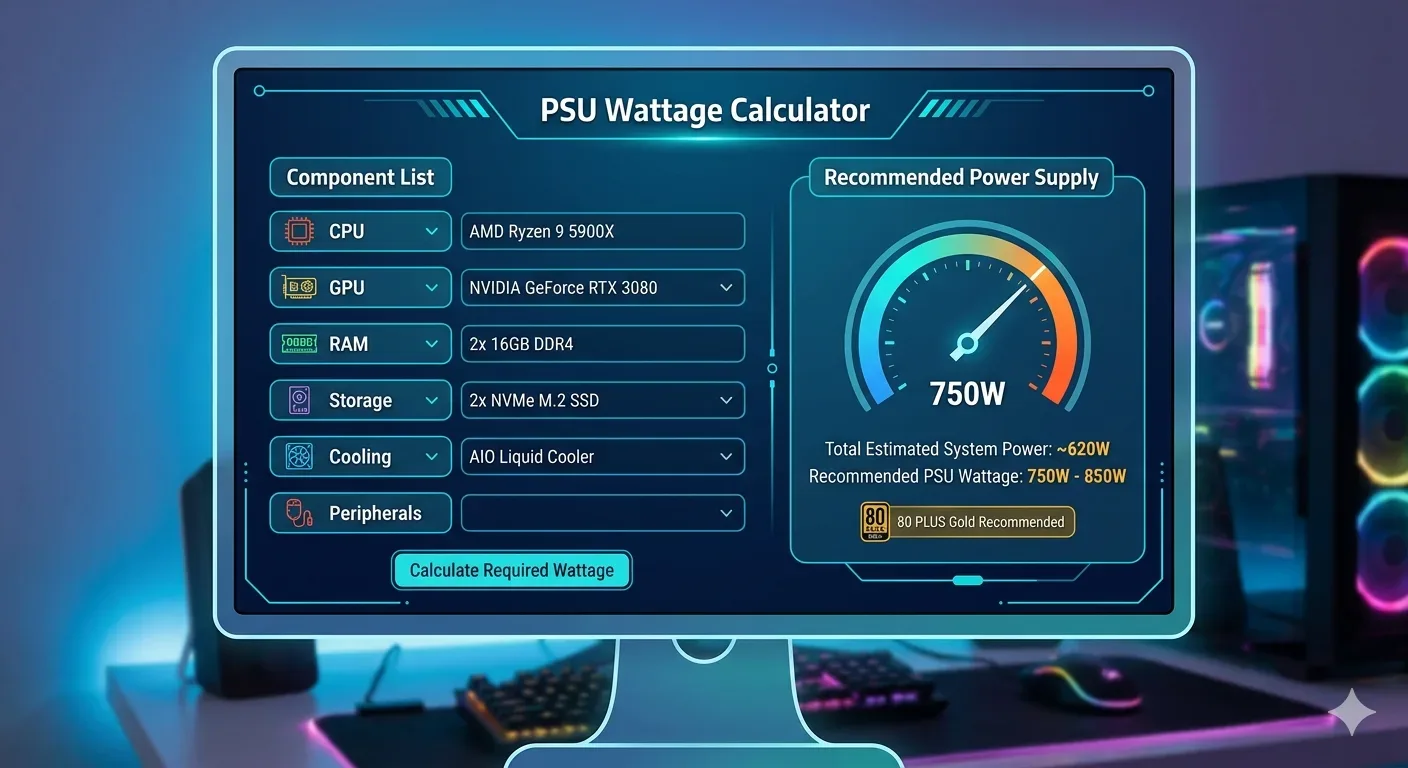
At its core a PSU wattage calculator is a database driven estimation engine. It contains power consumption data for thousands of processors graphics cards motherboards RAM kits storage devices and other components. When you select your components from the calculator's dropdown menus or search fields it pulls the typical wattage figures for each one and adds them together.
The calculation process involves several layers of logic. First the tool looks at the thermal design power or TDP of your CPU. TDP is not a perfect measurement of real world power consumption but it serves as a solid baseline. Then it looks at the power consumption of your GPU which is typically the single most power hungry component in a gaming or creative workstation build.
After accounting for the two primary power draws the calculator adds estimates for your motherboard your RAM modules your storage drives and any additional components you have listed such as USB devices cooling fans water pump headers optical drives and PCI expansion cards.Each of these adds a modest amount to the total but they can collectively account for sixty to eighty additional watts in a fully loaded system.
Finally most PSU wattage calculators apply a headroom multiplier. This is typically between fifteen and twenty five percent above the calculated total. This buffer serves two purposes. It ensures your PSU is never under strain during peak power moments and it also means the unit runs at a more efficient load level.Before choosing a PSU, check whether your CPU and GPU are balanced use our free Bottleneck Calculator. PSUs are most efficient when running between forty and eighty percent of their rated capacity so a well sized PSU actually wastes less electricity than an undersized one running at full tilt.
Key Components That Affect Your PSU Wattage Calculation
The Central Processing Unit
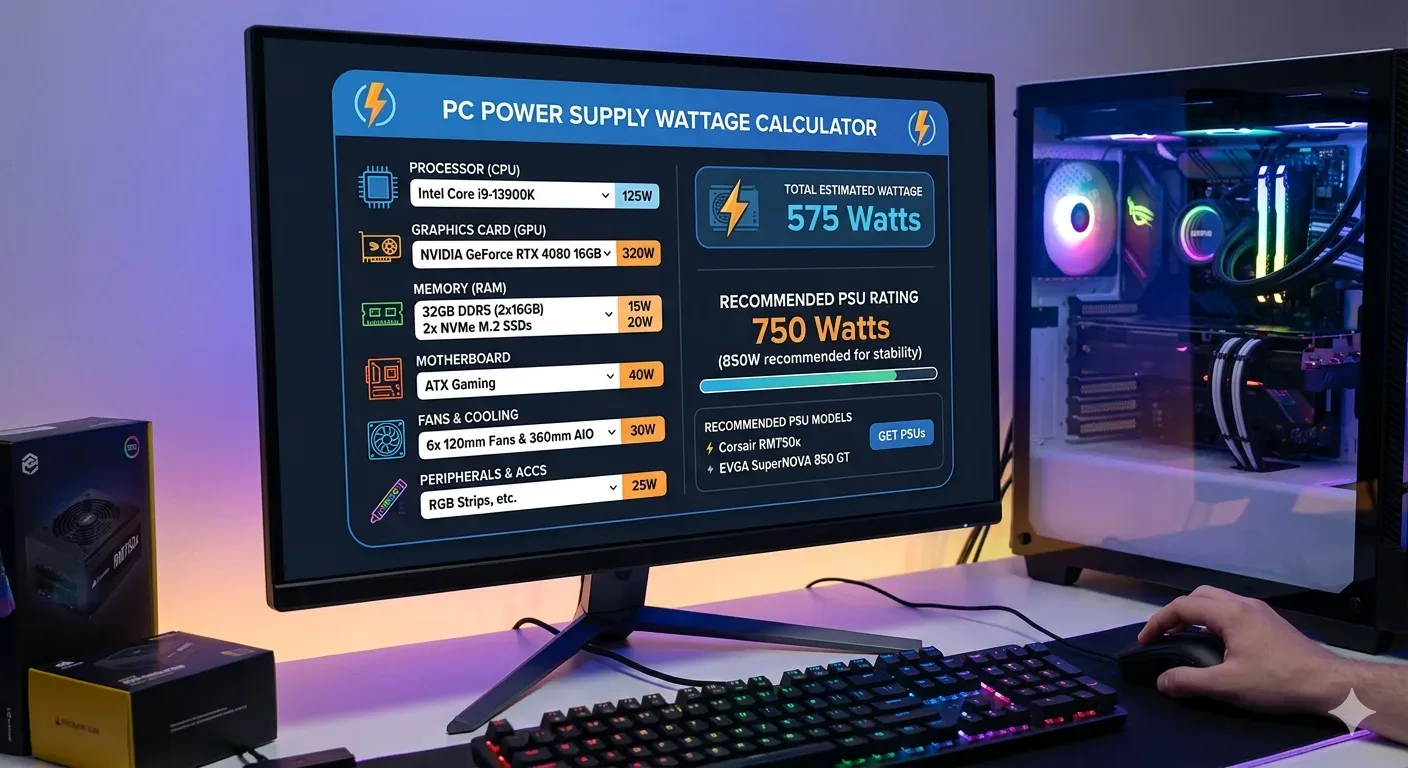
Your CPU is one of the two biggest power consumers in your system. Modern desktop processors range from a power draw of just thirty five watts for efficient mobile or low power variants all the way up to two hundred and fifty watts or more for high nd desktop chips with many cores. Workstation and server processors can consume even more. When using a PSU wattage calculator always enter the exact model of your processor because even processors within the same family can vary significantly in their power consumption.
The Graphics Processing Unit
The GPU is almost always the heaviest power draw in a gaming or content creation PC. Entry evel graphics cards might only need seventy five watts which can even be supplied directly through the PCIe slot without any power cables. But flagship gaming cards from recent generations can require three hundred and fifty to five hundred watts on their own. If you plan to run two graphics cards in a multi GPU configuration you need to account for both cards independently. A PSU wattage calculator will prompt you to enter the number of GPU units so it can multiply the draw accordingly.
Motherboard and RAM
The motherboard itself consumes power to run its VRMs its chipset its onboard audio and networking and any integrated lighting. This typically ranges from thirty to eighty watts depending on the board's feature set. RAM modules each consume a modest amount of power usually between two and five watts per stick but this adds up if you are running eight or sixteen sticks in a workstation configuration. DDR5 RAM introduced slightly higher power requirements compared to DDR4 which older PSU calculators may not accurately reflect so using an up to date tool matters here.
Storage Devices
Solid state drives particularly NVMe models are very power efficient consuming between two and ten watts depending on whether they are active or idle. Traditional spinning hard disk drives consume more power especially during their initial spin up phase which can briefly spike to twenty five watts before settling around eight to twelve watts during normal operation. If you are building a NAS style workstation with many hard drives this component category can add up quickly and deserves careful attention in your wattage calculation.
Cooling and Fans
Case fans and CPU cooler fans are usually low power consumers drawing between one and five watts each. However all in one liquid coolers with pumps and multiple radiator fans can collectively add fifteen to thirty watts. Custom water cooling loops with powerful pumps and multiple fans can add even more. After confirming your PSU, estimate your gaming FPS drop your components into our FPS Calculator.RGB lighting strips and hub controllers are another often forgotten source of power draw that PSU calculators allow you to account for separately.
Understanding PSU Efficiency Ratings and How They Relate to Wattage
When shopping for a power supply you will notice efficiency certifications such as 80 Plus White Bronze Silver Gold Platinum and Titanium. These ratings describe how efficiently the PSU converts AC power from the wall into DC power for your components. An 80 Plus Bronze PSU operating at fifty percent load converts roughly eighty two percent of incoming power into usable system power. The remaining eighteen percent is lost as heat.
This efficiency rating matters when you are thinking about your PSU wattage calculator results. The wattage figure the calculator gives you represents the DC power your components need. But your PSU actually draws more than that from the wall because of efficiency losses. A system requiring four hundred watts of DC power from a Gold rated PSU pulling at around ninety percent efficiency would draw approximately four hundred and forty five watts from your wall outlet.
Higher efficiency ratings mean lower electricity bills and less heat generated inside your case.They also tend to correlate with better build quality higher grade components and more stable power delivery. When your PSU wattage calculator tells you your system needs a five hundred watt supply it is generally worth spending a bit more to get a Gold or Platinum rated unit rather than the cheapest option at that wattage level.
How Much Headroom Should You Add Above the Calculated Wattage
One of the most common questions builders ask after using a PSU wattage calculator is how much extra headroom they need beyond the calculated number. The standard recommendation from most experienced builders and PSU manufacturers alike is to add at least twenty to thirty percent above your system's peak load.
So if your calculator tells you that your system draws three hundred and fifty watts at full load you should look for a PSU rated at four hundred and fifty to five hundred watts. Planning a new build? Compare power requirements of two configurations with our System Comparison Tool.This extra capacity ensures that your PSU never has to work at maximum output which degrades components faster and runs louder. It also gives you room to upgrade components in the future without having to replace your power supply at the same time.
For systems with high end GPUs that support features like NVIDIA's power limit adjustments or AMD's software based power tuning the headroom calculation becomes even more important. These cards can briefly spike well above their rated TDP during certain workloads and a PSU running too close to its limit during these spikes may cause instability.
Future proofing is another reason to add headroom. If you plan to add more storage drives upgrade your cooler or install a faster GPU a year or two down the road a PSU with extra headroom today saves you money tomorrow. Most PSUs last between five and ten years with proper use so planning ahead makes financial sense.
Common Mistakes People Make When Using a PSU Wattage Calculator
Even with a good tool at your disposal there are several errors that can lead to an inaccurate wattage calculation and ultimately a poor PSU purchase decision.
• Selecting the wrong CPU or GPU model from the dropdown list is the most frequent error. Many processors and graphics cards have very similar names but very different power profiles. Always double check that you have selected the exact model number rather than a related variant.
• Forgetting to include peripheral devices is another common oversight.These individually small additions can collectively add thirty to fifty watts.
• Using outdated calculators is a growing problem. PSU tools that have not been updated recently may lack entries for the latest GPU and CPU generations which tend to have different and sometimes dramatically higher power requirements than their predecessors.
• Ignoring overclocking potential is a significant mistake for enthusiast builders. Overclocking your CPU or GPU can increase their power draw by thirty to seventy percent over stock values. Want a full guide on power supplies? Read our Power Supply Calculator complete guide.If you plan to overclock you should treat your components' overclocked TDP as the figure to calculate around rather than the stock TDP.
• Choosing a PSU solely based on the calculated minimum wattage with no headroom is perhaps the most consequential error. Running a PSU at or near its rated maximum output causes excessive heat reduced efficiency and shortened lifespan.
PSU Wattage Recommendations for Different Build Types
Budget and Office Builds
A typical budget or office PC that uses integrated graphics a low power processor and a single SSD will usually require between two hundred and three hundred watts at peak load. A four hundred watt power supply with an 80 Plus Bronze or better rating is usually more than sufficient for this category and leaves plenty of headroom for the future.
Mid Range Gaming Builds
A mid range gaming PC with a current generation mainstream GPU and a popular six to eight core processor typically lands between three hundred and fifty and five hundred watts at full load during gaming. A six hundred and fifty watt PSU is a popular and well regarded sweet spot for this type of build offering solid headroom at a reasonable price point.
High End Gaming and Enthusiast Builds
Flagship gaming systems with top tier GPUs and high core count processors can consume between five hundred and eight hundred watts at full load. An eight hundred and fifty watt to one thousand watt PSU is typically the right range here. Some of the most power hungry GPU releases in recent years have pushed builders toward the one thousand two hundred watt bracket especially when the system also includes overclocking.
Professional Workstations
Workstations designed for 3D rendering video editing AI training or scientific computing may run multiple GPUs high thread count processors and large numbers of storage drives. Choosing the right GPU matters too check our Best Budget CPU + GPU Combos guide before you buy.These systems can easily exceed one thousand watts at full load and often benefit from one thousand two hundred to one thousand six hundred watt PSUs or even dual PSU configurations in extreme rack mounted workstation setups.
Tips for Getting the Most Accurate Results From a PSU Wattage Calculator
Getting a precise wattage estimate from any calculator requires that you input your data carefully and thoughtfully. Here are the most important practices to follow.
Always use the exact component model numbers rather than product family names. The difference in power draw between two GPUs with similar names can be over one hundred watts.
Account for every component that will be installed inside or powered by your PC. This includes fans drives lighting controllers USB devices sound cards and any other expansion cards.
If you plan to overclock your system use the overclocked TDP figures not the manufacturer's stock TDP values.
Run multiple calculators and compare results. Different tools may have slightly different data for the same components and comparing results gives you a more confident range to work within.
Consider the system's intended use. A PC used for gaming will hit higher sustained loads than one used for light browsing and both profiles differ from a rendering workstation that pegs all CPU cores continuously.
Look at independent power consumption measurements from trusted hardware review publications for your specific GPU and CPU models. These real world numbers are often more accurate than manufacturer TDP figures especially for GPUs where TDP is sometimes understated.
The Relationship Between PSU Wattage and System Stability
System stability is directly tied to the quality and capacity of your power supply. A PSU that is delivering power at the ragged edge of its rated output is significantly more likely to produce unstable voltages on the twelve volt five volt and three point three volt rails that your components depend on. These voltage fluctuations can cause random reboots application crashes blue screens of death and in worst case scenarios actual hardware damage.
Power supply quality matters just as much as raw wattage. A cheap eight hundred watt PSU may actually deliver lower quality power than a reputable six hundred watt unit even when both are operating within their rated limits. This is why enthusiast builders place such high value on PSUs from reputable manufacturers with good reviews of their voltage regulation and ripple performance.
A PSU wattage calculator helps you establish the right starting point for your wattage needs but it cannot evaluate the quality of the PSU you ultimately purchase. Always pair your wattage calculation with research into specific PSU units that meet your calculated wattage requirements and also meet the quality standards your build deserves.
When to Upgrade Your Power Supply
Knowing when to upgrade your PSU is just as important as knowing how to choose the right one in the first place. There are several clear signals that your current power supply is no longer up to the task.
If you are upgrading to a more powerful GPU or adding a second GPU to your system you should run your full component list through a PSU wattage calculator again to determine whether your existing power supply still has enough headroom. Many users find that upgrading from a mid range to a high end GPU pushes them over the safe operating threshold of their current PSU.
Unexplained system instability especially during gaming or other high load tasks is another warning sign. Before assuming your CPU or GPU is faulty it is worth checking whether your PSU is struggling under the current load. Tools that monitor voltage levels can help you see whether the twelve volt rail is sagging during load which is a strong indicator that the PSU is being pushed too hard.
Age is also a factor. PSU capacitors degrade over time and a power supply that was perfectly adequate five years ago may no longer be capable of delivering stable power at its rated wattage. If your PSU is more than seven or eight years old and you are planning a significant component upgrade it is worth considering a replacement even if the wattage numbers still look acceptable on paper.
Conclusion
Understanding and correctly using a PSU wattage calculator is one of the most valuable skills any PC builder can develop. The tool itself is simple to use but the knowledge behind it is deep and the consequences of ignoring it can be costly. From protecting your hardware to saving money on electricity to ensuring that your system runs stably for years to come the humble wattage calculator punches well above its weight in the builder's toolkit.
By carefully accounting for every component in your system applying the right headroom buffer and selecting a quality power supply that meets your calculated needs you are setting your build up for long-term success. Whether you are building a compact media center a screaming gaming rig or a multi-GPU workstation the PSU wattage calculator is your starting point for getting the power equation right from day one.
A PSU wattage calculator helps you determine the total power consumption of all components in your PC and recommends the minimum wattage your power supply should be rated for. It prevents you from buying a PSU that is too weak for your system or unnecessarily overspending on one that is far more powerful than you need.
The best psu wattage calculator depends on individual needs, but PCPartPicker and OuterVision are widely trusted options. PCPartPicker integrates well with build planning, while OuterVision offers detailed expert modes for precise calculations.
Basic modes require simple component selection while advanced modes (like OuterVisio expert mode) request detailed information about usage patterns overclocking plans and specific component configurations. Advanced modes provide more precise recommendations.
Yes the pcpartpicker wattage calculator is generally accurate and tends to provide conservative estimates. This ensures recommended power supplies have adequate capacity though actual consumption might be slightly lower than predicted.
Using multiple calculators provides validation and confidence in power supply selection. Comparing results from different tools helps ensure accurate recommendations and identifies any significant discrepancies that might warrant further investigation.
Most experts recommend adding 20 30% headroom above calculator recommendations. This ensures efficient operation accommodates future upgrades and prevents the power supply from operating at maximum capacity continuously.
Manufacturer specific calculators like those from Corsair Cooler Master or Seasonic may recommend their products but their wattage calculations remain generally accurate. They provide convenient model selection from their lineup while maintaining calculation integrity.
While most PSU calculators target desktop systems understanding power consumption principles helps laptop users evaluate power requirements and thermal considerations. However laptops use integrated power supplies that users cannot typically change.
Check the power supply label by opening your case, review original purchase documentation, or use system information software. The label provides definitive specifications, while documentation and software offer non-invasive alternatives.
While the same calculators work for both workstation builds might benefit from server focused calculators that consider continuous operation and redundancy requirements. Gaming focused calculators optimize for peak performance scenarios rather than sustained loads.