Best $1500 Gaming PC Build for 1440p Gaming (2026)
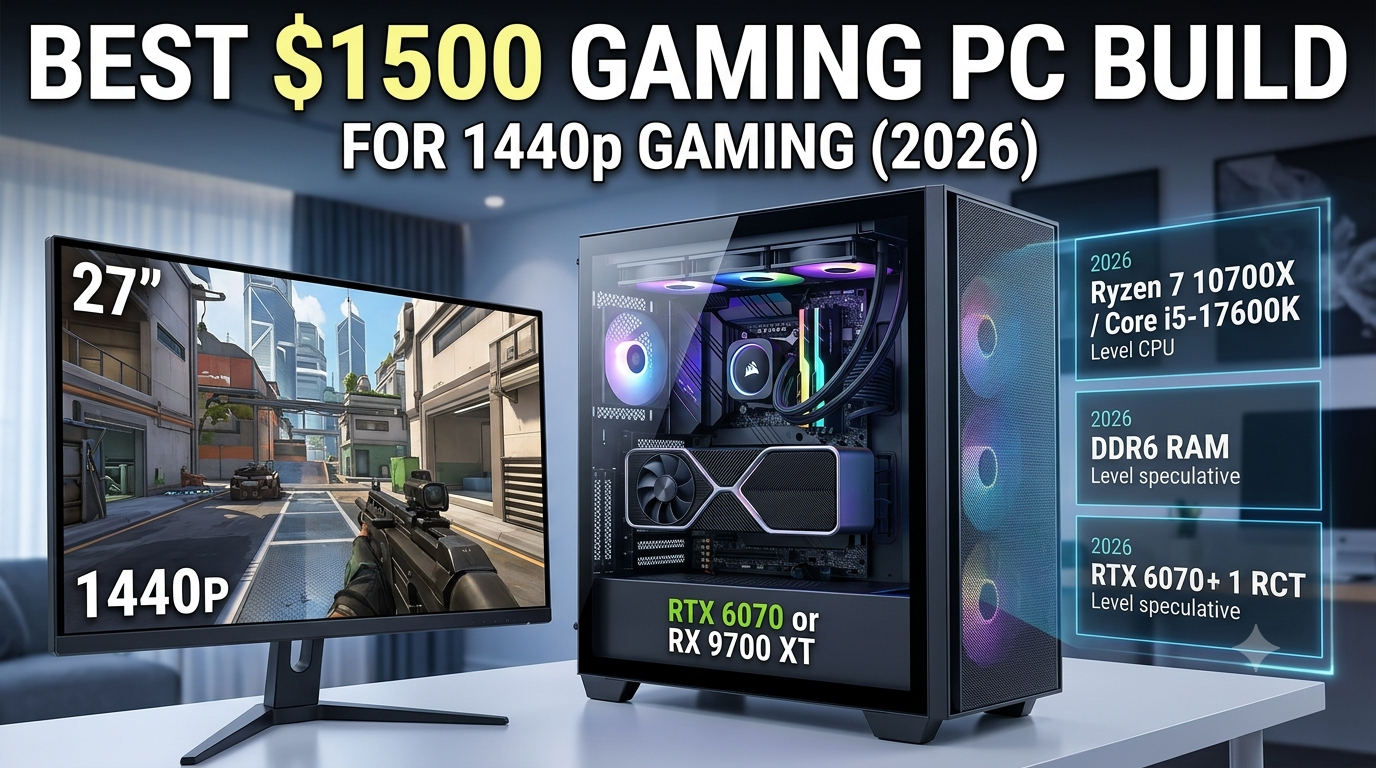
The best $1500 gaming PC build for 1440p in 2026 centres on a Ryzen 7 7700X or Intel Core i7-14700K paired with an RTX 4070 Ti Super or RX 7900 XT — a combination that delivers 1440p ultra at consistent 100–144 FPS in most 2026 titles with a minimal CPU bottleneck. At this budget, the GPU should represent approximately 40% of the total spend ($580–$620), and the CPU 15–18% ($220–$270), creating a well-proportioned high-end 1440p gaming system.
Check your chosen CPU and GPU combination in the bottleneck calculator at 1440p before finalising your build — the right balance at this tier requires careful component matching.
How $1500 Changes What's Possible Versus $1000
The step from $1000 to $1500 primarily buys a significantly more powerful GPU and a stronger CPU:
| Metric | $1000 Build | $1500 Build |
|---|---|---|
| Primary resolution target | 1080p ultra / 1440p medium | 1440p ultra / light 4K |
| GPU tier | RTX 4070 / RX 7800 XT | RTX 4070 Ti Super / RX 7900 XT |
| CPU tier | Ryzen 5 7600 / i5-13600K | Ryzen 7 7700X / i7-14700K |
| 144 FPS at 1440p | Most titles with settings adjustment | Reliable in most titles at ultra |
| 4K capability | Limited | Capable at medium-high settings |
| RAM | 16GB DDR5 | 32GB DDR5 recommended |
Recommended $1500 Build: AMD Platform
CPU: AMD Ryzen 7 7700X (~$240)
The Ryzen 7 7700X is an 8-core Zen 4 chip with a 5.4GHz boost clock — a strong step up from the 6-core Ryzen 5 7600. At 1440p it pairs with the RTX 4070 Ti Super with a very low CPU bottleneck (typically under 8%), and its 8 cores provide more headroom for simultaneous streaming, background tasks, and future games that better utilise multi-core designs.
Alternative: Ryzen 7 7800X3D (~$280 extra) — for users targeting competitive 1440p at 240Hz, the 7800X3D's cache advantage is worth the additional spend and produces the absolute minimal CPU bottleneck with the RTX 4070 Ti Super.
- How $1500 Changes What's Possible Versus $1000
- Recommended $1500 Build: AMD Platform
- CPU: AMD Ryzen 7 7700X (~$240)
- GPU: RTX 4070 Ti Super (~$580) or RX 7900 XT (~$600)
- Motherboard: AMD B650E or X670 (~$140–$180)
- RAM: 32GB DDR5 6000MHz (2×16GB) (~$90–$110)
- Storage: 2TB NVMe PCIe 4.0 SSD (~$100–$130)
- PSU: 850W 80+ Gold (~$100–$120)
- Case: Mid-Tower ATX (~$70–$90)
- CPU Cooler: 240mm AIO or Premium Air Cooler (~$60–$80)
- Full Build Summary and Budget
- What This $1500 Build Delivers at 1440p
- Verifying Balance Before Buying
- Key Takeaways
GPU: RTX 4070 Ti Super (~$580) or RX 7900 XT (~$600)
RTX 4070 Ti Super: 16GB GDDR6X, DLSS 3 Frame Generation, excellent 1440p ultra performance, capable 4K high performance. One of the best value options at the $550–$600 price point. The GPU that most squarely defines the $1500 1440p build tier.
RX 7900 XT: 20GB GDDR6 VRAM — more memory than any NVIDIA GPU at this tier. Comparable rasterisation performance to the RTX 4070 Ti Super. Better for users targeting very high texture settings, resolution modding, or who do GPU-accelerated creative work alongside gaming.
Motherboard: AMD B650E or X670 (~$140–$180)
B650E provides PCIe 5.0 x16 for the GPU and PCIe 4.0 for NVMe storage at a mid-premium price. X670 adds additional PCIe 5.0 lanes and is worth considering if you want two PCIe 5.0 NVMe slots for future storage upgrades. Both support DDR5.
RAM: 32GB DDR5 6000MHz (2×16GB) (~$90–$110)
At this tier, 32GB is the right choice — a $1500 build is likely to be a system you use for 3–5 years, during which game RAM requirements will grow. 32GB also comfortably handles simultaneous gaming, streaming, and a browser with multiple tabs without any memory pressure. Ensure EXPO is enabled in BIOS after installation.
Storage: 2TB NVMe PCIe 4.0 SSD (~$100–$130)
At $1500, 2TB of primary NVMe storage is the right allocation — a single drive for games, OS, and creative projects without the need for an additional drive in most cases. PCIe 4.0 is the current sweet spot; PCIe 5.0 NVMe is available but commands a significant premium for minimal real-world gaming benefit.
PSU: 850W 80+ Gold (~$100–$120)
Ryzen 7 7700X (105W TDP) + RTX 4070 Ti Super (285W TDP) = approximately 470W peak system draw. An 850W unit operates at ~55% load — the efficiency sweet spot. Use the PSU calculator with your exact CPU and GPU to confirm. If choosing the RX 7900 XT (315W TDP), 850W is still comfortable; 1000W provides additional headroom.
Case: Mid-Tower ATX (~$70–$90)
At this build tier, spend a little more on a case with excellent airflow and easy cable management — the RTX 4070 Ti Super generates meaningful heat that benefits from good case airflow. Mesh-panel cases from established manufacturers handle this tier well.
CPU Cooler: 240mm AIO or Premium Air Cooler (~$60–$80)
The Ryzen 7 7700X has a 105W TDP — a step up from the Ryzen 5 7600. A 240mm AIO or a Noctua NH-U12A class air cooler keeps it at comfortable temperatures without thermal throttling. If choosing the Ryzen 7 7800X3D instead, note its 120W TDP — similar requirements.
Full Build Summary and Budget
| Component | AMD Option | Est. Cost |
|---|---|---|
| CPU | Ryzen 7 7700X | ~$240 |
| GPU | RTX 4070 Ti Super | ~$580 |
| Motherboard | B650E | ~$150 |
| RAM | 32GB DDR5 6000MHz | ~$100 |
| Storage | 2TB NVMe PCIe 4.0 | ~$115 |
| PSU | 850W 80+ Gold | ~$110 |
| Case | Mid-Tower Mesh | ~$80 |
| Cooler | 240mm AIO | ~$70 |
| Total | — | ~$1,445–$1,500 |
What This $1500 Build Delivers at 1440p
| Game Type | Expected FPS at 1440p Ultra |
|---|---|
| AAA Open-World (Cyberpunk 2077 no RT) | 90–120 FPS |
| AAA Open-World (with DLSS Quality) | 130–175 FPS |
| Competitive Shooters (CS2, Valorant) | 200–350 FPS |
| Fortnite UE5 (Epic settings) | 90–120 FPS |
| Racing/Sports Games | 144–200+ FPS |
For game-specific FPS estimates with your exact CPU and GPU at 1440p, use the FPS calculator.
Verifying Balance Before Buying
Run the Ryzen 7 7700X + RTX 4070 Ti Super pairing through the bottleneck calculator at 1440p to confirm the balance. Expected result: under 8% CPU bottleneck — a well-matched, high-performance 1440p combination. If stepping up to the Ryzen 7 7800X3D, that bottleneck drops to under 5%.
To compare the AMD build against the Intel i7-14700K alternative, use the Compare Systems tool.
Key Takeaways
- The best $1500 1440p gaming build in 2026 pairs Ryzen 7 7700X or Core i7-14700K with RTX 4070 Ti Super delivering 1440p ultra at 100–144 FPS in most titles.
- The GPU should represent approximately 38–42% of the budget at this tier; don't sacrifice GPU power for an extreme CPU upgrade at the expense of the GPU.
- 32GB DDR5 at 6000MHz with EXPO enabled is strongly recommended over 16GB for a 3–5 year build lifespan.
- DLSS 3 Frame Generation (RTX 4070 Ti Super) can push effective 1440p FPS from ~100 to ~150+ in supported titles.
- Always verify your CPU/GPU pairing balance in the bottleneck calculator at 1440p and compare AMD vs Intel platform options in the Compare Systems tool.