Best $1000 Gaming PC Build for 2026: Zero Bottleneck
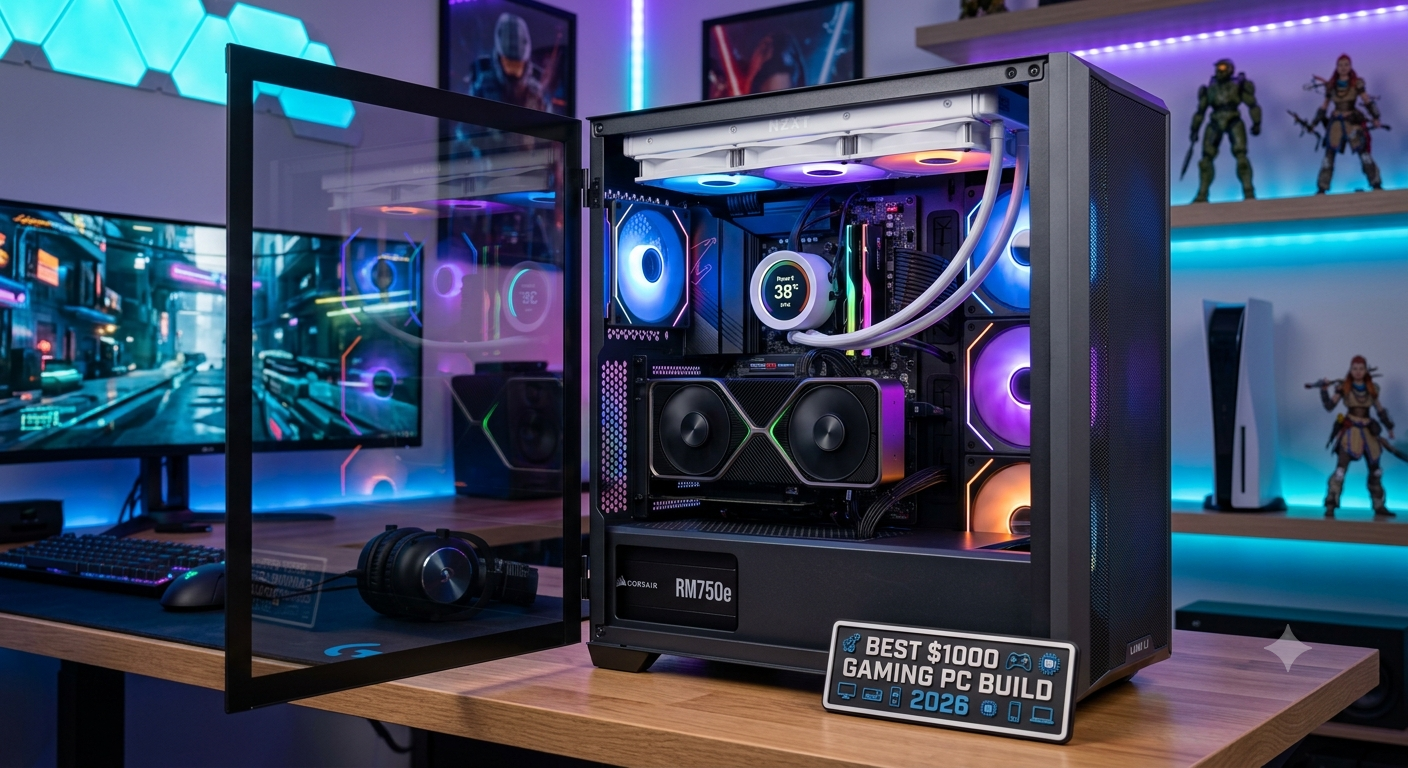
The best $1000 gaming PC build for 2026 pairs an AMD Ryzen 5 7600 or Intel Core i5-13600K with an RTX 4070 or RX 7800 XT for a well-balanced 1080p ultra and 1440p high gaming experience with virtually no bottleneck between the CPU and GPU. At this budget, approximately $350–$400 should go to the GPU and $150–$180 to the CPU, keeping both components in the same performance tier and avoiding the common mistake of overinvesting in one at the expense of the other.
Check the specific bottleneck percentage for your exact CPU and GPU pairing in the bottleneck calculator before finalising your component selection.
Why Balance Matters More Than Individual Component Specs
The most common $1000 PC building mistake is spending $500 on a GPU while cutting corners with a $100 CPU or the reverse. A $500 GPU paired with a $100 CPU produces a severe CPU bottleneck that leaves most of the GPU's performance on the table. A $300 GPU with a $250 CPU is often a better gaming experience for the same total spend.
At the $1000 tier, the sweet spot is roughly:
| Component | Budget Allocation | Target Tier |
|---|---|---|
| GPU | $340–$400 | RTX 4070 or RX 7800 XT |
| CPU | $150–$180 | Ryzen 5 7600 or Core i5-13600K |
| Motherboard | $100–$130 | B650 (AMD) or B760 (Intel) |
| RAM | $60–$80 | 16GB DDR5 (AMD AM5) or DDR4/DDR5 (Intel) |
| Storage | $60–$80 | 1TB NVMe PCIe 4.0 SSD |
| PSU | $80–$100 | 650W 80+ Gold |
| Case + Cooler | $60–$80 | Mid-tower + capable air cooler |
| Total | ~$950–$1050 | — |
Recommended $1000 Build: AMD Platform (Best Long-Term Value)
CPU: AMD Ryzen 5 7600 (~$170)
The Ryzen 5 7600 is the non-overclockable Zen 4 version of the 7600X at a lower price, with AM5 platform longevity that allows future upgrades to Ryzen 7000/9000 chips without changing the motherboard. Six Zen 4 cores deliver strong gaming performance that pairs cleanly with the RTX 4070 or RX 7800 XT without a significant CPU bottleneck at 1080p or 1440p.
GPU: RTX 4070 or RX 7800 XT (~$350–$380)
- RTX 4070: DLSS 3 Frame Generation support, strong ray tracing, excellent 1440p performance. Best overall choice if DLSS 3-supported games are in your library.
- RX 7800 XT: 16GB GDDR6 VRAM vs RTX 4070's 12GB better VRAM headroom for future-proofing and some 1440p ultra texture scenarios. FSR 3 Frame Generation available.
Either GPU produces a very mild bottleneck (under 10%) at 1440p with the Ryzen 5 7600, and essentially no bottleneck at 4K.
- Why Balance Matters More Than Individual Component Specs
- Recommended $1000 Build: AMD Platform (Best Long-Term Value)
- CPU: AMD Ryzen 5 7600 (~$170)
- GPU: RTX 4070 or RX 7800 XT (~$350–$380)
- Motherboard: AMD B650 (~$110–$130)
- RAM: 16GB DDR5 6000MHz (2×8GB) (~$65–$75)
- Storage: 1TB NVMe PCIe 4.0 SSD (~$65–$80)
- PSU: 650W 80+ Gold (~$80–$95)
- Case: Mid-Tower ATX (~$50–$70)
- CPU Cooler: Mid-Range Air Cooler (~$25–$40)
- Recommended $1000 Build: Intel Platform Alternative
- What This $1000 Build Can and Can't Do
- Verifying Your Build's Balance Before Buying
- Key Takeaways
Motherboard: AMD B650 (~$110–$130)
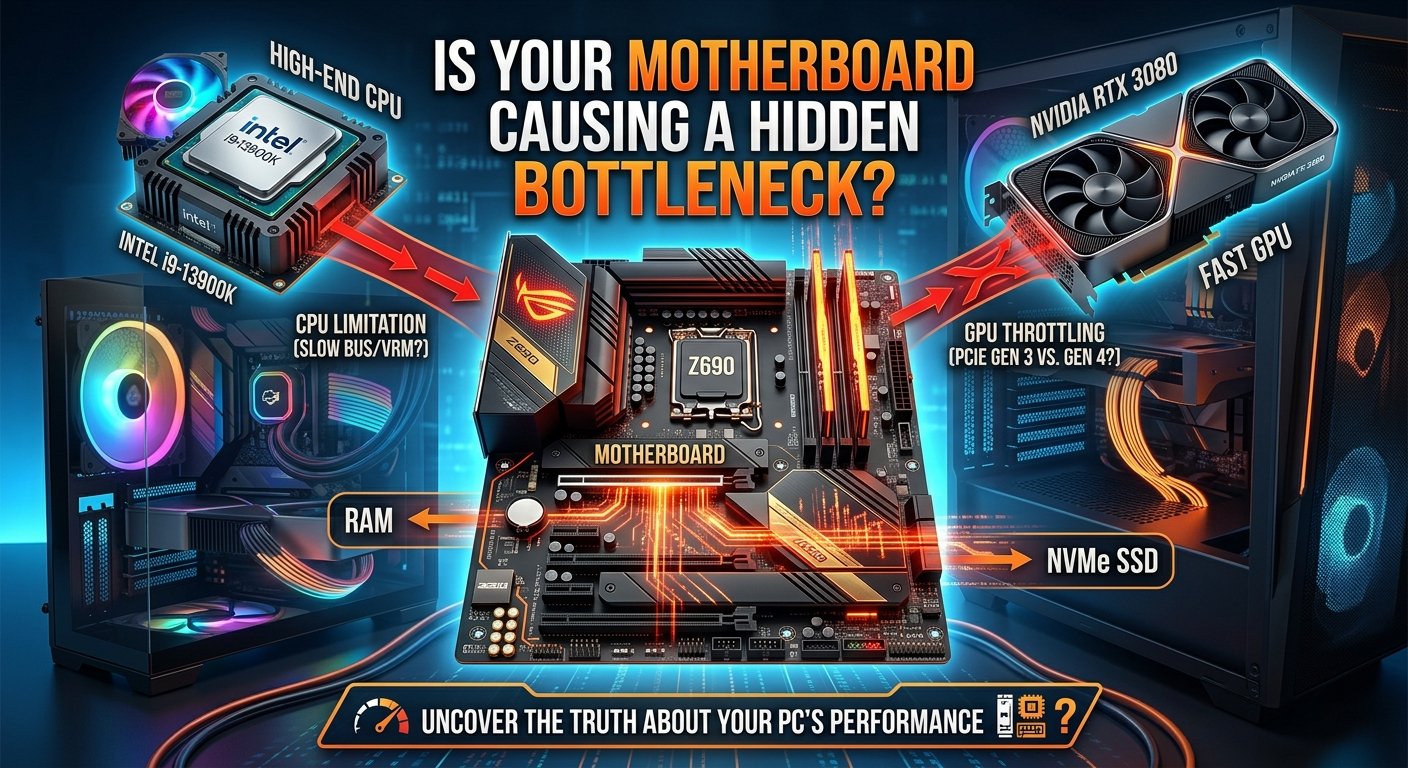
B650 provides PCIe 4.0 support for both GPU and NVMe storage, DDR5 memory support, and a solid feature set for mid-range gaming builds. Avoid the cheapest B650 boards — their VRM quality may limit the CPU's sustained performance; spend at least $110 for a reputable model.
RAM: 16GB DDR5 6000MHz (2×8GB) (~$65–$75)
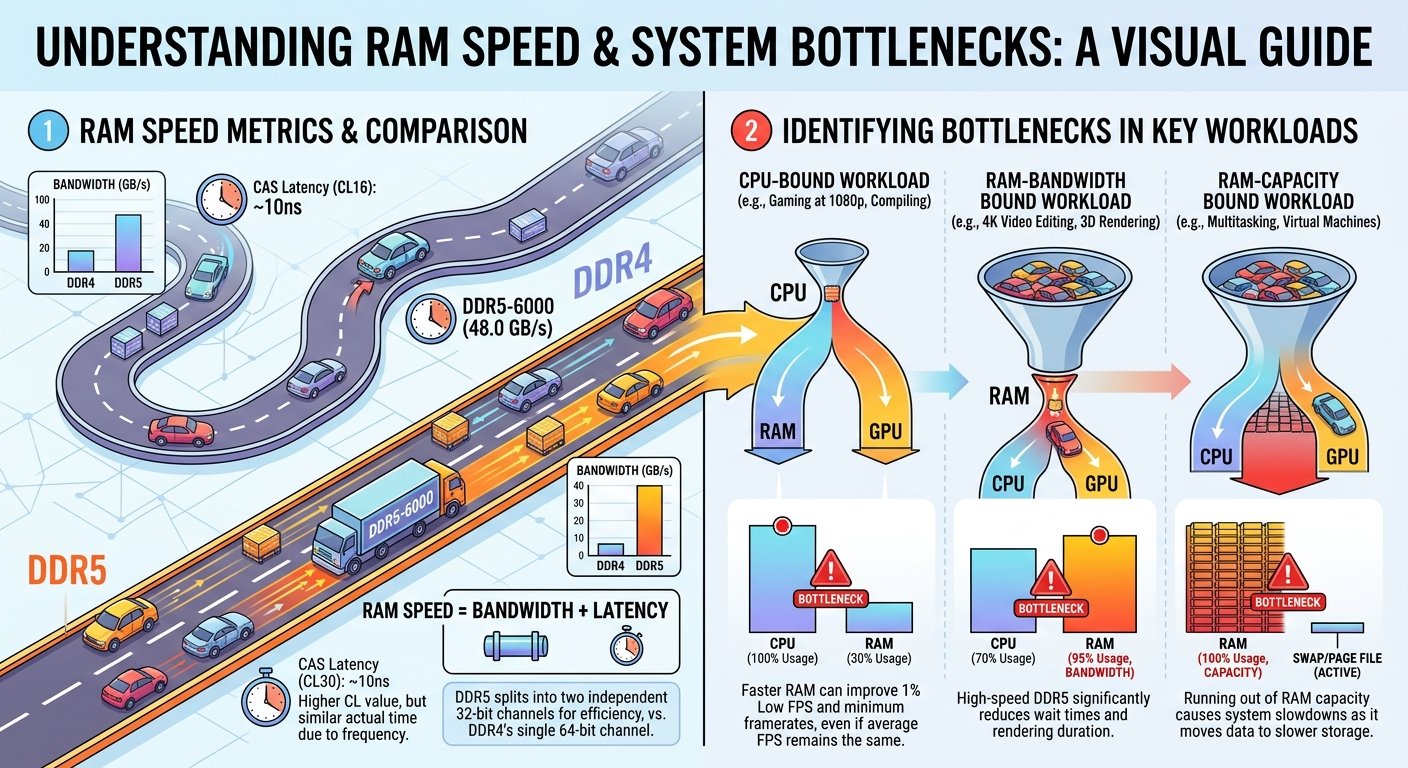
For a Ryzen 5 7600 on AM5, DDR5 at 6000MHz with EXPO enabled is the sweet spo enabling EXPO in BIOS provides a measurable 5–10% FPS improvement in memory-sensitive games at no extra cost once purchased. Buy a kit rated at 6000MHz; don't buy slower DDR5 expecting to overclock it to 6000MHz reliably on a B650 board.
Storage: 1TB NVMe PCIe 4.0 SSD (~$65–$80)
PCIe 4.0 NVMe provides fast load times and eliminates storage as a secondary bottleneck. 1TB is the practical minimum for a gaming drive in 2026; add a secondary SATA SSD for additional storage if needed.
PSU: 650W 80+ Gold (~$80–$95)
Ryzen 5 7600 (65W TDP) + RTX 4070 (200W TDP) = approximately 340W peak system draw. A 650W 80+ Gold unit operates at ~52% load — the ideal efficiency zone. Use the PSU calculator with your exact CPU and GPU to confirm the recommendation. If opting for RX 7800 XT (245W TDP), a 750W unit provides more comfortable headroom.
Case: Mid-Tower ATX (~$50–$70)
Choose a case with good airflow (mesh front panel) to prevent thermal throttling. Avoid closed-panel cases with poor ventilation — thermal throttling creates an artificial bottleneck even on properly paired hardware.
CPU Cooler: Mid-Range Air Cooler (~$25–$40)
The Ryzen 5 7600 runs cool at its 65W TDP. A mid-range air cooler (roughly 120–140mm single tower) handles it comfortably without the premium of an AIO liquid cooler.
Recommended $1000 Build: Intel Platform Alternative
For buyers who prefer the Intel ecosystem or find B760 + Intel pricing more competitive in their market:
- CPU: Intel Core i5-13600K (~$180) — stronger gaming and multi-threaded performance than the Ryzen 5 7600, but higher TDP (125W base, 181W PL2) requires a better cooler
- GPU: RTX 4070 (~$360) — pairs well at 1440p with mild bottleneck (~8–14%)
- Motherboard: B760 DDR5 (~$110–$130) — B760 is Intel's mid-range chipset; limits overclocking but costs less than Z790
- RAM: 16GB DDR5 5600MHz (~$60–$70)
- Cooler: 120mm AIO or 150mm+ air cooler (~$40–$55) i5-13600K needs more cooling than the Ryzen 5 7600
Note: The i5-13600K platform is at end of CPU upgrade lifecycle (LGA1700 final gen). If future CPU upgrade flexibility matters, the AMD AM5 build is the better long-term platform.
What This $1000 Build Can and Can't Do
Can do comfortably:
- 1080p ultra at 100–165+ FPS in most 2026 AAA titles
- 1440p high-medium at 60–100 FPS in demanding titles, 100–165+ FPS in lighter games
- 1080p 144Hz competitive gaming at high settings in CS2, Valorant, Apex Legends
- 4K at medium settings in less demanding titles
Starts to struggle:
- 1440p ultra at 144 FPS in the most demanding 2025–2026 AAA titles (Fortnite UE5 Epic, Cyberpunk ultra RT) settings reduction or DLSS/FSR needed
- 4K at high settings in demanding titles the GPU is the limiting factor here
- Heavy simultaneous streaming at 1080p60 the Ryzen 5 7600's 6 cores handle it, but with less headroom than an 8-core chip
Verifying Your Build's Balance Before Buying
Before finalising any component selection, run your chosen CPU and GPU combination through the bottleneck calculator at 1080p and 1440p. For the Ryzen 5 7600 + RTX 4070 pairing:
- At 1080p: expect a mild 8–15% CPU bottleneck in CPU-heavy titles acceptable at this budget tier
- At 1440p: expect under 10% the GPU carries the load and the bottleneck is negligible
To compare the AMD vs Intel $1000 build configurations head-to-head before deciding, use the Compare Systems tool.
Key Takeaways
- The best $1000 gaming PC in 2026 pairs Ryzen 5 7600 or Core i5-13600K with RTX 4070 or RX 7800 XT both produce under 10% bottleneck at 1440p.
- Allocate ~35–40% of budget to the GPU and ~15–18% to the CPU to maintain balance; avoid extreme GPU or CPU dominance at this tier.
- DDR5 at 6000MHz with EXPO enabled on AM5 (Ryzen 5 7600) is critical it provides a free 5–10% gaming FPS improvement over default speed.
- AM5 platform (Ryzen 5 7600) offers better future CPU upgrade flexibility than LGA1700 (i5-13600K), which is at its final generation.
- Always verify your specific CPU and GPU pairing in the bottleneck calculator and compare AMD vs Intel platform options in the Compare Systems tool before finalising.