How CPU Bottleneck Impacts FPS in Competitive Shooters (2026)
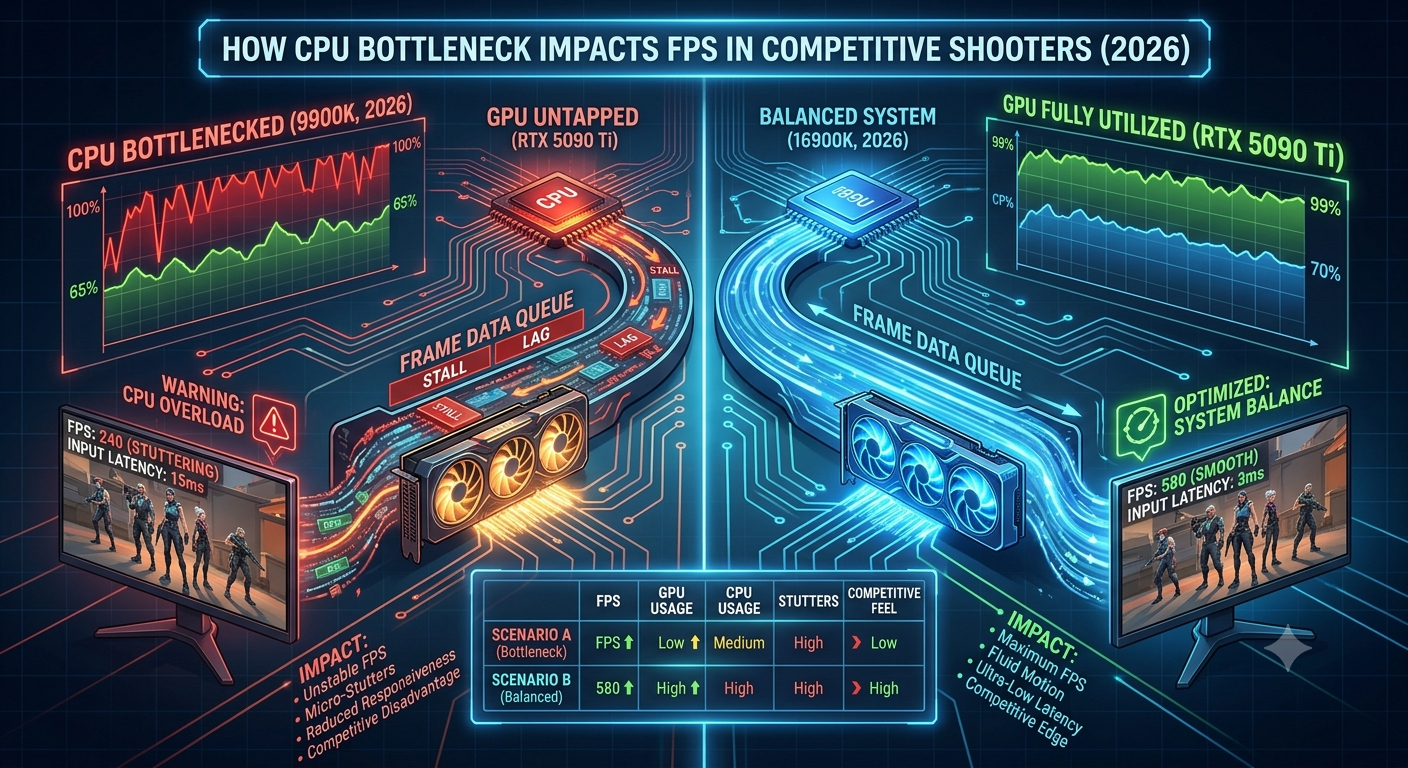
In competitive shooters like CS2, Valorant, Apex Legends, and Overwatch 2, a CPU bottleneck impacts FPS more severely than in any other game genre — because these titles run at very high frame rates that demand extremely fast CPU instruction throughput, and because minimum FPS consistency matters as much as average FPS for competitive performance. A 20% CPU bottleneck in a competitive shooter doesn't just reduce average FPS by 20% — it disproportionately crushes minimum FPS and increases frame-time variance, both of which are critical for aim and reaction performance.
Check your CPU's bottleneck percentage with your GPU in the bottleneck calculator before assuming your GPU is holding back your competitive gaming performance.
Why Competitive Shooters Are Uniquely CPU-Sensitive
Three characteristics of competitive shooters make them more CPU-dependent than most other game genres:
1. Extremely high target frame rates Competitive players typically target 144Hz, 240Hz, or even 360Hz refresh rates. Delivering 240 FPS means the CPU must prepare and send a new frame's instructions to the GPU every 4.2 milliseconds — a far tighter tolerance than the 16.7ms budget for 60 FPS. Any CPU instruction delay directly misses that deadline and causes a frame drop.
2. CPU-heavy game engines CS2 (Source 2), Valorant (Unreal Engine 4), and Apex Legends (Source Engine) are all built on engines that perform significant CPU-side processing for game logic, physics, hit detection, and network state updates. These engines stress the CPU proportionally more than visually demanding but slower-paced AAA games.
3. Game server tick rate and network processing Online multiplayer games process server tick updates and network packets on the CPU. High tick rates (64-tick or 128-tick servers) generate more CPU processing overhead per second, increasing the CPU load independently of the visual rendering workload.
How CPU Bottleneck Manifests in Competitive Shooters
Average FPS Reduction
The most visible effect. A CPU bottleneck at 25% means your GPU is only receiving 75% of the instructions it could process — resulting in average FPS approximately 20–25% below what the GPU can theoretically deliver. For a GPU that could sustain 300 FPS in CS2 with a matched CPU, a 25% bottleneck might cap you at 220–240 FPS.
Use the FPS calculator to estimate the actual FPS your CPU + GPU pairing can deliver in competitive shooter workloads.
- Why Competitive Shooters Are Uniquely CPU-Sensitive
- How CPU Bottleneck Manifests in Competitive Shooters
- Average FPS Reduction
- Minimum FPS Collapse
- Frame-Time Variance (1% and 0.1% Lows)
- The Games Where CPU Bottleneck Hurts Most
- Which CPUs Avoid the Bottleneck in Competitive Shooters?
- Fixing a CPU Bottleneck in Competitive Shooters
- Free Fixes (Try First)
- Hardware Fixes
- Frequently Asked Questions
- Key Takeaways
Minimum FPS Collapse
Average FPS is only half the story. In competitive shooters, minimum FPS — the lowest frame rate during a gaming session matters as much as average FPS. A CPU bottleneck is far more damaging to minimum FPS than to average FPS:
- During CPU-heavy events (multiple players simultaneously firing, smokes/flashes being processed, bombsite action), the CPU's load spikes
- If the CPU is already near 100% utilisation due to a bottleneck, these spikes have nowhere to go they directly cause frame drops below the average
- Minimum FPS in a CPU-bottlenecked competitive setup can fall 30–40% below average FPS, creating jarring stutters at the worst possible moments
Frame-Time Variance (1% and 0.1% Lows)
Frame-time variance describes how consistent the gaps between frames are. Ideally, at 240 FPS, each frame arrives exactly 4.17ms after the last. A CPU bottleneck creates irregular frame delivery:
- Some frames arrive quickly (when the CPU happened to have instructions ready)
- Others arrive late (when the CPU was processing other game logic)
- This irregularity — measured as 1% and 0.1% lows in benchmarks translates to micro-stutters that disrupt aim tracking even when average FPS looks acceptable
The Games Where CPU Bottleneck Hurts Most
| Game | CPU Sensitivity | Primary Reason |
|---|---|---|
| CS2 | Very High | Source 2 engine, high target FPS (300+), intense CPU-side game logic |
| Valorant | High | Unreal Engine 4 game logic, high target FPS (200-300+) |
| Apex Legends | High | Source Engine physics, large lobby size, complex ability interactions |
| Overwatch 2 | High | Proprietary engine, large team interactions, network processing |
| Fortnite | Moderate-High | Unreal Engine, building mechanics CPU-heavy |
| Call of Duty (MP) | Moderate | More GPU-balanced than pure competitive titles |
| Rainbow Six Siege | High | Destruction physics heavily CPU-dependent |
Which CPUs Avoid the Bottleneck in Competitive Shooters?
For competitive shooters targeting 144–360Hz, CPU selection is more critical than for any other gaming use case. The bottleneck calculator identifies the CPU bottleneck percentage for your specific pairing:
Best competitive gaming CPUs in 2026:
- AMD Ryzen 7 7800X3D — The top choice. Its 96MB L3 cache dramatically reduces the latency of the CPU instruction loop that feeds the GPU, delivering the smallest CPU bottleneck in competitive shooters across almost all GPU pairings.
- AMD Ryzen 9 7900X3D — Similar cache advantage with more cores for streaming simultaneously; slightly behind pure 7800X3D gaming performance in some competitive titles.
- Intel Core i9-14900K — High P-core boost clock makes it competitive at very high frame rates; slightly behind 7800X3D in cache-sensitive competitive workloads.
- Intel Core i7-14700K — Strong competitive performer; some bottleneck at extremely high frame rate targets (300Hz+) with flagship GPUs.
CPUs that create meaningful competitive shooter bottlenecks:
- Older 4-core or 6-core chips (pre-Ryzen 5000 / pre-Intel 12th gen) — these frequently cap competitive FPS well below GPU capability
- Any CPU running RAM below rated speed (XMP/EXPO not enabled) — memory latency directly affects the CPU instruction loop speed
Fixing a CPU Bottleneck in Competitive Shooters
Free Fixes (Try First)
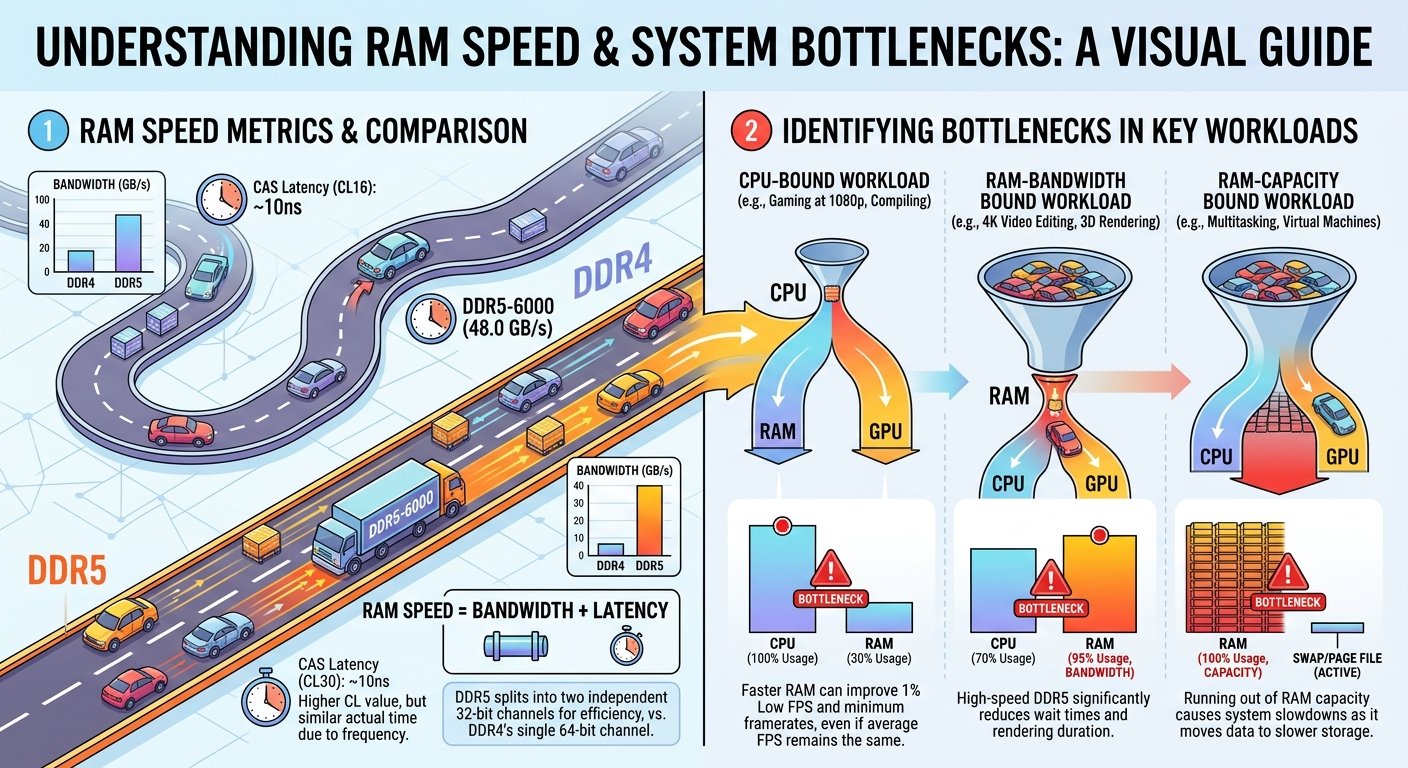
- Enable XMP/EXPO running RAM at rated speed (5600–6000MHz DDR5, 3600MHz DDR4) can deliver 5–15% FPS improvement in cache-sensitive competitive titles for zero cost
- Close background applications every browser tab and background process steals CPU cycles that competitive shooters desperately need
- Set priority to High n Windows Task Manager, right-click the game process and set CPU priority to High (not Realtime) to give the game preferential access to CPU time
- Update CPU chipset and game drivers competitive game developers frequently release CPU performance patches
- Disable Hyper-Threading/SMT for competitive play in some competitive titles, disabling SMT (AMD) or Hyper-Threading (Intel) slightly improves single-threaded performance at the cost of multi-threaded capacity; test both configurations
Hardware Fixes
If free fixes don't close the gap between your current FPS and your target:
- Check your exact bottleneck confirm the CPU bottleneck percentage with the bottleneck calculator before buying anything
- Upgrade CPU first if the bottleneck exceeds 20% at your target frame rate, a CPU upgrade delivers more competitive FPS improvement than a GPU upgrade
- Target Ryzen 7 7800X3D for competitive gaming specifically, no other consumer CPU delivers a smaller bottleneck at high frame rates as consistently
Frequently Asked Questions
Does a CPU bottleneck affect competitive gaming more than casual gaming? Yes significantly. The higher your target frame rate and the more CPU-intensive the game engine, the more a CPU bottleneck directly limits your FPS ceiling and ruins frame-time consistency. At 60 FPS targets, the impact is much smaller.
Why is my CS2 FPS lower than my GPU should deliver? CS2 on Source 2 is particularly CPU-intensive. Check the bottleneck calculator with your CPU + GPU CPU bottleneck is the most common cause of lower-than-expected CS2 FPS.
Will a GPU upgrade help my competitive FPS if I have a CPU bottleneck? Not meaningfully if the CPU is already the limiting factor, a more powerful GPU will be capped at the same FPS ceiling. Address the CPU bottleneck first. Use the FPS calculator to confirm how much a GPU upgrade would actually help with your current CPU.
Does enabling XMP really improve competitive FPS? Yes, measurably in competitive shooters. CS2 and Valorant in particular show a 5–15% FPS improvement when RAM runs at 3600MHz DDR4 or 6000MHz DDR5 vs default 2133MHz. This is one of the highest-impact free optimisations available.
Is the Ryzen 7 7800X3D worth it specifically for competitive gaming? Yes for users targeting 240Hz+ in CS2, Valorant, or Apex Legends with a high-end GPU, the 7800X3D's cache advantage translates directly into higher minimum FPS and better frame-time consistency, which are the metrics that matter most in competitive play.
Key Takeaways
- CPU bottlenecks hurt competitive shooters more than any other genre because high frame rate targets require the CPU to complete instruction cycles in a very tight time window.
- A CPU bottleneck disproportionately destroys minimum FPS and frame-time consistency the two metrics that matter most for competitive aim performance.
- CS2, Valorant, and Apex Legends are among the most CPU-sensitive popular games in 2026.
- The Ryzen 7 7800X3D is the top competitive gaming CPU its L3 cache advantage directly reduces the instruction loop latency that creates CPU bottlenecks at high frame rates.
- Always check your CPU bottleneck with the bottleneck calculator before buying a new GPU for competitive gaming the GPU may not be the problem.
- Enable XMP/EXPO and close background apps firs these free changes can deliver 5–15% FPS improvement in competitive shooters at zero cost.