Intel i3-13100 Bottleneck Calculator: What GPUs Are Safe to Pair?
The Intel Core i3-13100 is a budget 4-core, 8-thread CPU that pairs safely with entry-level to mid-range GPUs — RTX 4060, RTX 3060, RX 7600 XT, and below — without a severe bottleneck at 1080p. Pairing it with mid-to-high-range GPUs (RTX 4070 and above) creates a moderate-to-severe CPU bottleneck at 1080p that wastes the GPU's performance and your budget. At 1440p and 4K, the GPU becomes more dominant and the i3-13100's limitations are less damaging — but this CPU is not recommended for high-end GPU builds at any resolution.
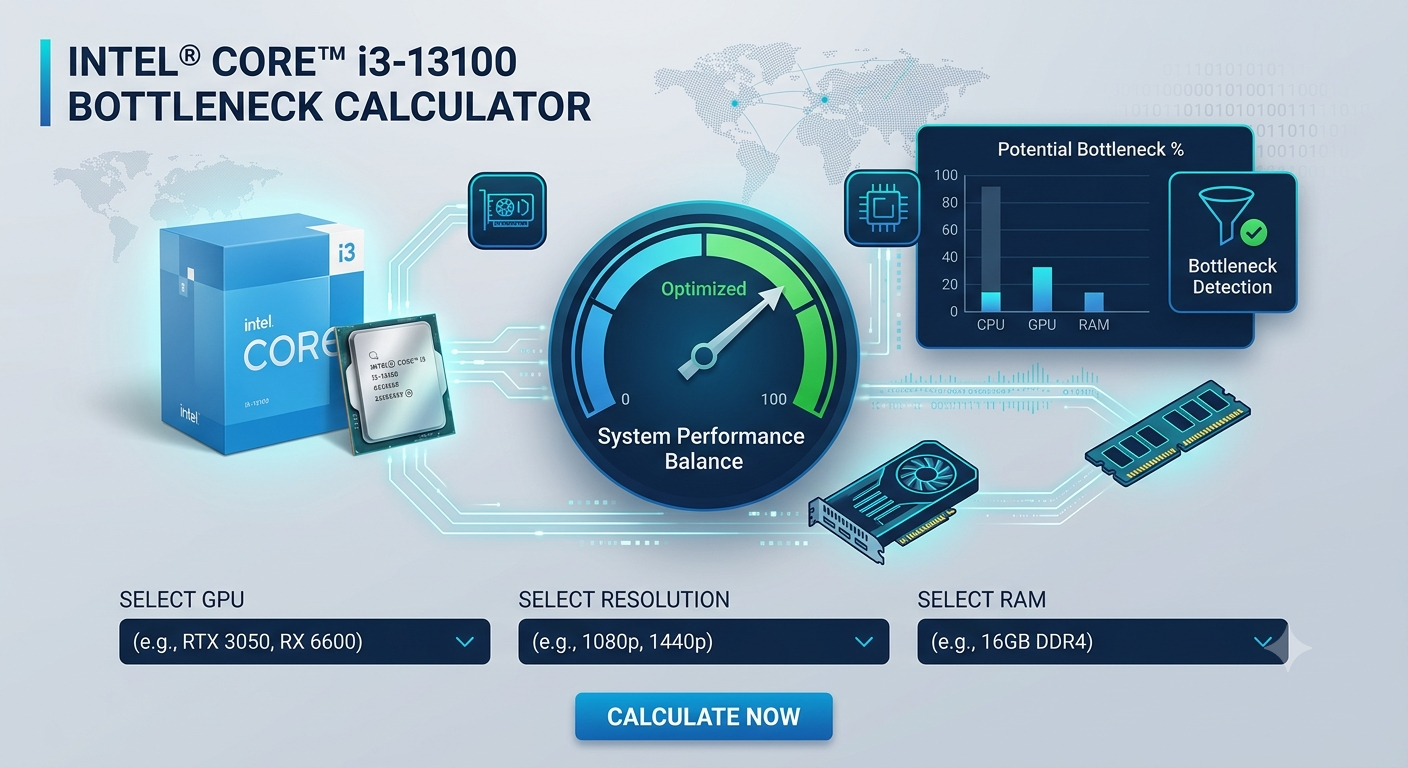
Check your specific GPU and i3-13100 pairing in the bottleneck calculator — results vary by game genre and whether XMP is enabled on your RAM.
Understanding the i3-13100's Performance Profile
The Core i3-13100 is Intel's budget entry point for the LGA1700 platform. It has:
- 4 Performance cores, 8 threads — no Efficient cores, unlike the higher i5/i7/i9 variants
- Strong single-core boost for a budget chip — 4.5GHz maximum boost clock makes it a reasonable budget gaming CPU in less demanding titles
- Low TDP (60W base / 89W PL2) — runs cool and works with almost any cooler
- LGA1700 socket — same platform as the i5-13600K and i9-14900K, allowing a future in-socket CPU upgrade without replacing the motherboard
Its 4-core design is the key constraint. Modern games increasingly benefit from 6 or more cores, and the i3-13100's 4 cores become a bottleneck in CPU-heavy game genres (open-world games, strategy, simulation) even with a modest GPU.
Safe GPU Pairings for the i3-13100
Tier 1: Excellent Pairings (No Meaningful Bottleneck)
These GPUs are matched to the i3-13100's performance ceiling — the GPU is the limiting factor as expected, and the CPU doesn't waste its potential:
- RTX 4060 — The best overall GPU for the i3-13100. Strong 1080p performance, DLSS 3, and the CPU bottleneck is minimal in most titles.
- RTX 3060 — Previous-gen but still a solid 1080p card; pairs cleanly with the i3-13100.
- RX 7600 XT — 16GB VRAM advantage at this budget tier; the i3-13100 feeds it without severe bottleneck in most games.
- RTX 3060 Ti — Mild CPU bottleneck in CPU-heavy genres at 1080p, but generally acceptable pairing.
- RX 6700 XT — Good mid-range pairing; i3-13100 handles it well in GPU-heavy titles.
Tier 2: Acceptable With Caveats (Mild to Moderate Bottleneck)
These GPUs produce a noticeable CPU bottleneck at 1080p in demanding game genres, but can be acceptable if you primarily play GPU-heavy, less CPU-intensive titles (racing games, sports games, visually-heavy single-player games):
- Understanding the i3-13100's Performance Profile
- Safe GPU Pairings for the i3-13100
- Tier 1: Excellent Pairings (No Meaningful Bottleneck)
- Tier 2: Acceptable With Caveats (Mild to Moderate Bottleneck)
- Tier 3: Avoid — Severe Bottleneck
- GPU Pairing Table — i3-13100
- Does the i3-13100 Bottleneck at 1440p?
- The Future-Proofing Consideration
- Tips to Reduce Bottleneck on i3-13100 Builds
- Key Takeaways
- RTX 4060 Ti — Mild-to-moderate CPU bottleneck at 1080p (~18–25%); the GPU is partially underutilised in CPU-heavy scenarios
- RX 7700 XT — Similar picture to the 4060 Ti; bottleneck depends heavily on game type
Tier 3: Avoid — Severe Bottleneck
These GPUs create a severe CPU bottleneck with the i3-13100 at 1080p — a large portion of the GPU's performance goes unused:
- RTX 4070 and above — 25–40%+ CPU bottleneck at 1080p; the i3-13100 significantly holds these GPUs back
- RX 7800 XT and above — Same situation; the GPU's throughput far exceeds what 4 cores can supply consistently
- Any flagship GPU — Complete mismatch; pairing the i3-13100 with an RTX 4090 is one of the most extreme budget mismatches possible
GPU Pairing Table — i3-13100
| GPU | 1080p Bottleneck | 1440p Bottleneck | Recommended? |
|---|---|---|---|
| RTX 4060 | Very Low | Negligible | ✅ Best overall match |
| RX 7600 XT | Very Low | Negligible | ✅ Best AMD match |
| RTX 3060 | Very Low | Negligible | ✅ Budget-friendly option |
| RTX 3060 Ti | Mild (~12–18%) | Very Low | ✅ Acceptable for GPU-heavy titles |
| RTX 4060 Ti | Moderate (~18–25%) | Mild | ⚠️ Okay only for GPU-heavy games |
| RTX 4070 | High (~25–35%) | Moderate (~15–22%) | ❌ Avoid — severe mismatch |
| RTX 4070 Super and above | Severe (35%+) | High | ❌ Do not pair |
Does the i3-13100 Bottleneck at 1440p?
At 1440p, the i3-13100's bottleneck with the GPUs it should be paired with (RTX 4060, RX 7600 XT) is negligible — the GPU handles the heavier workload and the CPU's 4 cores are adequate for instruction supply. However:
- At 1440p with a more powerful GPU (RTX 4070 tier), the bottleneck shifts from severe to moderate — still not ideal
- In CPU-heavy game genres at 1440p, the 4-core limitation can still cause stutter and frame drops even when GPU usage looks normal
The Future-Proofing Consideration
The i3-13100 is on the LGA1700 platform, which is shared with the i5-13600K, i7-14700K, and i9-14900K. This means an in-socket CPU upgrade — without replacing the motherboard — is a realistic future path if gaming performance needs to scale up. This matters for GPU pairing strategy:
If you buy an RTX 4060 Ti now with the i3-13100, and plan to upgrade to an i5-13600K or i7-14700K in 12–18 months, the GPU choice becomes a more defensible decision — you're buying for the future CPU, not just the current one.
Confirm that future CPU + existing GPU pairing today using the bottleneck calculator to check the bottleneck drops to an acceptable level with the planned CPU upgrade.
Tips to Reduce Bottleneck on i3-13100 Builds
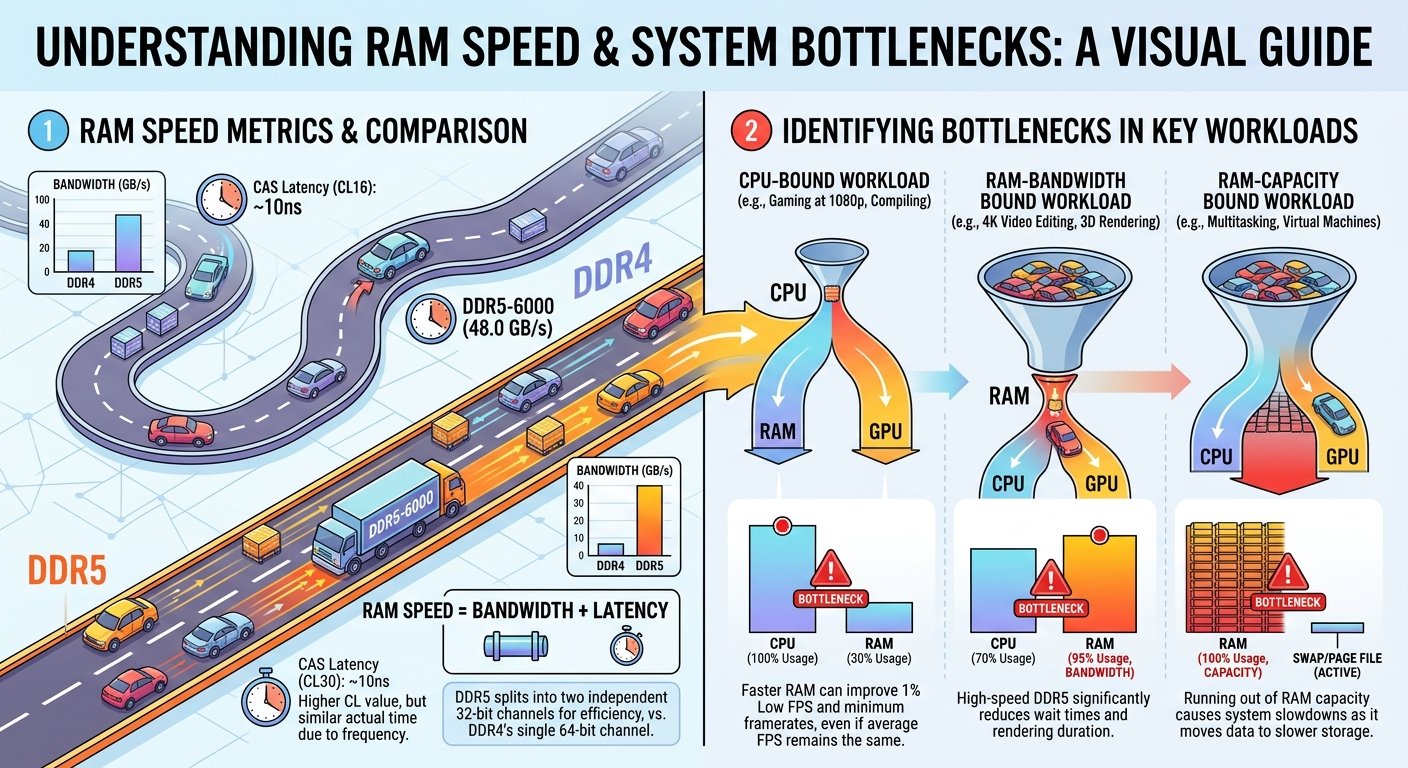
- Enable XMP in BIOS — the i3-13100 on a budget board often ships with RAM at 2133MHz; running at 3200–4800MHz with XMP reduces the CPU bottleneck measurably
- Close all background apps before gaming — 4 cores have less spare capacity for background tasks; every freed core matters
- Lower CPU-heavy settings — draw distance and NPC density specifically help in open-world titles where the i3-13100's core count is most exposed
- Match your GPU to your genre — the i3-13100 performs much better relative to a powerful GPU in GPU-bound games (racing, sports, visual showcases) than in CPU-heavy genres
Key Takeaways
- The i3-13100 pairs safely with RTX 4060, RX 7600 XT, RTX 3060, and RTX 3060 Ti — GPUs that match its 4-core performance ceiling.
- GPUs above the RTX 4070 tier create a severe CPU bottleneck at 1080p that wastes a large portion of the GPU's performance.
- At 1440p, the bottleneck is less severe but still noticeable with higher-tier GPUs — the i3-13100 is not recommended for high-end GPU builds at any resolution.
- The LGA1700 platform offers a future in-socket upgrade path to i5/i7/i9 chips, which can justify buying a slightly better GPU now if a CPU upgrade is planned.
- Enable XMP, close background apps, and lower CPU-heavy settings to squeeze the most from an i3-13100 + budget GPU pairing.
- Confirm your exact pairing in the bottleneck calculator.