Hex/Color Calculator
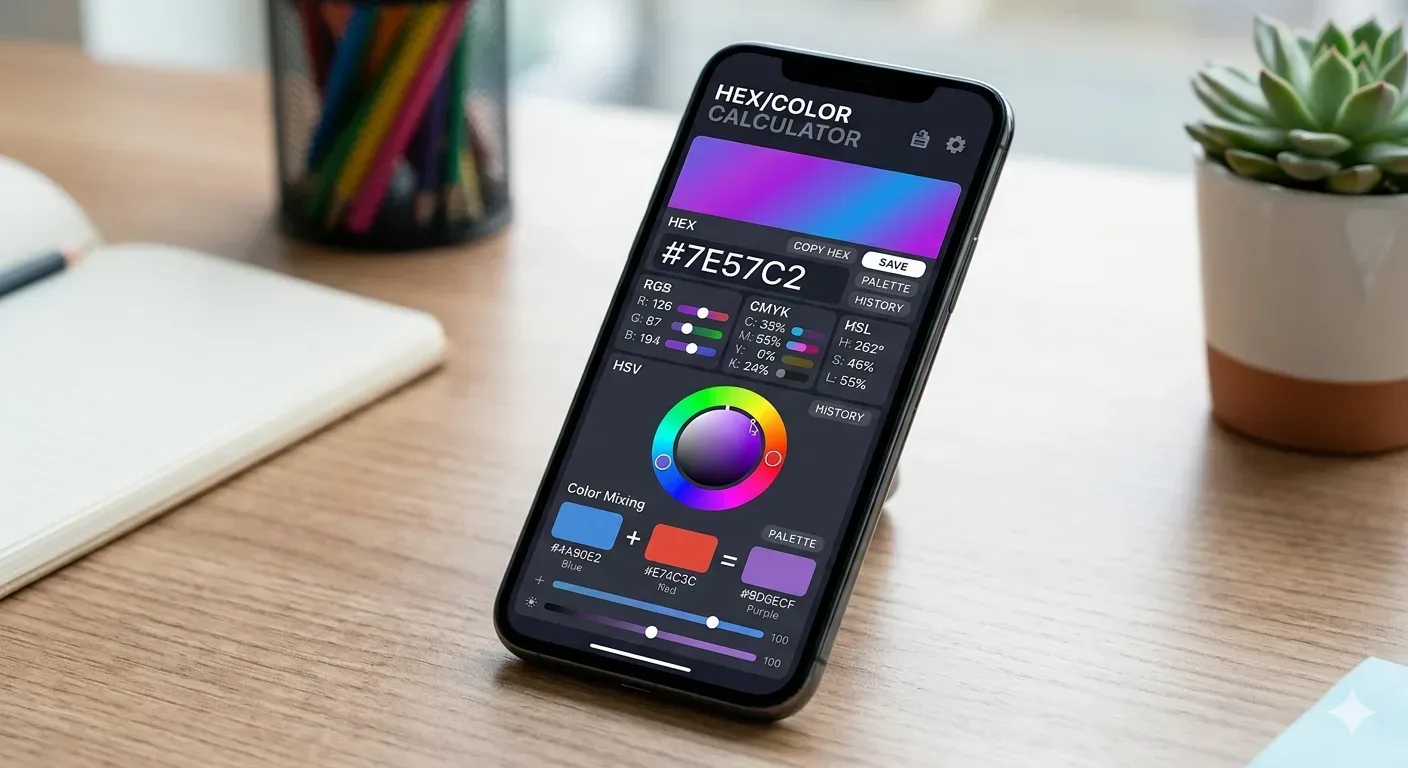
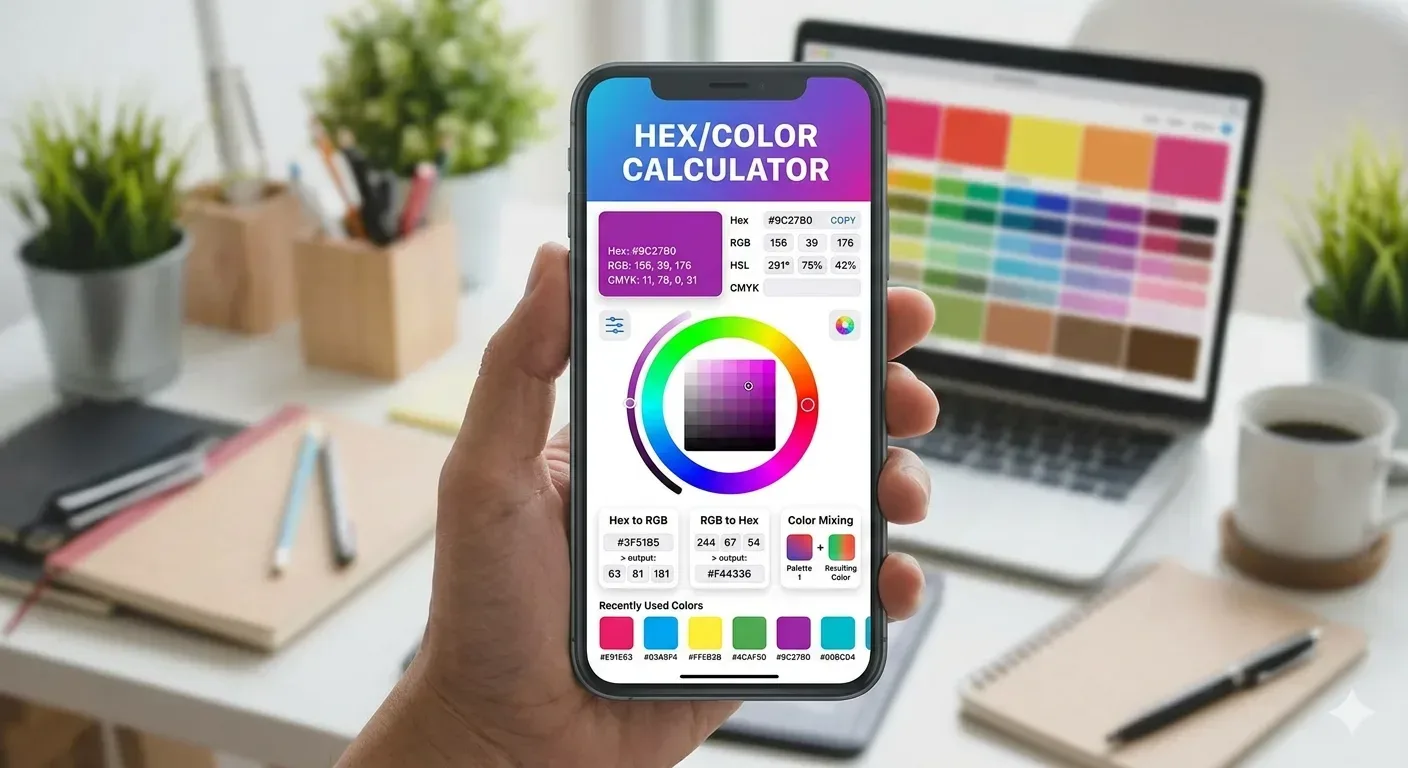
Convert colors between hex, RGB, HSL, and CMYK formats!
What Is a Hex Color Calculator
A Hex Color Calculator is a digital tool that allows designers developers artists and everyday users to work with hexadecimal color codes in a fast and accurate way. Whether you want to convert a hex code into its RGB equivalent or find a complementary color to match your brand palette a hex color calculator handles all of that work for you without requiring any manual math or guesswork.
Color in the digital world is not just a visual choice. It is a precise numerical language. Every shade every tint and every hue you see on a screen is represented by a specific number system. The hexadecimal system is one of the most widely used color notation formats across the web mobile applications graphic design software and programming environments. Understanding how to use a hex color calculator puts you in full control of that language.
This comprehensive guide covers what hex colors are how the calculator works who benefits from using it and why it has become an essential instrument in modern digital workflows. By the end of this page you will have a thorough understanding of the hex color calculator and how to get the most out of it no matter what your creative or technical goals may be.
Understanding Hexadecimal Color Codes
Before diving deep into the calculator itself it is important to understand what a hexadecimal color code actually is. The word hexadecimal comes from the Greek word for six and the Latin word for ten. In computing the hexadecimal system is a base 16 numbering system that uses 16 unique symbols to represent values. These symbols are the digits 0 through 9 and the letters A through F.
In the context of color each hex code is a six character string preceded by a hash symbol. That six character string is divided into three pairs. The first pair represents the red channel. The second pair represents the green channel. The third pair represents the blue channel. Together these three channels blend to create any color visible to the human eye on a digital display.
Each pair in a hex code can range from 00 to FF. In decimal terms this means each channel ranges from 0 to 255. That gives us 256 possible values per channel. When you multiply 256 by 256 by 256 you get over 16 million unique color combinations. This is why hexadecimal is so powerful as a color specification system.
How the Hex Color Calculator Works
The hex color calculator operates by accepting a color value in one format and converting it into multiple other formats simultaneously. Most robust hex color calculators support input and output across the following color models: hexadecimal (HEX) red green blue (RGB) hue saturation lightness (HSL) hue saturation value (HSV) and cyan magenta yellow key (CMYK).
When you type a hex code into the calculator it reads the three two character pairs and translates each from base 6 to base 10. The result is three decimal numbers that map directly to the red green and blue channels of an RGB value. From that RGB value the calculator can then derive HSL HSV and CMYK representations using well established mathematical formulas.

The Conversion Process Step by Step
To understand what the calculator is doing behind the scenes consider a practical example. Take the hex code #3A7BD5. The calculator splits this into three pairs: 3A for red 7B for green and D5 for blue. It then converts each pair from hexadecimal to decimal. The result is RGB (58 123 213) which is a medium bright blue tone. The calculator continues and derives the HSL value which in this case would be approximately HSL (217 degrees 61% 53%).
Color Relationship Tools Inside the Calculator
Beyond simple conversion a comprehensive hex color calculator also helps you discover color relationships. These relationships are based on color wheel theory that artists and designers have used for centuries. The main relationship types include: Complementary (the color directly opposite on the color wheel) Analogous (colors adjacent on the color wheel) Triadic (three colors evenly spaced at 120 degrees apart) Split Complementary and Tetradic. Each of these is derived mathematically from the hue angle of your input color.
Who Uses a Hex Color Calculator and Why
The reach of the hex color calculator extends far beyond any single profession or hobby. It serves a remarkably diverse range of users each with different goals but all united by the need for color precision.
Web Developers and Front End Engineers
Web developers use hex color codes constantly in CSS stylesheets and HTML markup. When a designer hands off a brand color in RGB format a developer needs to convert it to hex before dropping it into the code. The hex color calculator makes that conversion instant. It also helps developers maintain consistency across components by providing exact codes rather than visual approximations.
Graphic and UI Designers
Designers working in Figma Adobe XD Sketch or Illustrator frequently need to move color values between different tools. The hex color calculator serves as the universal translator between all of these environments. UI designers use complementary and analogous color generators within the calculator to build accessible and visually appealing interfaces.
Print and Branding Professionals
Brand managers and print designers must ensure that digital colors translate accurately to physical materials. A logo that appears vibrant on screen may look dull in print if the CMYK values are not correctly specified. The hex color calculator bridges this gap by converting digital hex values into CMYK percentages that print shops can use directly in their color management systems.
Digital Artists and Game Developers
Artists working in programs like Procreate Photoshop or Clip Studio Paint use the hex color calculator to convert reference colors into precise usable values. Game developers use it to maintain visual consistency across large projects with multiple team members. Sharing a hex code is far more reliable than describing a color verbally.
Understanding All the Color Models Your Calculator Handles
HEX The Web Standard
The hexadecimal color format is the default language of the web. Every color in a CSS file can be written as a hex code. Browsers interpret hex codes natively without any conversion overhead. Hex codes are compact and easy to copy paste between applications. A hex code like #F0A500 means exactly the same thing in every context everywhere in the world.
RGB The Screen Model
RGB stands for Red Green Blue and it is the fundamental model used by digital displays. Every pixel on your screen is made up of three tiny lights: one red one green and one blue. By varying the intensity of each light from 0 to 255 the screen creates every visible color. RGB is often preferred in programming contexts because it maps directly to how screens produce light.
HSL The Designer Model
HSL stands for Hue Saturation and Lightness. This model was created because RGB is not intuitive for humans to manipulate. In HSL you simply increase the L value to make a color lighter. Hue is the color angle on the color wheel from 0 to 360 degrees. Saturation is the intensity from 0% (grey) to 100% (full pure color). Lightness goes from 0% (black) to 100% (white).
CMYK The Print Model
CMYK stands for Cyan Magenta Yellow and Key (black). Unlike the others CMYK is a subtractive color model meaning colors are created by subtracting light rather than adding it. This is how ink on paper works. A hex color calculator that includes CMYK conversion is invaluable for anyone who works across both digital and physical media.
Practical Applications of the Hex Color Calculator
Building a Brand Color System
When a company establishes its visual identity the brand guidelines document will include specific color codes. Starting from a single brand hex code the calculator can output RGB values for screens CMYK values for print and HSL values for CSS usage. This ensures the brand color looks as consistent as possible across all surfaces.
Checking Accessibility Contrast Ratios
Web Content Accessibility Guidelines require that text and background colors maintain a certain contrast ratio to ensure readability for users with visual impairments. Advanced hex color calculators include a contrast checker that takes two hex codes and returns the contrast ratio between them. A ratio of 4.5 to 1 is required for normal text and 3 to 1 for large text to meet the AA standard.
Creating Gradient Palettes
Modern digital design makes extensive use of gradients. Using the hex color calculator you can start with your primary brand color and generate lighter and darker variants by adjusting HSL values and converting them back to hex. The result is a gradient palette that is mathematically consistent and visually smooth.
Tips for Getting the Most Out of Your Hex Color Calculator
Start with HSL when creating palettes. If you are building a color palette from scratch start in HSL rather than hunting for hex codes at random. Choose a hue angle that fits your desired mood then create a range of saturation and lightness combinations. Convert each to hex at the end. This approach gives you a palette that has mathematical harmony built into it from the very beginning.
Bookmark your brand colors. Most online hex color calculators allow you to save or bookmark specific colors. Make use of this feature by saving your brand colors palette. Every time you need to work with those colors they are immediately accessible without having to type them in from memory.
Use complementary colors for call to action elements. When designing buttons or other call to action elements use the complementary color of your primary brand color. The hex calculator will compute this for you automatically. Complementary colors sit opposite each other on the color wheel which creates maximum visual contrast and naturally draws the eye toward the element.
Understand the difference between tints and shades. A tint is a color mixed with white and a shade is a color mixed with black. In HSL terms a tint increases lightness while a shade decreases lightness. Using the hex calculator to generate both tints and shades of your primary color gives you a rich range of values that all harmonize because they share the same hue identity.
The History and Evolution of Hex Color Codes
Hexadecimal color codes did not appear out of nowhere. Their adoption was a practical response to the way computers process information. Early computer systems worked in binary meaning everything was expressed as 0s and 1s. Hexadecimal was adopted as a shorthand for binary because each hex digit perfectly represents exactly four binary digits.
When the World Wide Web began to emerge in the early 1990s web browsers needed a standard way to define colors in HTML documents. The hexadecimal color notation was formally supported by Netscape Navigator and later standardized in the HTML specification. From that point forward hex codes became the universal language of web color.
Early web designers worked with what was known as the web safe color palette which was a set of 216 colors that displayed consistently across all monitors and operating systems of the era. As monitor technology improved and 24 bit color became standard the web safe palette became obsolete and designers gained access to the full 16 million plus color spectrum that hex codes can represent.
Advanced Features Found in Professional Hex Color Calculators
Color Blindness Simulation
Approximately 8% of men and 0.5% of women experience some form of color vision deficiency. Professional hex color calculators include color blindness simulation modes that show you how your chosen colors appear to users with conditions like deuteranopia or protanopia. This helps designers make intentional inclusive decisions.
Gradient Generator
Some hex calculators include a gradient generator that takes two hex codes and produces a smooth series of intermediate colors. You can specify how many steps you want in the gradient and the tool calculates each intermediate hex value using linear interpolation in RGB or HSL space. This is perfect for generating gradient backgrounds color scale components or data visualization color ramps.
Named Color Lookup
CSS includes 140 named colors ranging from familiar names like red and blue to obscure ones like cornsilk and papayawhip. A full featured hex color calculator includes a named color lookup that lets you search by color name and immediately see the corresponding hex code.
Read More : Bottleneck Calculator
Conclusion Why Every Designer and Developer Needs a Hex Color Calculator
Color is not decoration. In digital design and development color is communication. It sets the emotional tone of a product. It guides users toward important actions. It defines a brand identity and distinguishes one company from another. Getting color right is not optional it is fundamental.
The hex color calculator is the tool that makes getting color right achievable for everyone. It removes the math barrier that might otherwise make working with color codes intimidating. It converts instantly between every major color format. It reveals color relationships that support principled palette building. It helps verify accessibility compliance. And it bridges the gap between digital screens and physical print materials.
Whether you are a seasoned designer who works in color every day or a developer who just needs to quickly translate a design spec into a CSS value the hex color calculator is one of the most consistently useful tools in the modern digital toolkit. Understanding it deeply makes you a more confident and capable creator. Colors are numbers. Numbers have relationships. And the hex color calculator is the tool that helps you harness both.
A hex color calculator goes well beyond what a basic color picker offers. While a color picker lets you visually select a color and outputs a single code format a hex color calculator converts between multiple color models at the same time. You get the hex code alongside RGB HSL HSV and CMYK values all at once. It also offers advanced features like complementary color generation contrast ratio checking and palette creation tools.
Yes absolutely. A quality hex color calculator will include CMYK conversion which is the color model used in professional printing. However there is an important limitation to keep in mind. The range of colors you can reproduce on screen is larger than what ink on paper can achieve. The CMYK values from the calculator give you the closest possible print equivalent but always request a physical proof from your printer before finalizing large-scale print jobs.
A full hex code contains six characters after the hash symbol such as #AABBCC. A shorthand hex code uses only three characters such as #ABC. The shorthand is valid only when each pair of characters in the full code is identical. In the example above #AABBCC can be shortened to #ABC because AA simplifies to A and BB to B and CC to C. Not every hex code qualifies for shorthand notation.
Standard six-character hex codes do not support transparency. However an eight-character hex code can include an alpha (opacity) channel. In this extended format the first two additional characters represent the alpha value from 00 (fully transparent) to FF (fully opaque). For example #FF573380 would be the color #FF5733 at 50% opacity. CSS and most modern design tools support eight-character hex codes.
Hex to CMYK conversion in a standard calculator gives you a mathematically derived approximation. The conversion is accurate within the constraints of a standard color profile. However professional print work often uses ICC color profiles that are device-specific. For mission-critical print projects a professional designer will use color management software with the appropriate ICC profiles rather than relying solely on a web-based hex calculator.
Yes and this is one of its most valuable professional applications. A hex color calculator with a contrast ratio checker allows you to input two hex codes and it will compute the luminance ratio between them. The WCAG 2.1 accessibility standard requires a minimum ratio of 4.5 to 1 for normal body text and 3 to 1 for large text to meet the AA compliance level.
This is a perceptual phenomenon related to how the human eye processes color. Our eyes are not equally sensitive to changes in all parts of the color spectrum. We are far more sensitive to changes in green than in blue for example. So two hex codes that differ by a small value in the blue channel may look nearly identical while the same difference in the green channel will appear noticeably different.
The most common approach is to use the eyedropper or color sampling tool that comes built into most hex color calculators. Many calculators also work with image uploads where you can drop a photo into the tool and click anywhere to sample the hex code at that point. Mobile apps like Adobe Capture can use your phone camera to sample real-world colors and output hex codes as well.
Pure white is #FFFFFF because all three channels are at their maximum value of 255. Pure black is #000000 because all channels are at 0. Pure red is #FF0000. Pure green is #00FF00. Pure blue is #0000FF. Pure yellow is #FFFF00. Pure cyan is #00FFFF. Pure magenta is #FF00FF. These foundational codes are the building blocks of the entire hex color system.
The hex code values themselves are identical across all platforms and tools. #FF5733 means the same color everywhere. The differences you may encounter are in how tools display and accept input. Some tools include the hash symbol in their input field and some do not. Figma displays colors in HEX RGB HSL and HSB and all values are interchangeable. The hex color calculator produces output that is compatible with all of these environments.