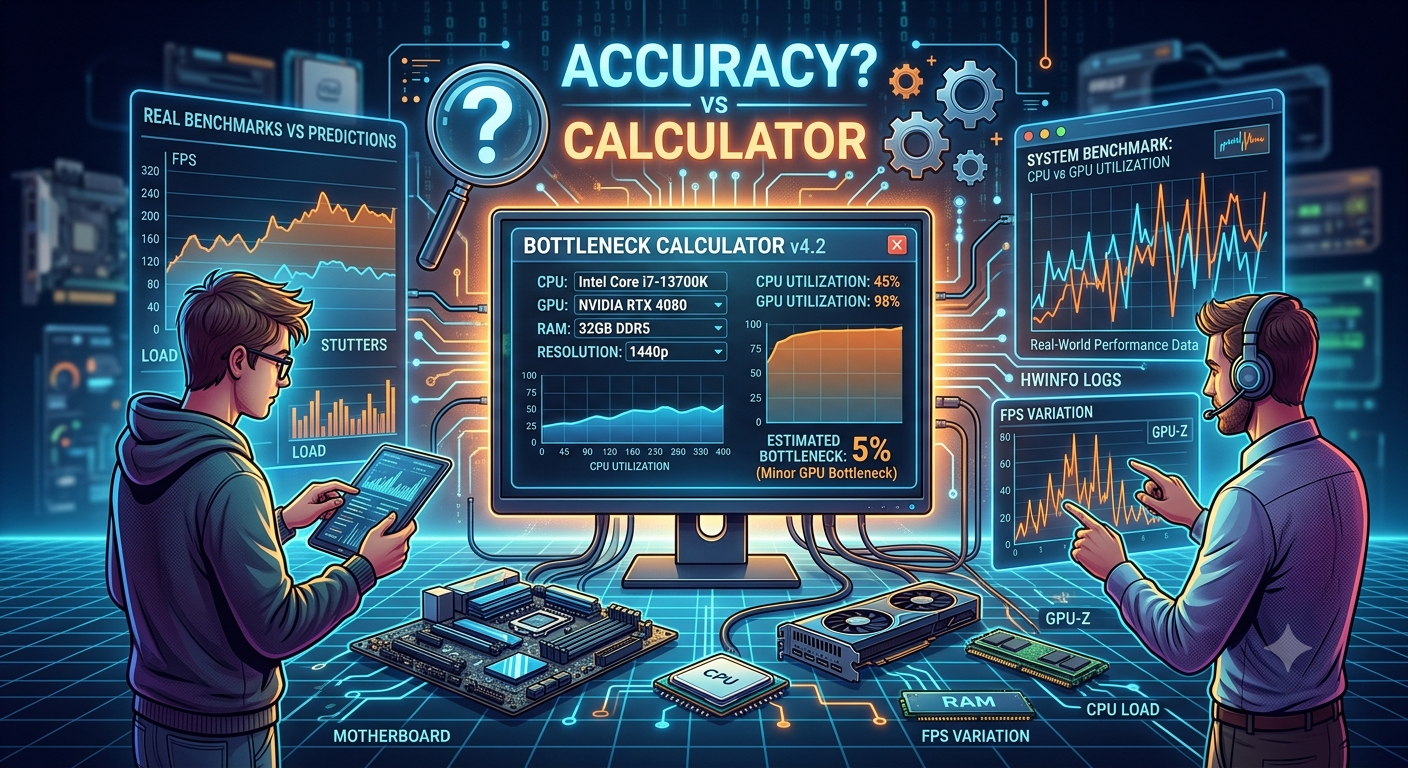
How Accurate Are Bottleneck Calculators
How Accurate Are Bottleneck Calculators?
Bottleneck calculators are moderately accurate for estimating CPU-GPU balance at a general level but they are not a substitute for real-world benchmarks. They use hardware specifications and known performance tiers to predict bottleneck percentage, which makes them useful for quick build decisions but imprecise for specific game performance.
What Does a Bottleneck Calculator Actually Measure?
A bottleneck calculator does not run your system. Instead, it:
· Compares CPU and GPU relative performance tiers using benchmark databases
· Estimates which component will limit the other based on resolution and use case
· Returns a percentage estimate of bottleneck imbalance
Think of it like a compatibility check, not a performance test.
What Bottleneck Calculators Get Right
✅ General CPU-GPU Balance
If you pair a budget CPU like an Intel Core i3-12100 with an RTX 4090, every bottleneck calculator will correctly flag a severe CPU bottleneck. These extreme mismatches are reliably detected.
✅ Resolution Sensitivity
Good calculators adjust predictions based on resolution. A CPU bottleneck at 1080p often disappears at 4K — and calculators handle this relationship accurately.
- What Does a Bottleneck Calculator Actually Measure?
- What Bottleneck Calculators Get Right
- ✅ General CPU-GPU Balance
- ✅ Resolution Sensitivity
- ✅ Use Case Differentiation
- ✅ Quick Build Sanity Check
- What Bottleneck Calculators Get Wrong
- ❌ Game-Specific Variation
- ❌ Background Processes
- ❌ RAM Speed and Capacity
- ❌ Driver and Software Optimization
- ❌ Thermal Throttling
- Accuracy by Use Case
- How to Use a Bottleneck Calculator Correctly
- Are Free Bottleneck Calculators as Accurate as Paid Tools?
- The Bottom Line: Should You Trust a Bottleneck Calculator?
- Key Takeaways
✅ Use Case Differentiation
Calculators that separate gaming vs. video editing vs. streaming give more precise results because CPU demand varies dramatically by workload.
✅ Quick Build Sanity Check
Before spending $300 on a GPU upgrade, a calculator can confirm whether your CPU will hold it back — saving real money.
What Bottleneck Calculators Get Wrong
❌ Game-Specific Variation
Some games are CPU-heavy (strategy, simulation, open world). Others are GPU-bound. A calculator gives an average estimate, not a per-title breakdown.
❌ Background Processes
Your actual bottleneck depends on what else is running — browser tabs, Discord, streaming software. Calculators assume a clean gaming environment.
❌ RAM Speed and Capacity
Most calculators don't account for RAM speed (e.g., DDR4-3200 vs DDR4-2133) or whether you're running dual-channel. Slow or single-channel RAM can cause real bottlenecks that calculators miss.
❌ Driver and Software Optimization
A freshly optimized driver can shift GPU performance by 5–15%. Calculators use static benchmark data that may be months old.
❌ Thermal Throttling
If your CPU is overheating and throttling, its real-world performance drops significantly. A calculator assumes your hardware runs at rated clock speeds.
Accuracy by Use Case
|
Use Case |
Accuracy Level |
Reason |
|
Identifying severe mismatches |
★★★★★ |
Very reliable |
|
1080p gaming estimate |
★★★★☆ |
Good baseline |
|
1440p gaming estimate |
★★★★☆ |
Good baseline |
|
4K gaming estimate |
★★★☆☆ |
Varies by game |
|
Video editing / rendering |
★★★☆☆ |
CPU complexity varies |
|
Streaming builds |
★★★☆☆ |
Encoder type matters |
|
Specific game FPS prediction |
★★☆☆☆ |
Too game-dependent |
How to Use a Bottleneck Calculator Correctly
1. Input your exact CPU and GPU model — don't substitute similar models
2. Set the correct resolution — 1080p vs 4K gives very different results
3. Select the right use case — gaming vs creative work vs general use
4. Treat the result as a range, not a precise number
5. Cross-check with real benchmarks on YouTube or sites like UserBenchmark, TechPowerUp
�� Pro Tip: Use our Bottleneck Calculator to get your estimate, then search "[your CPU] + [your GPU] benchmark" on YouTube to validate with real-world data.
Are Free Bottleneck Calculators as Accurate as Paid Tools?
Yes for most users. Paid bottleneck analysis tools exist for enterprise hardware procurement but offer little advantage for PC gaming builds. The core data (CPU/GPU benchmarks) is publicly available and regularly updated by the community.
Our free bottleneck calculator uses up-to-date benchmark tiers and resolution-aware logic to give you a reliable estimate at no cost.
The Bottom Line: Should You Trust a Bottleneck Calculator?
Trust it for: Identifying obvious mismatches, comparing two build options, and getting a ballpark confidence check before a purchase.
Don't trust it for: Predicting exact FPS in a specific game, accounting for thermal or RAM issues, or replacing real-world testing.
Used correctly, a bottleneck calculator is one of the most useful free tools in PC building — as long as you understand its limitations.
Key Takeaways
· Bottleneck calculators are reliable for detecting severe mismatches and general build balance
· They are less accurate for game-specific performance, RAM issues, or thermal throttling scenarios
· Always use the correct resolution and use case settings for the most accurate result
· Treat calculator output as a starting estimate, then validate with real benchmarks
· Our free calculator and Compare Tool give you a solid foundation for any build decision


