GPU Bottleneck Explained: Is It Actually Good or Bad?
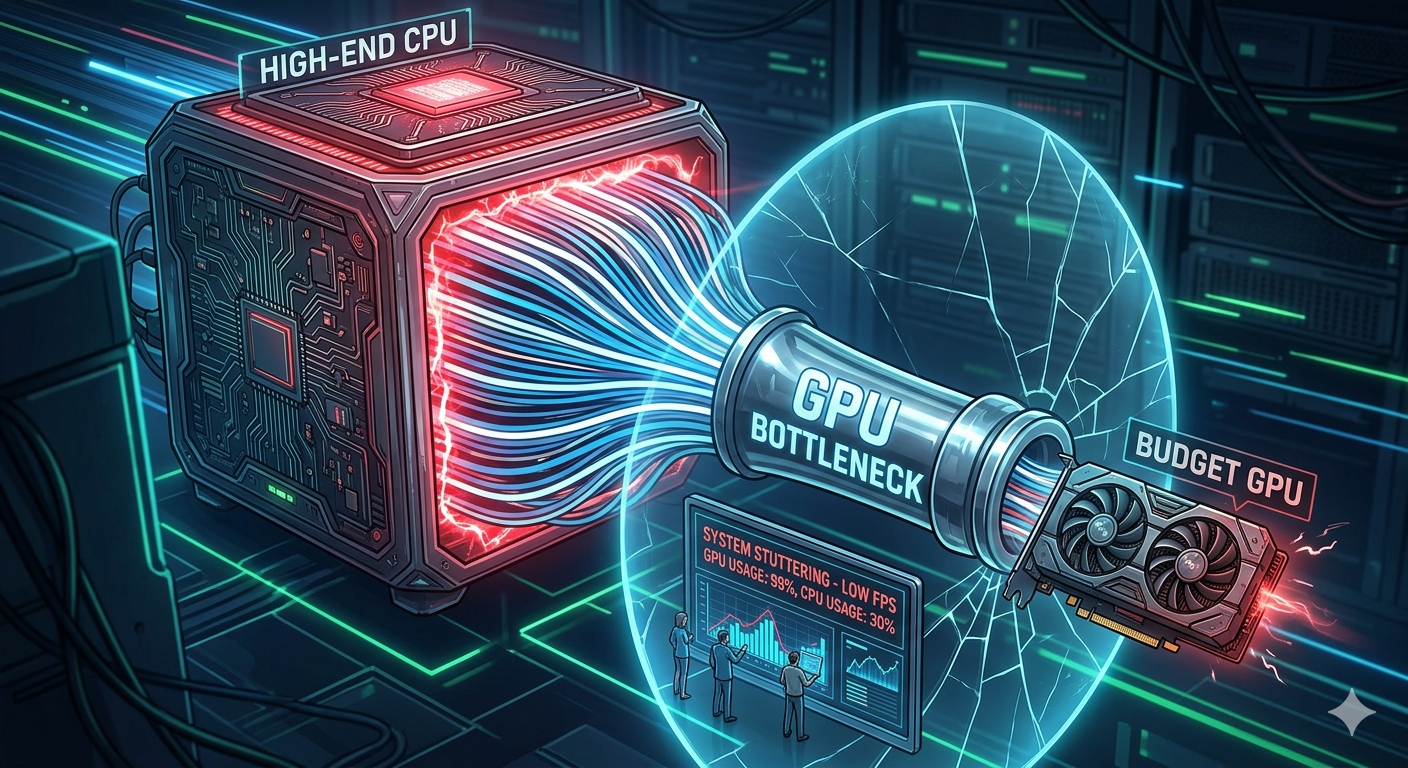
A GPU bottleneck happens when your graphics card is the limiting factor in your system it runs at or near 100% usage while your CPU has spare capacity left over. Unlike a CPU bottleneck, a GPU bottleneck is usually a good thing in gaming, because it means your most expensive component is being fully utilized rather than sitting idle.
What a GPU Bottleneck Actually Means
Every gaming PC has two main components working together: the CPU prepares instructions, and the GPU renders the frame. When the GPU is the bottleneck, it means the CPU is feeding it data faster than it can render the GPU simply can't keep up. This is the opposite usage pattern of a CPU bottleneck:
· GPU usage near 100%, CPU usage with headroom remaining → GPU bottleneck
· GPU usage below 90%, CPU usage near 100% → CPU bottleneck
Why a GPU Bottleneck Is Usually Desirable
When your GPU is the limiting factor, it tells you two good things at once:
1. Your processor was not over-specified. You didn't overspend on a CPU that's more powerful than your build needs.
- What a GPU Bottleneck Actually Means
- Why a GPU Bottleneck Is Usually Desirable
- When a GPU Bottleneck Becomes a Real Problem
- How Resolution and Settings Affect GPU Bottlenecks
- GPU Bottleneck vs CPU Bottleneck: Quick Comparison
- How to Check Whether You Have a GPU Bottleneck
- How to Fix or Reduce a GPU Bottleneck
- Key Takeaways
2. A future GPU upgrade will directly translate into better performance, since the CPU already has the headroom to support a faster card.
This is why, when choosing between a CPU bottleneck and a GPU bottleneck, most performance guides recommend leaning toward the GPU being the limiting component your investment in the graphics card is being fully realized.
When a GPU Bottleneck Becomes a Real Problem
A GPU bottleneck only becomes an issue when the resulting frame rate is too low for your needs. If your GPU is at 100% usage but you're only getting 40 FPS at your target settings, the calculator will correctly identify a GPU bottleneck and in that specific case, upgrading the GPU is the right move, regardless of how much CPU headroom exists.
In short: a GPU bottleneck isn't a problem by definition. It's only a problem if the frame rate it produces is unacceptable for what you're trying to do.
How Resolution and Settings Affect GPU Bottlenecks
GPU bottlenecks become more pronounced and more expected at higher resolutions and visual settings:
· 1080p: GPU finishes frames quickly; the CPU often becomes the larger factor (more likely a CPU bottleneck)
· 1440p: A more balanced load between CPU and GPU
· 4K with ray tracing and max texture quality: Almost always shifts the bottleneck firmly onto the GPU, which is normal and expected behavior
This is exactly why a good bottleneck calculator factors in your target resolution the same CPU/GPU pairing can show a CPU bottleneck at 1080p and a GPU bottleneck at 4K.
GPU Bottleneck vs CPU Bottleneck: Quick Comparison
|
|
GPU Bottleneck |
CPU Bottleneck |
|
Usage pattern |
GPU ~100%, CPU has headroom |
CPU ~100%, GPU below 90% |
|
Generally desirable? |
Yes, in most gaming scenarios |
No — GPU investment is underused |
|
Best fix if severe |
Upgrade GPU, lower settings |
Upgrade CPU, lower CPU-heavy settings |
|
More common at |
Higher resolutions (1440p, 4K) |
Lower resolutions (1080p), CPU-heavy games |
How to Check Whether You Have a GPU Bottleneck
The most reliable shortcut is entering your exact CPU and GPU models into a bottleneck calculator, which will tell you the bottleneck percentage and exactly which component is the limiting factor for your chosen resolution and use case no manual monitoring required.
If you want to verify manually, watch your GPU usage in an overlay during gameplay. If it consistently sits near 100% while CPU usage has room to spare, you have a GPU bottleneck.
How to Fix or Reduce a GPU Bottleneck
· Lower GPU-intensive settings resolution scale, ray tracing, texture quality, and anti-aliasing all ease GPU load
· Update GPU drivers new driver releases frequently include game-specific performance optimizations
· Undervolt or tune your GPU curve can recover some performance headroom without changing settings
· Upgrade the GPU if the resulting frame rate is below your target, since this is the legitimate fix when a GPU bottleneck is actually limiting your experience
Before buying a new graphics card, run your current CPU against the prospective GPU in the Compare Systems tool to confirm your processor can actually keep up with the new card.
Key Takeaways
· A GPU bottleneck means your graphics card, not your CPU, is the limiting factor and it's usually a good sign for gamers.
· It becomes a real problem only when the resulting frame rate is too low for your needs.
· Higher resolutions (1440p, 4K) naturally shift bottlenecks toward the GPU; lower resolutions shift them toward the CPU.
· The fix for a problematic GPU bottleneck is lowering settings or upgrading the GPU not the CPU.
· Use a bottleneck calculator to confirm which component is actually limiting your specific build before spending on an upgrade.


