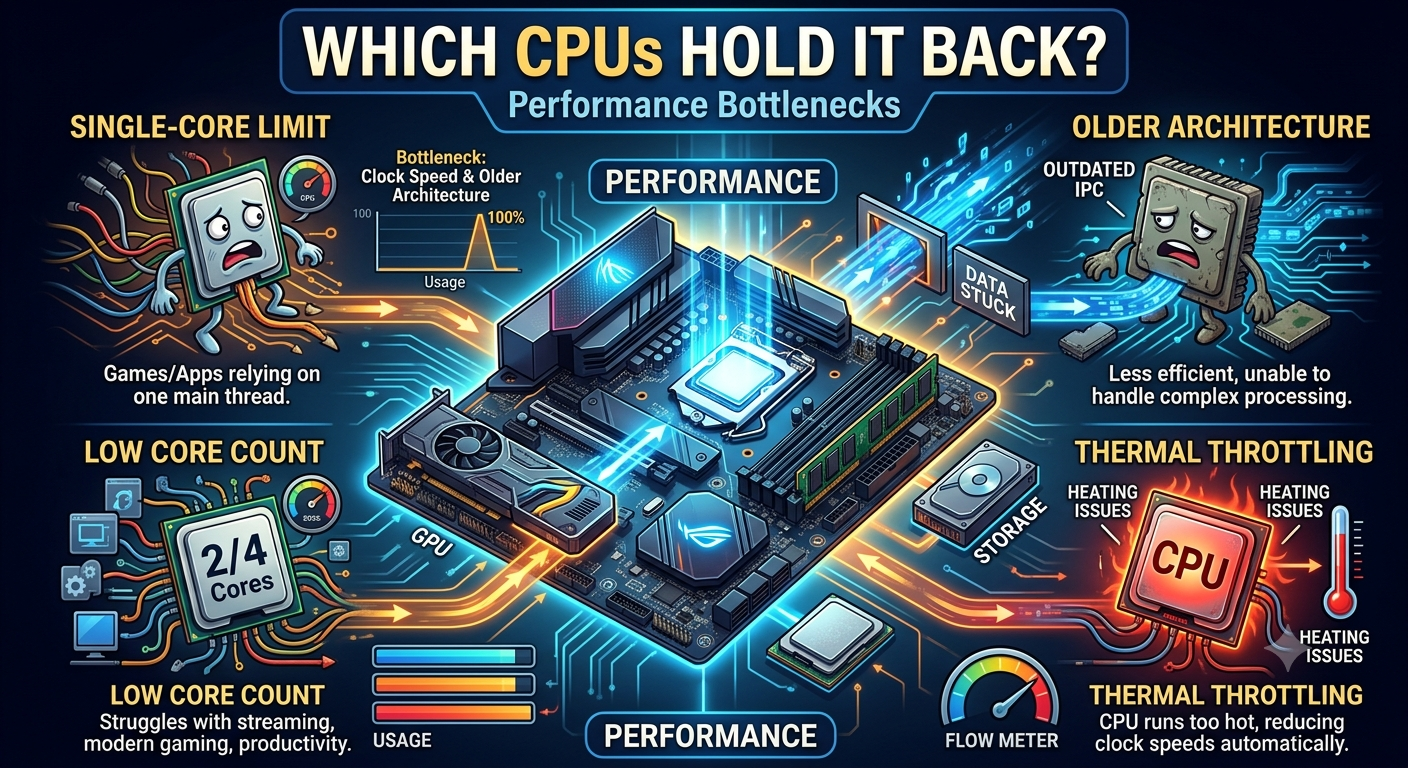
RTX 4090 Bottleneck Calculator: Which CPUs Hold It Back?
The RTX 4090 is bottlenecked by virtually every consumer CPU at 1080p to some measurable degree it's simply faster than any current processor can fully utilize at that resolution. At 1440p, top-tier CPUs (Ryzen 7 7800X3D class and above) reduce the bottleneck to near-negligible levels. At 4K, the GPU is the dominant workload and CPU choice has minimal impact on frame rate. The exact percentage for your specific CPU is best confirmed by entering it directly into the bottleneck calculator.
Why the RTX 4090 Bottlenecks Differently Than Other GPUs
Every GPU has a performance ceiling the maximum frame rate it can render at any given settings. The RTX 4090's ceiling is so high that even the fastest consumer CPUs struggle to keep it fully occupied at 1080p. This creates a unique situation where the "bottleneck" isn't caused by a poor CPU choice it's caused by the RTX 4090 being faster than the CPU supply chain can sustain.
At higher resolutions, this dynamic reverses, because rendering more pixels takes the GPU longer and brings it back in line with what the CPU can deliver.
CPU Bottleneck Tiers for the RTX 4090
Tier 1: Minimal Bottleneck (Best Pairings)
These CPUs produce the smallest bottleneck with the RTX 4090 across all resolutions. At 1440p and above, the bottleneck is effectively negligible.
- AMD Ryzen 9 7950X3D
- AMD Ryzen 7 7800X3D
- AMD Ryzen 9 9950X
- Intel Core i9-14900KS / i9-14900K
At 1080p: Still a measurable CPU bottleneck in the most CPU-intensive game genres, but the smallest available. These are the correct CPUs if 1080p high-refresh gaming is your primary use case.
- Why the RTX 4090 Bottlenecks Differently Than Other GPUs
- CPU Bottleneck Tiers for the RTX 4090
- Tier 1: Minimal Bottleneck (Best Pairings)
- Tier 2: Mild Bottleneck (Good Pairings With Caveats)
- Tier 3: Moderate Bottleneck (Acceptable Only at 1440p/4K)
- Tier 4: Significant Bottleneck (RTX 4090 Is Largely Wasted)
- Bottleneck Summary by Resolution
- What Happens When You Underspend on a CPU With the RTX 4090
- How to Check Your Specific CPU
- Key Takeaways
Tier 2: Mild Bottleneck (Good Pairings With Caveats)
These CPUs pair well at 1440p and 4K but show a noticeable CPU bottleneck at 1080p in demanding titles.
- Intel Core i7-14700K
- AMD Ryzen 9 7900X3D
- AMD Ryzen 9 7900X
- Intel Core i9-13900K
At 1440p: Acceptable, usually under 15% bottleneck. At 1080p, expect 15–25% depending on game genre.
Tier 3: Moderate Bottleneck (Acceptable Only at 1440p/4K)
These CPUs are solid mid-to-high-range performers but produce a CPU bottleneck with the RTX 4090 at 1080p that limits the GPU's value at that resolution.
- AMD Ryzen 7 7700X
- Intel Core i7-13700K
- AMD Ryzen 5 7600X
- Intel Core i5-13600K
At 1440p: Mild-to-moderate bottleneck (~15–22%). At 4K the bottleneck is minimal. At 1080p it can reach 25%+ in CPU-heavy titles.
Tier 4: Significant Bottleneck (RTX 4090 Is Largely Wasted)
These CPUs produce a significant CPU bottleneck at 1080p and 1440p, meaning a large portion of the RTX 4090's performance is unused.
- Any pre-2020 CPU
- Budget quad-cores or hex-cores from older generations
- Any CPU running RAM below its rated speed without XMP/EXPO enabled
At these combinations, the RTX 4090's performance advantage over a cheaper GPU like an RTX 4080 or 4080 Super may be barely detectable, because the CPU is limiting both equally.
Bottleneck Summary by Resolution
| Resolution | Safe CPUs (Under 10% Bottleneck) | Moderate CPUs (10–20%) | Avoid |
|---|---|---|---|
| 1080p | Ryzen 7 7800X3D, Ryzen 9 7950X3D | i9-14900K, Ryzen 9 7900X3D | Everything below i7/Ryzen 7 tier |
| 1440p | Ryzen 7 7800X3D, i9-14900K, i7-14700K | i5-13600K, Ryzen 5 7600X | Pre-2020 CPUs |
| 4K | Any current-gen 8-core+ CPU | Current-gen 6-core CPUs | Pre-2019 quad-cores |
What Happens When You Underspend on a CPU With the RTX 4090
Pairing an RTX 4090 with a budget or mid-range CPU doesn't break anything — but it means you're paying for the fastest consumer GPU available and then leaving a significant portion of its performance idle. At an RTX 4090 price point, the CPU budget should reflect the GPU tier.
A practical rule: for an RTX 4090 build, your CPU should account for at least 20–25% of your total build budget. Skimping on the CPU while buying the most expensive GPU on the market is the most costly bottleneck mistake you can make.
How to Check Your Specific CPU
Every CPU behaves slightly differently with the RTX 4090 depending on core count, clock speed, cache size, and the RAM configuration it's running with. The bottleneck percentages above are directional guides your exact number requires entering your specific model into the bottleneck calculator. For more detail on the best specific CPUs to pair with the 4090, see our best CPU for RTX 4090 guide.
Key Takeaways
- The RTX 4090 produces some degree of CPU bottleneck with virtually every current consumer CPU at 1080p this is a consequence of the GPU being faster than any processor can fully utilize at that resolution.
- At 1440p, top-tier CPUs (Ryzen 7 7800X3D, i9-14900K class) keep the bottleneck below 10%.
- At 4K, the RTX 4090 is GPU-limited and CPU choice has minimal impact on frame rate.
- Budget CPUs with the RTX 4090 create a severe mismatch the GPU's performance advantage over cheaper alternatives largely disappears when the CPU can't feed it properly.
- Use the bottleneck calculator with your exact CPU model to get a precise percentage rather than relying on tier generalizations.