Motherboard Bottlenecks: Can Your Mobo Slow Down Your Build?
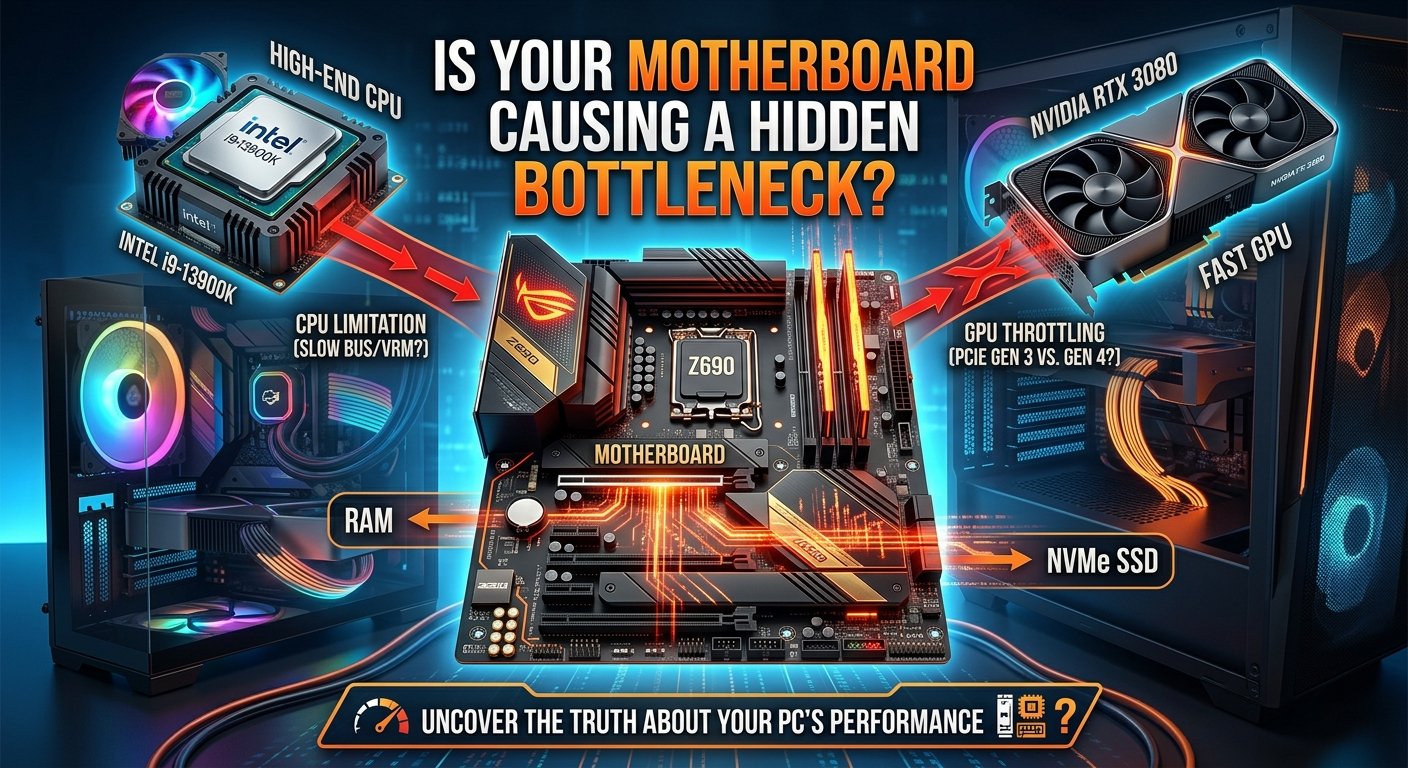
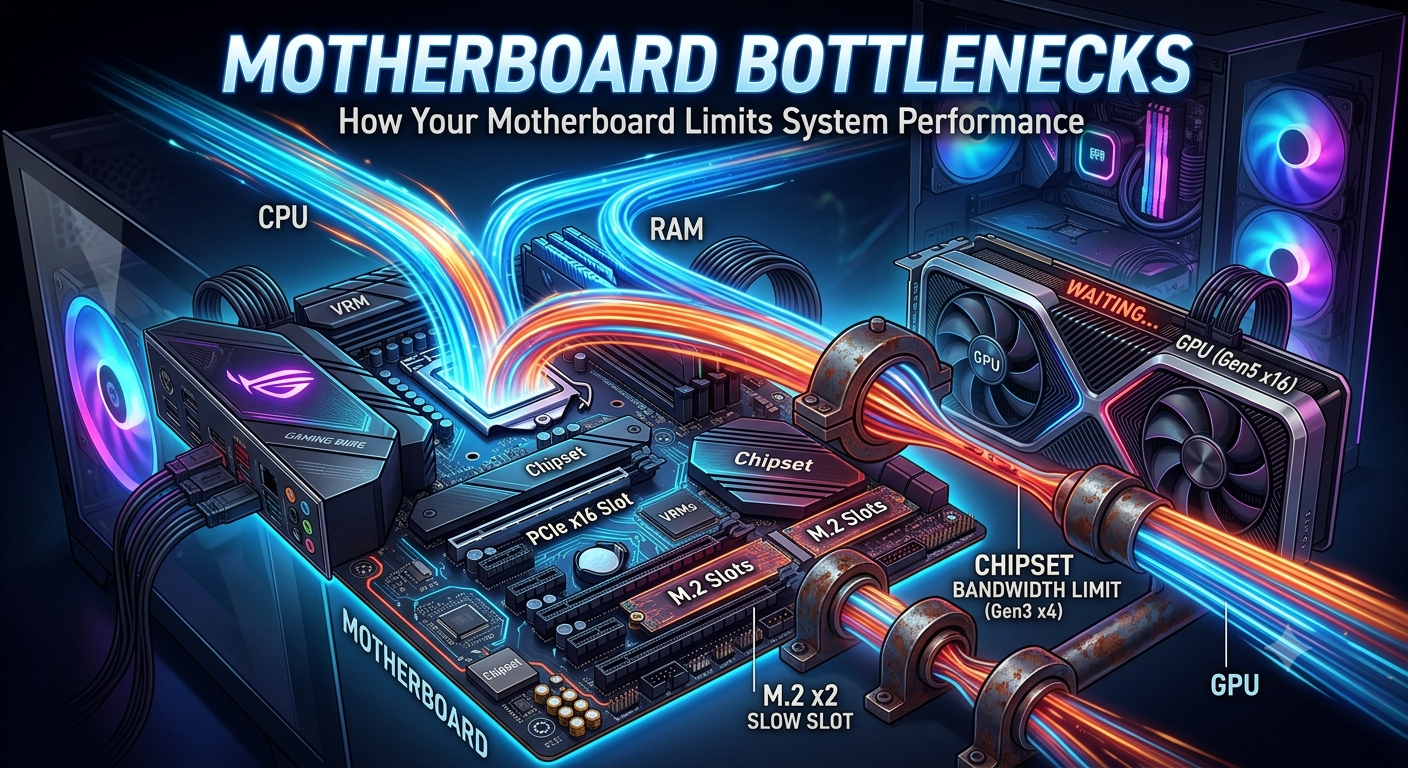
A motherboard cannot directly bottleneck your CPU or GPU in the way a processor bottlenecks a graphics card — the motherboard itself doesn't process game data or render frames. However, it can indirectly limit your system's performance in four specific ways: restricting RAM speed support, limiting PCIe bandwidth to your GPU, constraining CPU power delivery (VRM quality), and preventing access to BIOS-level optimizations like XMP or EXPO. A poor or mismatched motherboard can prevent your components from running at their full rated performance.
What a Motherboard Actually Does in Your Build
The motherboard is the central hub that connects every other component. It determines:
- Which CPUs are compatible (socket type and chipset support)
- The maximum RAM speed and capacity supported
- How many PCIe lanes are available and at what generation (PCIe 4.0 vs 5.0)
- The quality of the power delivery system (VRM) that feeds the CPU
- Which BIOS features and optimizations are available
None of these directly process game logic or render pixels but each of them can cap the performance of the components that do.
Way 1: RAM Speed Restriction
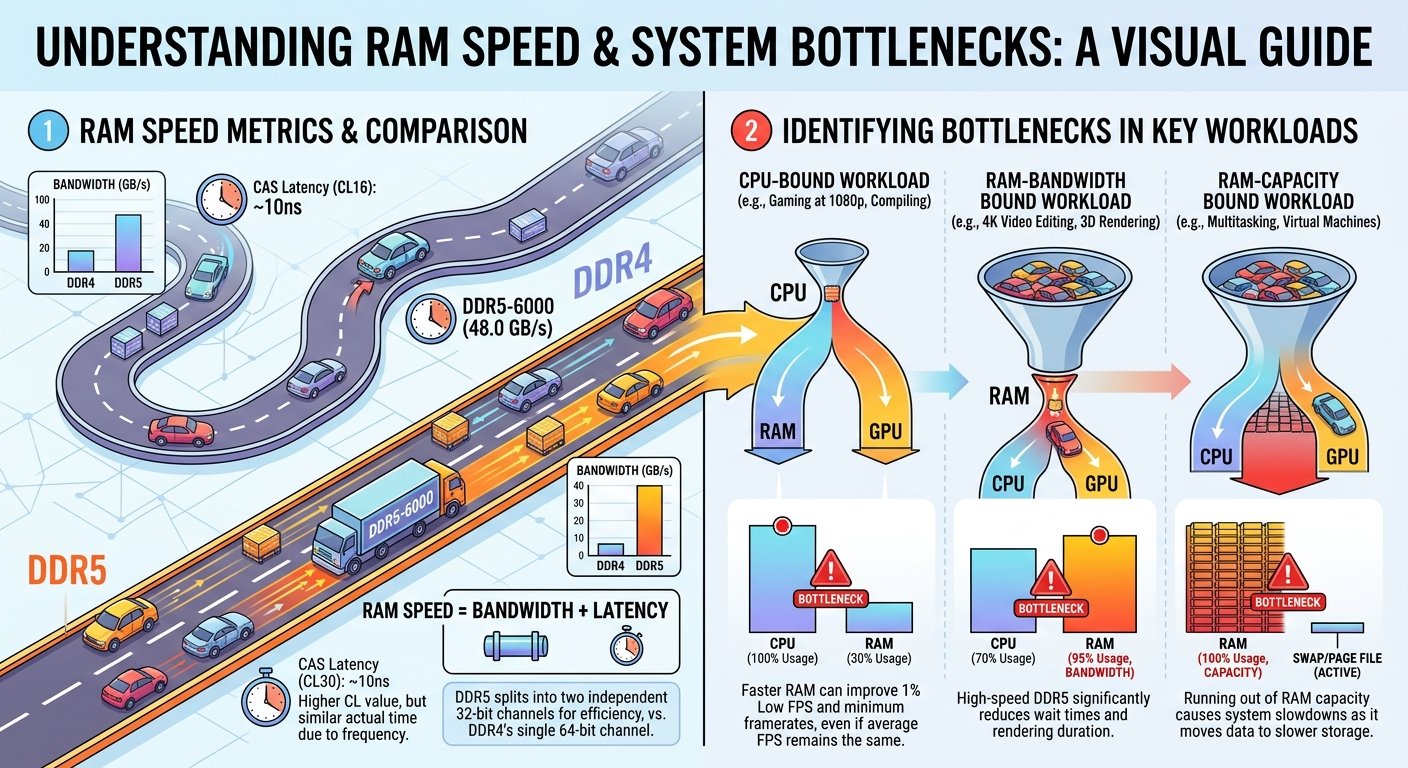
This is the most common and most impactful motherboard-related performance limitation. A budget or older motherboard may support a maximum RAM speed that's lower than what your RAM kit is rated for. If you install 6000MHz DDR5 RAM in a board that only supports up to 4800MHz, your RAM runs at 4800MHz regardless of what speed is printed on the kit.
As covered in our RAM bottleneck guide, running RAM below its rated speed can measurably reduce CPU performance — particularly on AMD Ryzen platforms that are more sensitive to memory bandwidth. A budget motherboard that limits your RAM speed is indirectly creating a CPU bottleneck.
How to check: Your motherboard's specifications page lists the maximum supported memory speed. Compare this against your RAM kit's rated speed and make sure XMP or EXPO is enabled in the BIOS to reach even that maximum.
Way 2: PCIe Generation and Bandwidth
Your GPU connects to the motherboard through a PCIe slot. The generation of that slot determines how much bandwidth is available:
- PCIe 3.0 x16: ~16 GB/s of bandwidth
- PCIe 4.0 x16: ~32 GB/s of bandwidth
- PCIe 5.0 x16: ~64 GB/s of bandwidth
For most current gaming GPUs, PCIe 4.0 x16 provides more than sufficient bandwidth, and the difference between PCIe 4.0 and 5.0 for gaming workloads is negligible at present. However, installing a current-generation GPU in an older board that only offers PCIe 3.0 x8 (rather than x16) can produce a measurable, if usually small, performance reduction in bandwidth-intensive scenarios.
The GPU bandwidth limitation is much more relevant for professional workloads (AI inference, large model rendering) than for gaming in 2026.
Way 3: VRM Quality and CPU Power Delivery
The Voltage Regulator Module (VRM) on your motherboard converts and delivers power to your CPU. A poor-quality or undersized VRM can struggle to deliver stable, consistent power to a high-power CPU under sustained load particularly relevant for high-TDP processors like Intel's K-series or AMD's X-class chips.
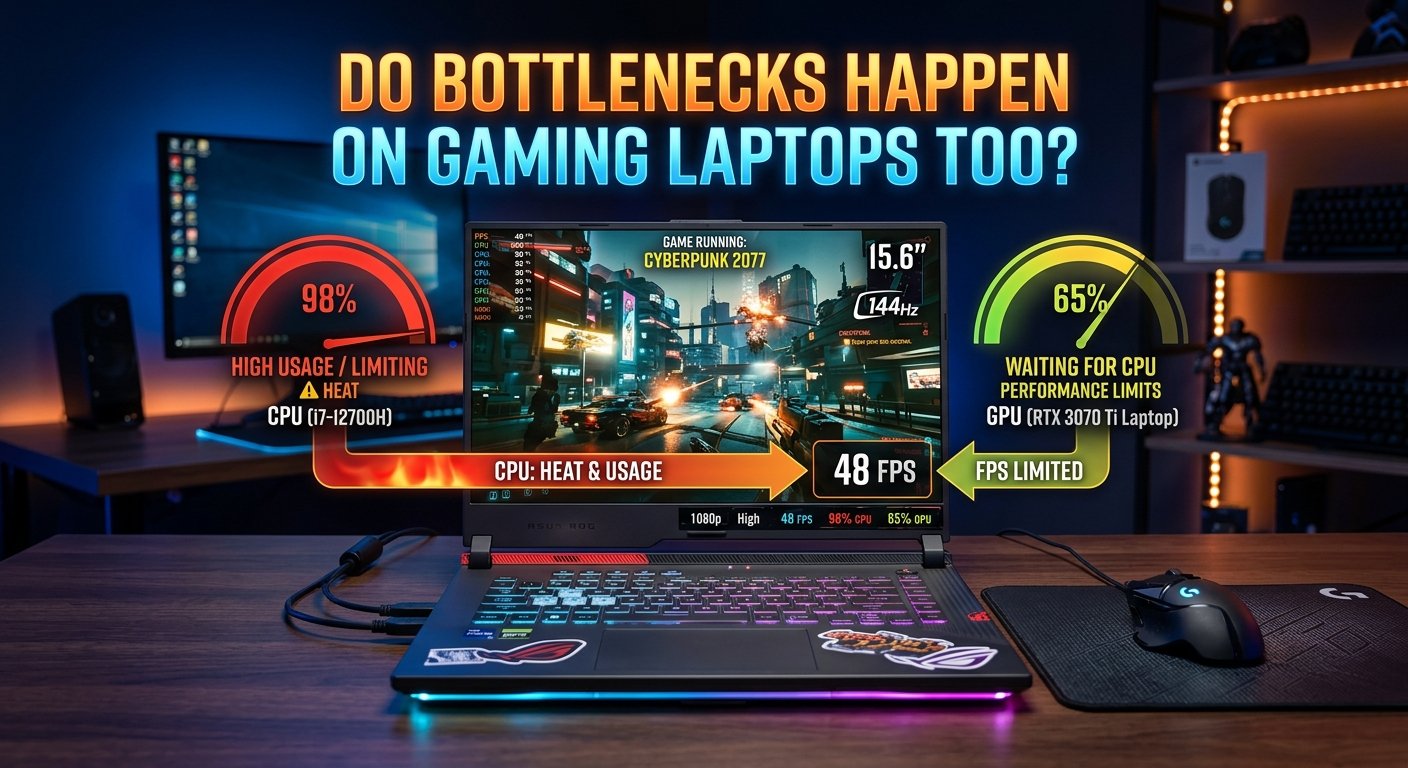
When a VRM can't keep up, it may throttle the CPU's power limit to protect itself, which reduces the CPU's operating clock speed. This throttling behaves like and directly worsens a CPU bottleneck your processor is running slower than it should, which in turn leaves the GPU waiting more than it should.
Who this affects most: Budget boards paired with high-TDP flagship CPUs. A budget B-series board paired with a top-tier unlocked processor is a common mismatch where VRM limitations can become a real performance factor.
Way 4: Missing or Limited BIOS Optimizations
Some older or heavily budget motherboards don't fully support XMP or EXPO, have limited overclocking features, or ship with outdated BIOS versions that contain known performance bugs or scheduling inefficiencies. These aren't bottlenecks in the traditional sense, but they can create a gap between what your components are theoretically capable of and what your system actually delivers.
Keeping your motherboard's BIOS updated is a free fix that can quietly resolve performance issues that look like CPU or RAM bottlenecks but are actually firmware-level inefficiencies.
What a Motherboard Cannot Do
A motherboard cannot directly limit how fast your GPU renders pixels or how many draw calls your CPU processes per second as long as the PCIe slot, power delivery, and RAM speed are all operating within spec. The physical bottleneck relationship between CPU and GPU exists at the component level, not the motherboard level.
If your bottleneck calculator result shows a 25% CPU bottleneck, replacing the motherboard alone won't change that percentage only addressing the CPU or GPU directly (or optimizing RAM speed through the board) would.
Frequently Asked Questions
Can a cheap motherboard bottleneck performance? Yes, indirectly. A budget board may limit RAM speed, provide inadequate VRM power delivery for high-TDP CPUs, or offer PCIe 3.0 instead of 4.0, all of which can cap performance below what your components are rated for.
Does upgrading my motherboard improve FPS? Only if the current motherboard is specifically limiting RAM speed, power delivery, or PCIe bandwidth — and only up to the rated capability of the CPU and GPU themselves. Replacing a well-specced board with an even higher-end one delivers no performance gain.
Is PCIe 4.0 necessary for current gaming GPUs? PCIe 4.0 x16 provides more than enough bandwidth for current gaming workloads. The step from 3.0 to 4.0 produces a small, measurable improvement in some GPU-bound scenarios; the step from 4.0 to 5.0 is negligible for gaming in 2026.
Can a motherboard limit my CPU's performance? Yes through VRM-induced power throttling (for high-TDP CPUs on budget boards) and RAM speed restrictions. Both can reduce CPU performance below its rated spec.
Should I upgrade my motherboard to fix a bottleneck? Rarely. A motherboard upgrade is only worth it for bottleneck purposes if it specifically unlocks a RAM speed, VRM, or PCIe limitation that's currently capping your components. Check your exact CPU/GPU relationship first in the bottleneck calculator.
Key Takeaways
- A motherboard cannot directly bottleneck CPU/GPU performance the way component mismatches do, but it can indirectly cap performance through RAM speed limits, VRM throttling, and PCIe bandwidth constraints.
- RAM speed restriction from a budget or older board is the most common and most impactful motherboard-related performance limitation.
- Poor VRM quality on budget boards paired with high-TDP CPUs can cause power throttling that worsens a CPU bottleneck.
- Keeping your BIOS updated and enabling XMP/EXPO is a free, important step to ensure your board isn't artificially limiting your components.
- A motherboard upgrade is rarely the correct fix for a bottleneck use the bottleneck calculator first to confirm whether the CPU/GPU relationship is the actual limiting factor.