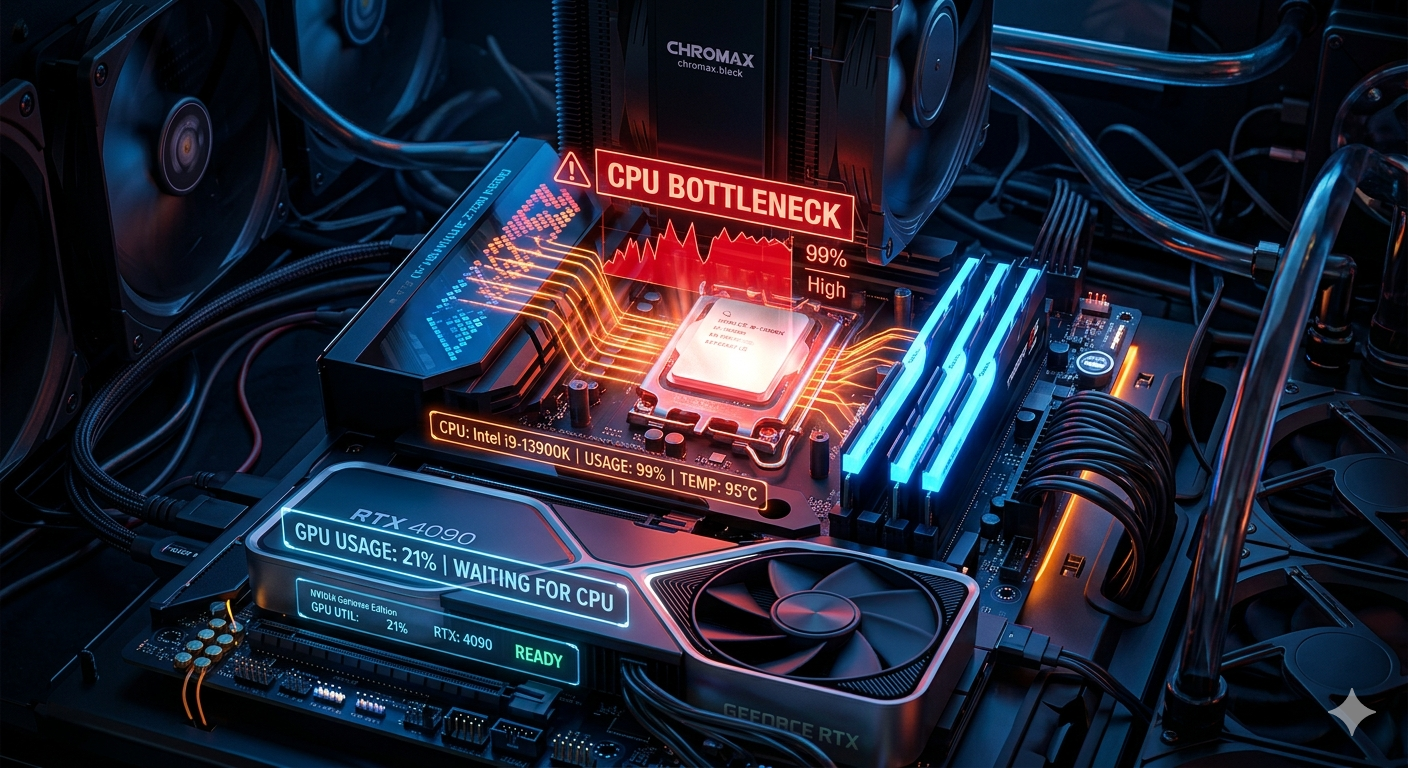
CPU Bottleneck Explained: Causes, Symptoms & How to Fix It
A CPU bottleneck happens when your processor can't supply game logic, physics, and rendering instructions fast enough to keep your GPU fully fed, so the GPU sits idle instead of running at full capacity. The result is lower frame rates than your graphics card should be capable of, especially noticeable at 1080p and in CPU heavy game genres.
What a CPU Bottleneck Looks Like in Practice
During gameplay, a CPU bottleneck shows up as a specific usage pattern: your GPU usage stays consistently below 90% while your CPU usage sits near 100%. Your graphics card has more performance to give, but the processor can't hand it instructions quickly enough to use it.
This is different from a GPU bottleneck, where the GPU is maxed out and the CPU has spare capacity that pattern is usually considered the healthier, more desirable one for gamers.
Common Symptoms of a CPU Bottleneck
· Frame rates noticeably below what review benchmarks show for your exact GPU
· Stuttering in CPU heavy scenes (large crowds, complex AI, physics simulations)
· GPU usage that drops sharply in certain areas of a game while CPU usage spikes
· Minimal FPS improvement after a GPU upgrade
What Causes a CPU Bottleneck
1. Mismatched hardware tiers pairing a budget or several generations old CPU (for example, an entry-level dual or quad-core chip) with a current flagship GPU.
2. CPU ntensive game genres open world titles with complex AI, real-time strategy games with large unit counts, and simulation games stress the CPU far more than the GPU.
3. Low resolution gaming — at 1080p, the GPU finishes rendering each frame quickly, putting more pressure on the CPU to keep pace. The same hardware pair often shows a smaller CPU bottleneck at 1440p or 4K.
4. Background processes — overlays, browser tabs, and launchers consuming CPU cycles during gameplay.
5. Outdated drivers or BIOS — chipset and motherboard firmware that hasn't been updated can introduce inefficiencies.
CPU Bottleneck in Productivity Workloads
Gaming isn't the only place this matters. In video editing, 3D rendering, and software compilation, a CPU bottleneck means your system takes longer to finish a task than your hardware should theoretically allow. If your timeline scrubbing is laggy or your renders take far longer than comparable benchmarks, your CPU not your GPU is usually the limiting factor.
How to Check for a CPU Bottleneck
The fastest, most precise way is to enter your exact CPU and GPU models into a bottleneck calculator. It compares normalized benchmark scores for both components at your chosen resolution and use case, then returns a clear percentage along with which part is holding the other back.
If you'd rather monitor manually, run a performance overlay (in game FPS counter with hardware stats) during a demanding section of a game and watch the GPU/CPU usage pattern described above.
How to Fix a CPU Bottleneck
Without buying new hardware:
· Lower CPU dependent settings (draw distance, NPC/crowd density, physics quality)
· Close background apps, overlays, and browser tabs during gameplay
· Update GPU drivers and motherboard chipset drivers
· Enable XMP/EXPO in your BIOS if your RAM isn't already running at its rated speed
· Increase resolution or visual settings this shifts more load onto the GPU and can reduce the CPU's relative bottleneck
With a hardware upgrade:
· Upgrade to a newer generation CPU within your current platform if your motherboard supports it
· If a full platform change is needed, check your prospective CPU + GPU combination in a Compare Systems tool before buying, so you know the upgrade will actually deliver a meaningful improvement
Is a CPU Bottleneck Always a Problem?
Not always. Context matters:
· A 5–10% CPU bottleneck is essentially unnoticeable in normal play.
· A CPU bottleneck at 4K is often minor, since the GPU absorbs most of the workload at higher resolutions.
· A CPU bottleneck in a GPU bound, visually heavy single player game may barely affect your experience even if the calculator shows a moderate percentage.
· A CPU bottleneck in a competitive shooter targeting 144+ FPS matters much more, since CPU performance directly caps your minimum frame rates.
Key Takeaways
· A CPU bottleneck occurs when your processor can't feed your GPU fast enough, leaving GPU usage low while CPU usage stays near 100%.
· It's most common with mismatched hardware tiers, CPU heavy games, and lower resolutions like 1080p.
· A 5–10% CPU bottleneck is normal; above 20% is worth addressing.


