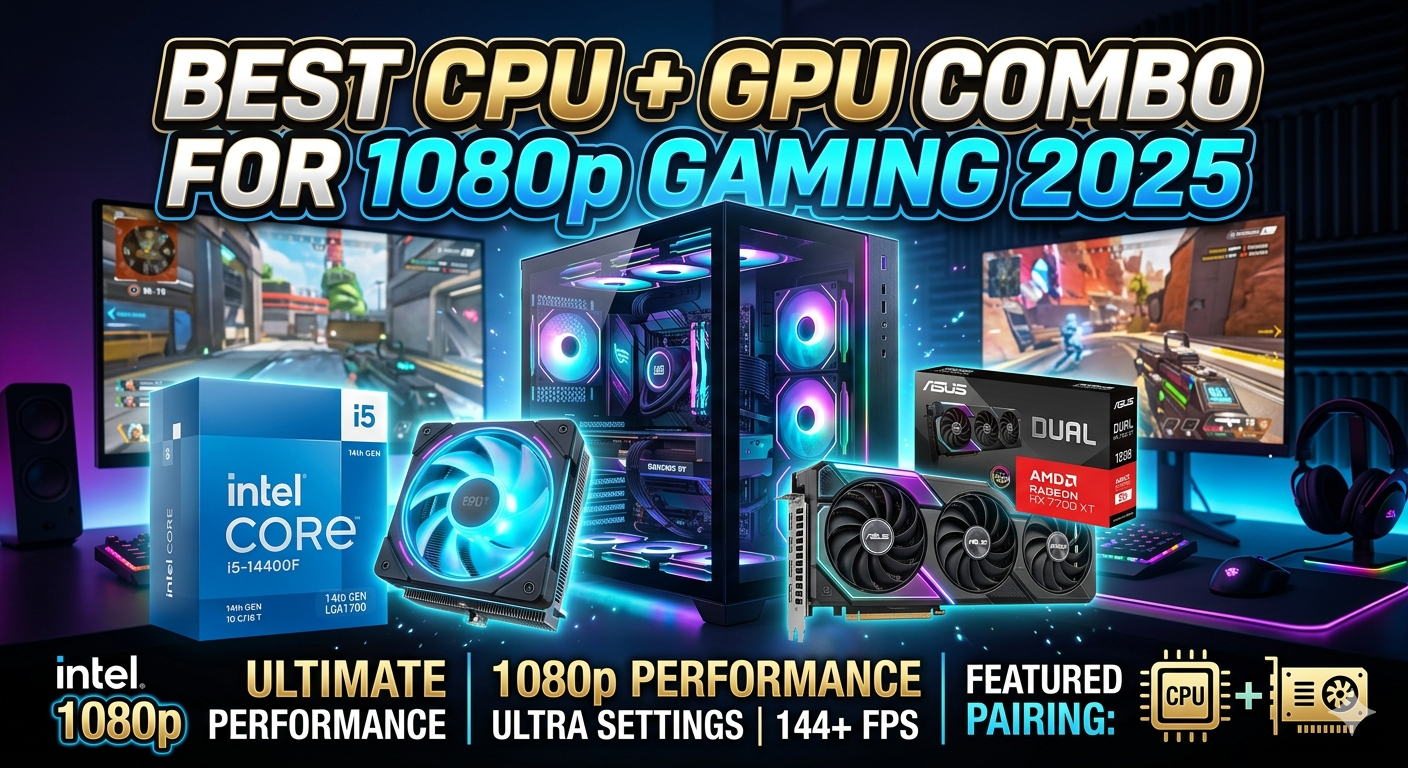
Why 1080p Gaming Still Makes Sense in 2026
Introduction
There is a persistent myth that 1080p gaming is dead. In reality, the opposite is true. As of 2026, 1080p remains the most widely used gaming resolution globally, accounting for over 60% of active Steam users according to the latest hardware survey data.
At 1080p, you spend less money on hardware, generate less heat, and most importantly you can push high refresh rates (144Hz, 165Hz, even 240Hz) without needing a top-of-the-line graphics card. Whether you are a competitive FPS player who lives by frame rate, or a casual gamer who wants smooth visuals on a tight budget, 1080p in 2026 is the smartest place to be.
The key is pairing the right CPU with the right GPU. Get this wrong and you will either bottleneck your system or throw money away on overkill hardware. Get it right and every dollar goes directly toward frames per second.
What to Look for in a CPU + GPU Combo
Avoid Bottlenecks
A bottleneck occurs when one component holds back the other. If your GPU is far more powerful than your CPU, the processor cannot feed it frames fast enough. Balance is everything.
Match Resolution to GPU Tier
At 1080p, mid-range GPUs are the sweet spot. You do not need an RTX 5080 to play at 1080p that money is going toward resolution headroom you are not using.
CPU Matters More at 1080p
At higher resolutions, the GPU becomes the limiting factor. At 1080p, the CPU has a bigger role especially in CPU-intensive games like open-world RPGs, city builders, and strategy titles.
Consider Platform and Upgrade Path
AMD AM5 and Intel LGA1851 are the dominant platforms in 2026. AMD's AM5 offers better long-term upgrade potential, while Intel's platform is strong for those already invested in the ecosystem.
The Best CPU + GPU Combos for 1080p Gaming in 2026
Best Overall: AMD Ryzen 5 7600 + NVIDIA RTX 4060
The Ryzen 5 7600 brings six fast Zen 4 cores that handle modern games with ease, while the RTX 4060's DLSS 3 Frame Generation and Ada Lovelace architecture make it the most efficient GPU at this price tier.
Key Specs:
- What to Look for in a CPU + GPU Combo
- Avoid Bottlenecks
- Match Resolution to GPU Tier
- CPU Matters More at 1080p
- Consider Platform and Upgrade Path
- The Best CPU + GPU Combos for 1080p Gaming in 2026
- Best Overall: AMD Ryzen 5 7600 + NVIDIA RTX 4060
- Best Budget: Intel Core i5-13400F + AMD RX 7600
- High Refresh Rate: AMD Ryzen 7 7700X + NVIDIA RTX 4070
- Performance Comparison Table
- Buying Tips & Bottleneck Guide
- How to Check for Bottlenecks
- Don't Skimp on RAM Speed
- Check for PCIe 4.0 Support
- Ray Tracing at 1080p
CPU: 6 Cores / 12 Threads, Zen 4 architecture
GPU VRAM: 8GB GDDR6
Average FPS at 1080p: ~130-160 FPS
Estimated Cost: $420-$480
Bottleneck Risk: Minimal
This combo delivers 130-160+ FPS in competitive titles like Valorant, CS2, and Apex Legends, with solid 90-120 FPS in demanding AAA games. It represents the best performance-per-dollar in 2026.
Best Budget: Intel Core i5-13400F + AMD RX 7600
For builders watching every dollar, this combo is outstanding. The i5-13400F offers 10 cores for multitasking and gaming, while the RX 7600 punches above its weight in raw rasterization performance. FSR 3 support helps squeeze extra frames in supported titles.
Key Specs:
CPU: 10 Cores / 16 Threads
GPU VRAM: 8GB GDDR6
Average FPS at 1080p: ~100-140 FPS
Estimated Cost: $300-$360
High Refresh Rate: AMD Ryzen 7 7700X + NVIDIA RTX 4070
If you game on a 240Hz monitor and refuse to dip below your refresh rate, this is your setup. The RTX 4070 smashes 200+ FPS in esports titles at 1080p, while the Ryzen 7 7700X's 8-core Zen 4 architecture ensures the CPU never becomes a bottleneck.
Key Specs:
CPU: 8 Cores / 16 Threads, Zen 4
GPU VRAM: 12GB GDDR6X
Average FPS at 1080p: ~180-240 FPS
Estimated Cost: $600-$680
Performance Comparison Table
Average FPS across a mix of AAA and competitive 1080p titles (Ultra/High settings):
|
Combo |
Best For |
Avg FPS |
Est. Cost |
|
Ryzen 5 7600 + RTX 4060 |
Best overall value |
~145 FPS |
$420-$480 |
|
i5-13400F + RX 7600 |
Tight budget builds |
~118 FPS |
$300-$360 |
|
Ryzen 7 7700X + RTX 4070 |
240Hz competitive gaming |
~210 FPS |
$600-$680 |
|
Ryzen 5 5600 + RX 6600 |
Legacy/used budget build |
~90 FPS |
$200-$260 |
Buying Tips & Bottleneck Guide
How to Check for Bottlenecks
Keep your CPU and GPU within the same performance tier. A budget CPU like the Ryzen 5 5500 paired with a high-end RTX 4080 will starve your GPU of data. Use PC Part Picker or an online bottleneck calculator to cross-reference your specific combination before purchasing.
Don't Skimp on RAM Speed
At 1080p, the CPU is more exposed than at 4K, and memory bandwidth directly feeds CPU performance. For AMD AM5 builds, target DDR5-6000 MHz CL30 as the sweet spot. For Intel LGA1851 builds, DDR5-5600 or DDR5-6000 is similarly optimal.
Check for PCIe 4.0 Support
Both the RTX 4060 and RX 7600 run on PCIe 4.0 x8 with no real-world performance penalty. If you plan future GPU upgrades, ensure your motherboard supports at least PCIe 4.0 x16.
Ray Tracing at 1080p
Ray tracing is usable at 1080p with DLSS 3 (NVID
IA) or FSR 3 (AMD). The RTX 4060 handles ray tracing far better than the RX 7600, so if you want ray-traced visuals without sacrificing too many frames, the NVIDIA route is more practical.
Choosing the right CPU and GPU combo for 1080p gaming in 2026 comes down to your budget and your frame rate goals. For most builders, the Ryzen 5 7600 + RTX 4060 hits the perfect sweet spot delivering over 100 FPS in virtually every modern game without any meaningful bottleneck.
If you are on a tighter budget, the i5-13400F + RX 7600 is a brilliant sub-$360 option that will not leave you disappointed. And if you are chasing 240Hz glory in competitive games, the Ryzen 7 7700X + RTX 4070 is the premium combo that will keep you ahead of the curve for years.
Whatever path you choose, match your components thoughtfully, invest in fast dual-channel RAM, and do not overlook your monitor. A high-refresh-rate 1080p panel is where these combos truly shine.


